Example Of Team Structure PowerPoint And Google Slides
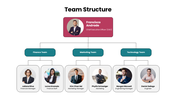
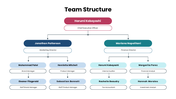
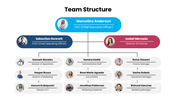
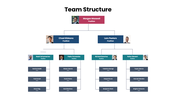

Example Of Team Structure PowerPoint, Google Slides, and Canva Template
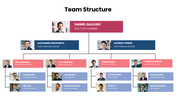
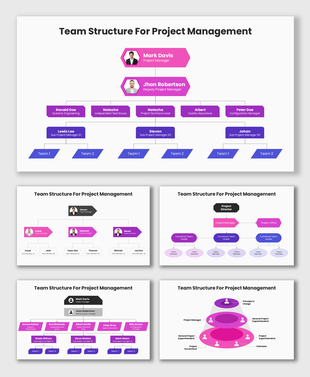
If there’s a chance to help your teams understand how everyone fits into the big picture, wouldn’t it make sense to visualize it clearly? With this Example of Team Structure Template, you can present your company’s departments, roles, and reporting lines in a simple and engaging way. It’s the perfect tool to align your team’s goals with the company’s objectives and make every meeting more productive.
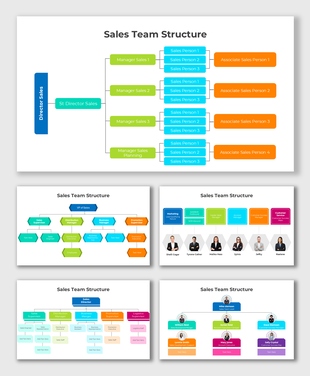
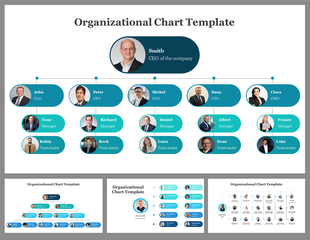
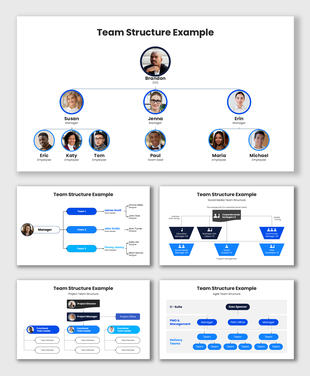
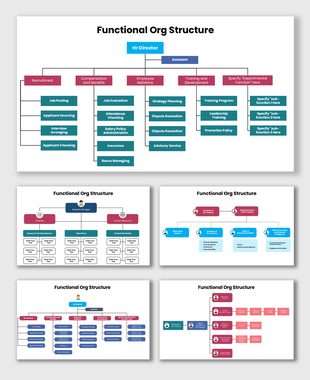
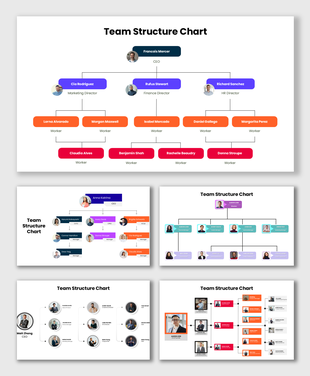
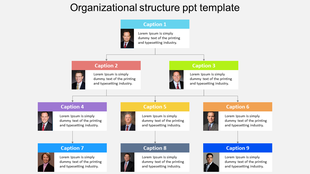
This presentation comes with multiple slide layouts that highlight managers, team leads, and staff connections. The design features modern layouts with rounded photo frames, clean text boxes, and connected lines for a polished, professional look. You’ll find a mix of colors like teal, maroon, and navy, giving your slides both clarity and visual balance.
We’ve made this template easy to edit, but it’s packed with resources not just a few boxes and lines. Inside, you’ll discover organizational charts, image placeholders that help you present your structure creatively. Whether you’re leading a startup, HR department, or corporate division, this template gives you everything you need to show collaboration, leadership, and workflow beautifully.
Features of this template
- 100% customizable slides and easy to download.
- The slides contain 16:9 and 4:3 formats.
- Easy to change the colors quickly.
- Highly compatible with PowerPoint, Google Slides, and Canva templates.
Explore Related Collections
Recommended based on this template.









You May Also Like These PowerPoint Templates
Showing36 of69,218 templates