Awesome Question Mark PPT and Google Slides Presentation






Question Mark PowerPoint Slide
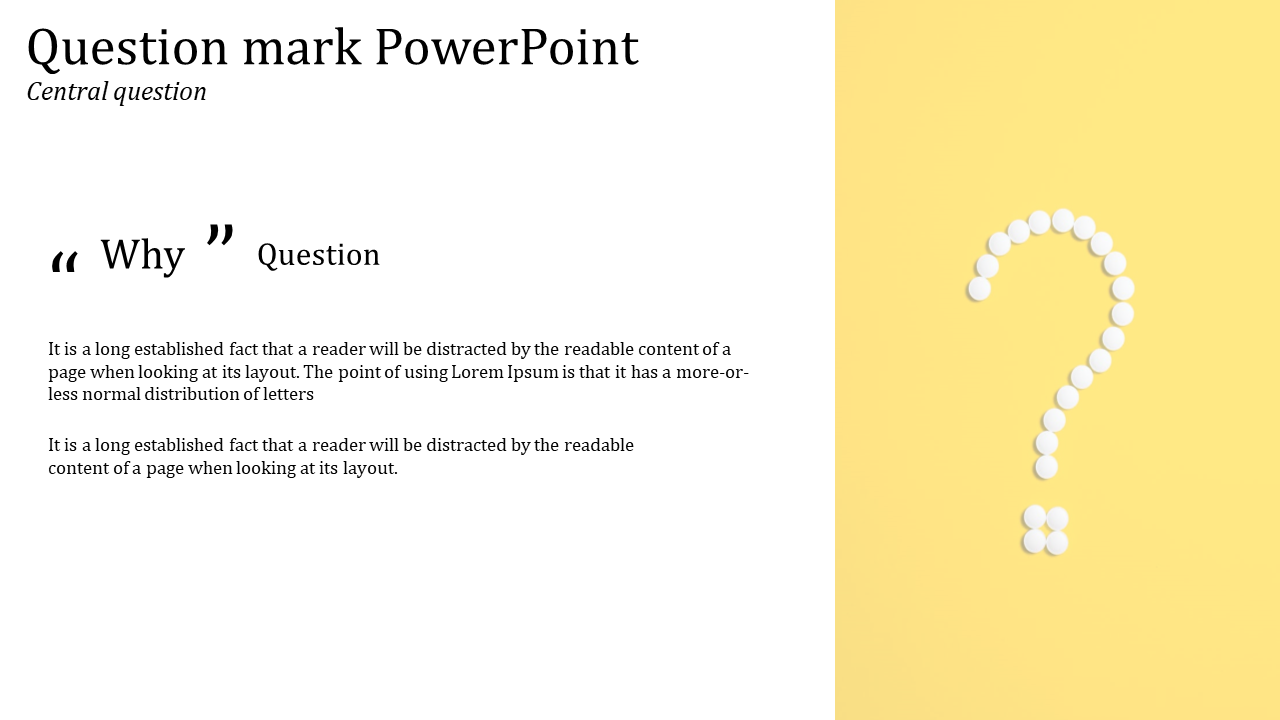
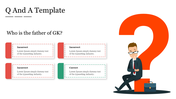
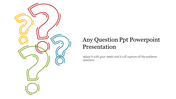
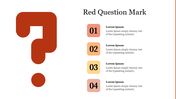
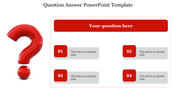
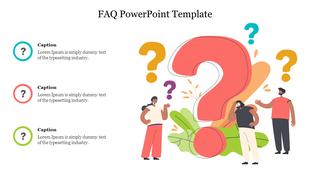
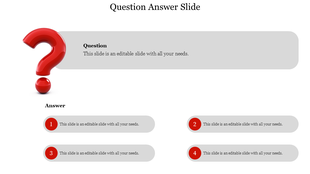
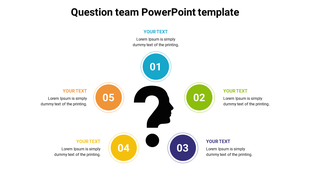
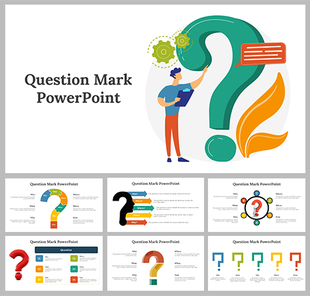
Turn your presentations to drive engagement by Introducing our thought-provoking Question Mark PPT and Google Slides. The slide comes with a bold question mark symbolizing inquiry and exploration. It offers ample space to add details, captions and key points. Ideal for igniting discussions and capturing the audience's attention.
Apt for educators, trainers, consultants and creative professionals. A suitable template for introducing a new concept, facilitating a group discussion or encouraging critical thinking. Download now to stimulate curiosity and encourage participation to suit your specific objectives and audience needs.
Features of the template
- The slide contains 16:9 and 4:3 formats.
- Compatible with Google slide themes and PowerPoint.
- 100% customizable slides and easy to download.
- It is easy to change the colors of the slide quickly.
- Well-crafted template with an instant download facility.









You May Also Like These PowerPoint Templates






Showing20 of69,218 templates