Editable FAQ PowerPoint Slide Template Presentation
Nodes

Colors



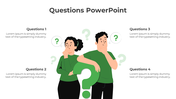
Add In Your Questions Using This Template:
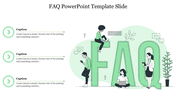
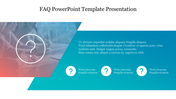
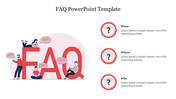
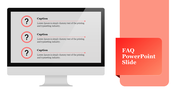
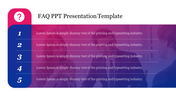
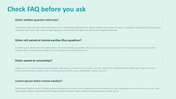
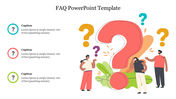
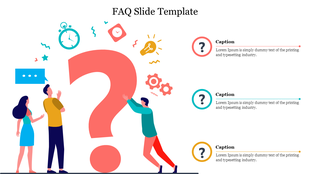
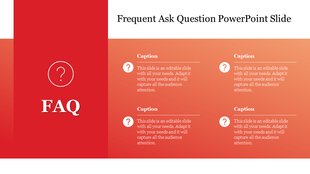
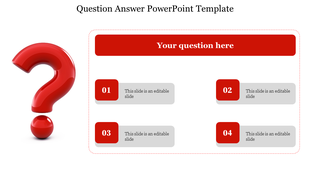
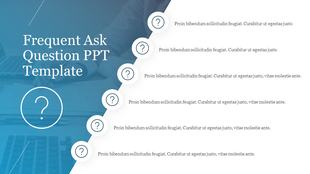
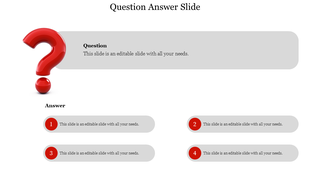
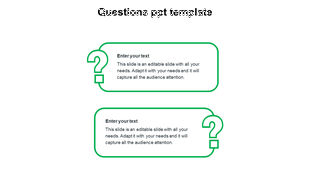
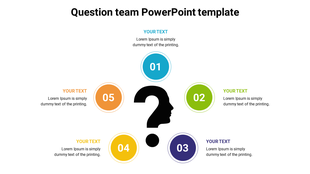
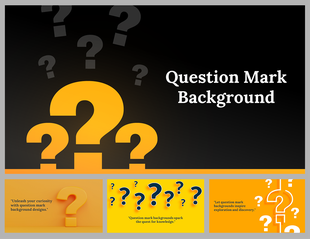
Download this faq PowerPoint presentation template to carrier your questions. You can find the template to be more informative with the color and the arrangement of nodes. The interesting diagram presented above the nodes to carry an image disguised in them that relates to your FAQ PowerPoint theme very well. You can find the four nodes presented here has a question mark icon above them.
You can enter your detailed points elaborately using are amicable options given for you. This whole template is available at a minimum cost, which saves your money by giving you stunning slides. So, without any delay, create interaction with your audience using this faq PPT presentation template.
Features Of This Template:
- 100% customizable slides and easy to download
- Slides are available in different nodes & colors.
- The slides contained 16:9 and 4:3 format.
- Easy to change the slide colors quickly.
- Well-crafted Template with instant download facility.
- Crisp and elegant font style.
- The best Template with attractive nodes.
More Collections for Editable FAQ PowerPoint Slide Template
Recommended based on this template.

Similar Templates to Editable FAQ PowerPoint Slide Template

Showing20 of69,218 templates