Incredible FAQ PowerPoint Template Presentation Design
Nodes
Colors









Present Your Questions With This Template:
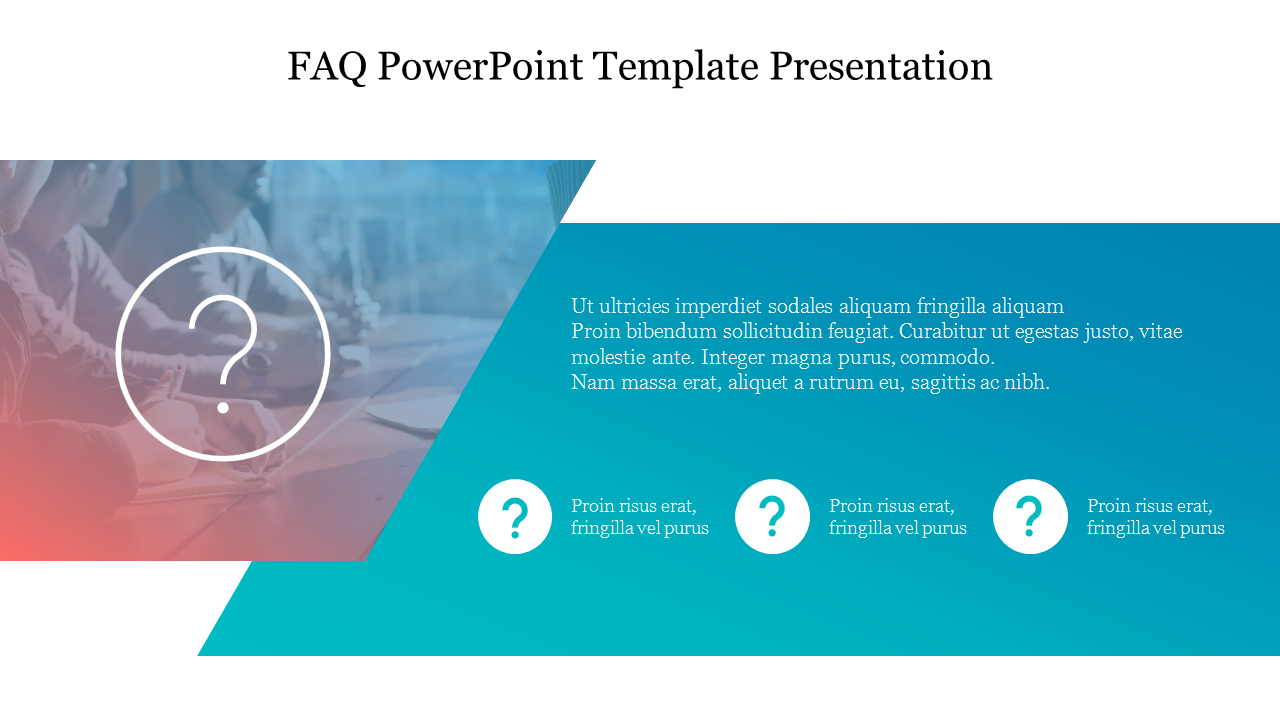
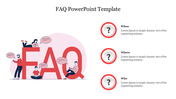
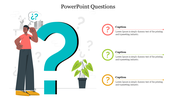
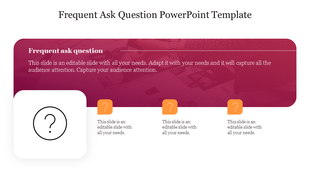
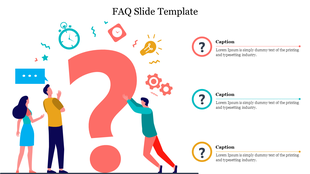
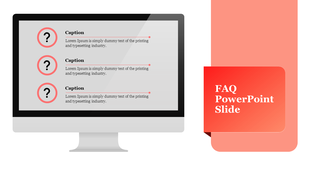
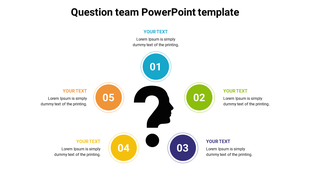
Carry your questions on this template elegantly using the three nodes provided for you. You can find here that the diagram and the arrangement of the nodes are unique and high-tech with the colors and designs. The diagram, which is split up into two parts, carries an image on the one, and the other carries the nodes and a description where you can enter your points about the topic on the space given above the nodes.
You can enter your questions on the given nodes flawlessly. This whole template is of high resolution which can be used both on your professional and formal slides. So, get this template downloaded and make your presentation slides interesting.
Features Of This Template:
- 100% customizable slides and easy to download
- Slides are available in different nodes & colors.
- The slides contained 16:9 and 4:3 format.
- Easy to change the slide colors quickly.
- Well-crafted Template with instant download facility.
- Crisp and elegant font style.
- The best Template with attractive nodes.
More Collections for Incredible FAQ PowerPoint Template Presentation
Recommended based on this template.









Similar Templates to Incredible FAQ PowerPoint Template Presentation


Showing20 of69,218 templates