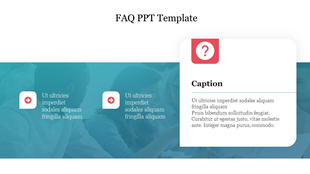
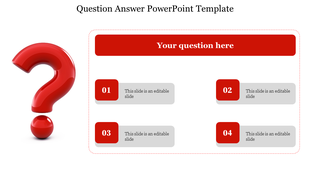
Editable Question Mark PPT For Presentation Slides
Nodes

Colors






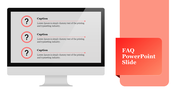
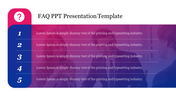
Question Mark Presentation Template
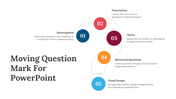
The question mark is a punctuation mark that is used to indicate a sentence or phrase that is a question. Asking questions is an essential part of communication, and a question mark is a powerful tool for engaging your audience and encouraging them to think critically. By asking thought-provoking questions, you can stimulate discussion, encourage creativity, and gain valuable insights into your audience's thoughts and perspectives. In presentations, it's important to use questions strategically to keep your audience engaged and focused on your message. This may include asking rhetorical questions to make a point or asking open-ended questions participation and dialogue. By using questions effectively, you can enhance the impact and effectiveness of your presentation.
Features of the template:
- 100% customizable slides and easy to download.
- The slides contain 16:9 and 4:3 formats.
- Easy to change the slide colors quickly.
- Well-crafted template with an instant download facility.
- Presented at an inexpensive cost.
- Proper template.
- Presented on google slide
More Collections for Editable Question Mark PPT
Recommended based on this template.


Similar Templates to Editable Question Mark PPT


Showing20 of69,218 templates