Best Frequent Ask Question PowerPoint Presentation
Nodes
Colors

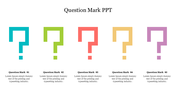



Effective Frequent Ask Question template
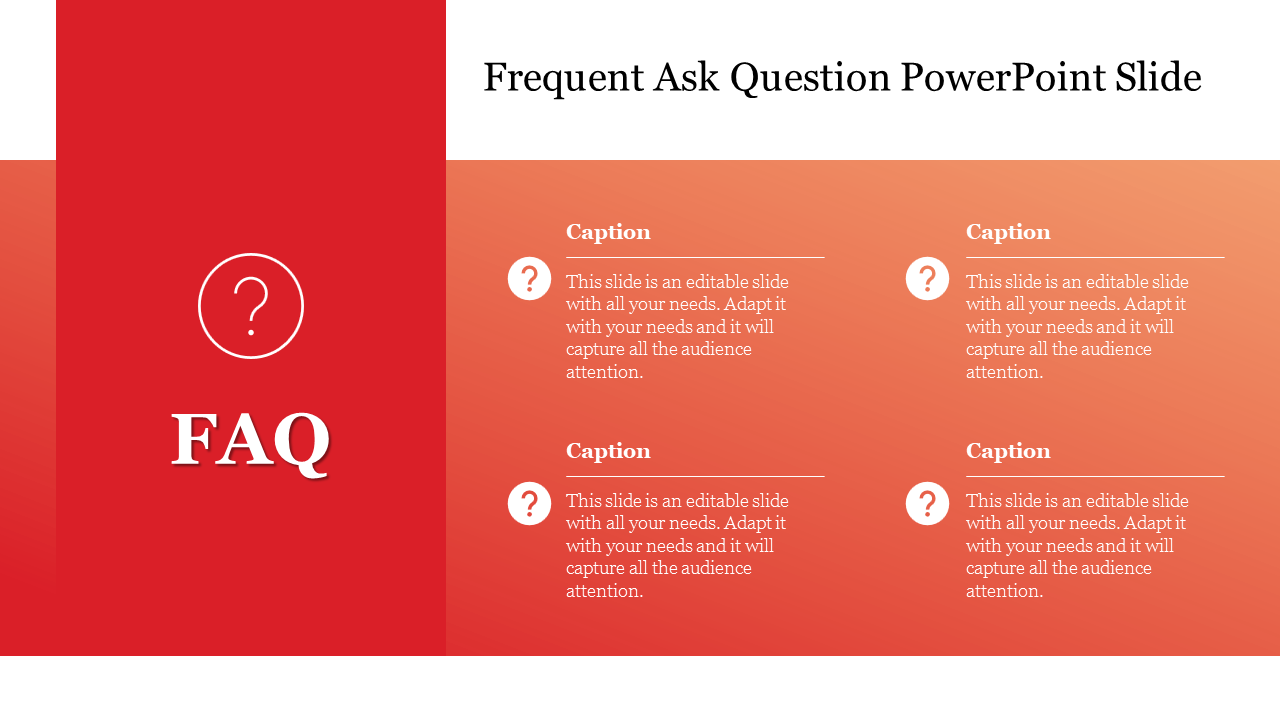
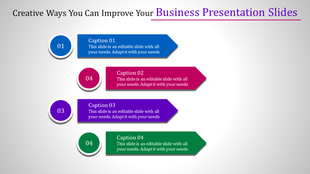
How about trying this Frequent Ask Question template for your seminar presentation. What makes you choose this template is that. This template is creative, with four nodes designed in FAQ format. The user-friendly features can make the template even more attractive using the pink shades used in the nodes. The template is fully customized and so editing this template is much easier. Make sure to download this pastel-colored FAQ PowerPoint template and gain the audience's attention.
Feature of the Template
- 100% customizable slides
- Easy to change the slide colors quickly.
- It is easy to download.
- Slides are available in different nodes & colors.
- The slide contained 16:9 and 4:3 formats.
- Well-crafted template with instant download facility.
- Creative design with text area.
More Collections for Best Frequent Ask Question PowerPoint
Recommended based on this template.









Similar Templates to Best Frequent Ask Question PowerPoint




Showing20 of69,218 templates