Impressive Frequent Ask Question PowerPoint Presentation
Nodes
Colors





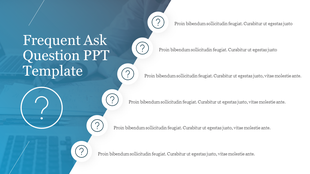
Six Noded FAQ Themed Template:
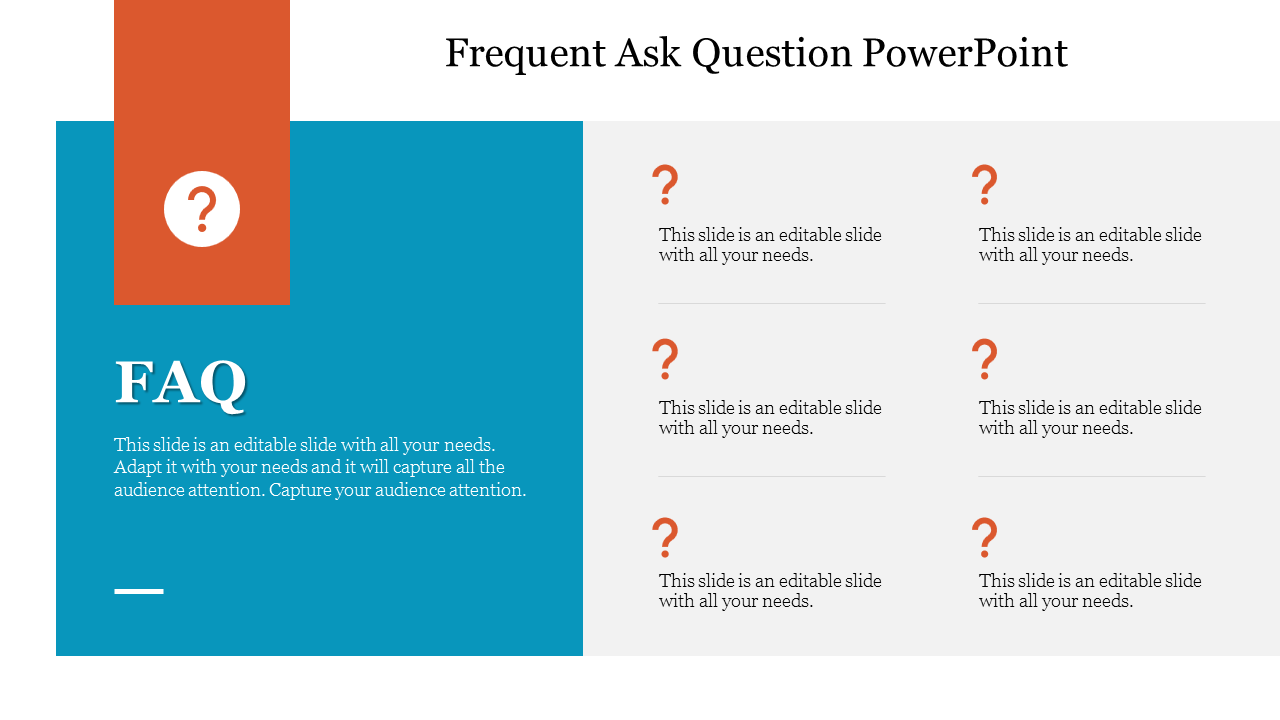
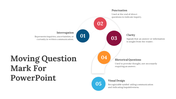
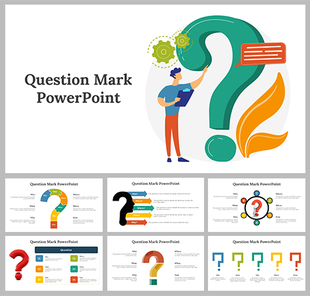
Jot down your questions through this template which carries six nodes in them. You can find the template to be designed professionally to use on your formal slides as well. This Frequent Ask Question PowerPoint template has elegant colors and shapes inserted inside them, which uplifts the standard of your template. You can find the question mark icon used, which very well describes your topic.
Also, the blue square diagram is inserted for you to enter a small fact or description about the Theme. This template has a lot of potential and creative designs and features inside them to bring more appreciation for your work. So get this Frequent Ask Question PowerPoint template and use it on your presentation slide at the end or in between to create interactiveness among your audience.
Features Of This Template:
- 100% customizable slides and easy to download
- Slides are available in different nodes & colors.
- The slides contained 16:9 and 4:3 format.
- Easy to change the slide colors quickly.
- Well-crafted Template with instant download facility.
- Crisp and elegant font style.
- The best Template with attractive nodes.
More Collections for Impressive Frequent Ask Question PowerPoint
Recommended based on this template.









Similar Templates to Impressive Frequent Ask Question PowerPoint



Showing20 of69,218 templates