Ultimate FAQ PPT Presentation Template Slide Designs
Nodes

Colors





Best FAQ Slide For Presentation
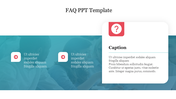
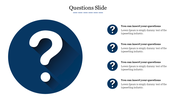
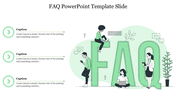
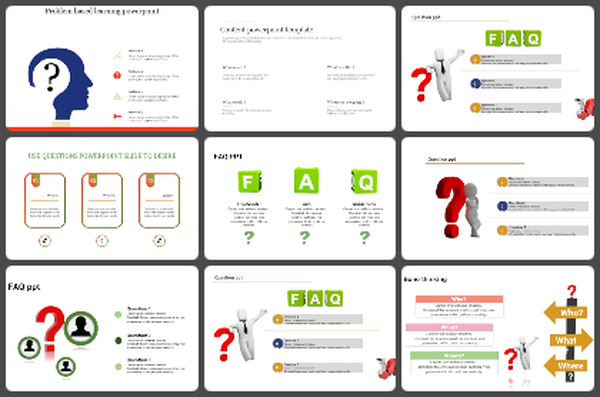
Do you want to improve your customer's experience with your website? Then, grab this excellent FAQ Presentation Template from our website without any delay. It will help you to answer all the customer's questions regarding your product or services. You can organize your valuable information using this layout. With this slide, you can get satisfactory results about your services and boost your website performance. The slide is designed with an attractive blue tone highlighting the FAQ questions. It is a five-noded template with a transparent background theme. Grab this pre-designed slide from SlideEgg.
Features of the template
- 100% customizable slides and easy to download.
- Slides are available in different nodes & colors.
- The slide contained 16:9 and 4:3 formats.
- Easy to change the slide colors quickly.
- It is a well-crafted template with an instant download facility.
- Mind-blowing slide for the presentation.
- Best presentation templates.
More Collections for Ultimate FAQ PPT Presentation Template Slide
Recommended based on this template.
Similar Templates to Ultimate FAQ PPT Presentation Template Slide



Showing20 of69,218 templates