Red Question Mark PowerPoint Presentation Template
Nodes
Colors







Four Noded FAQ Presentation Slide
Download Now! Red Question Mark PowerPoint Template is a great visual for your FAQ presentation. It's a flat design with high-resolution color and is completely customizable. It's a perfect template for your future presentations and is compatible with Google slides and PowerPoint. It is easy to edit and a perfect choice for FAQ presentations.
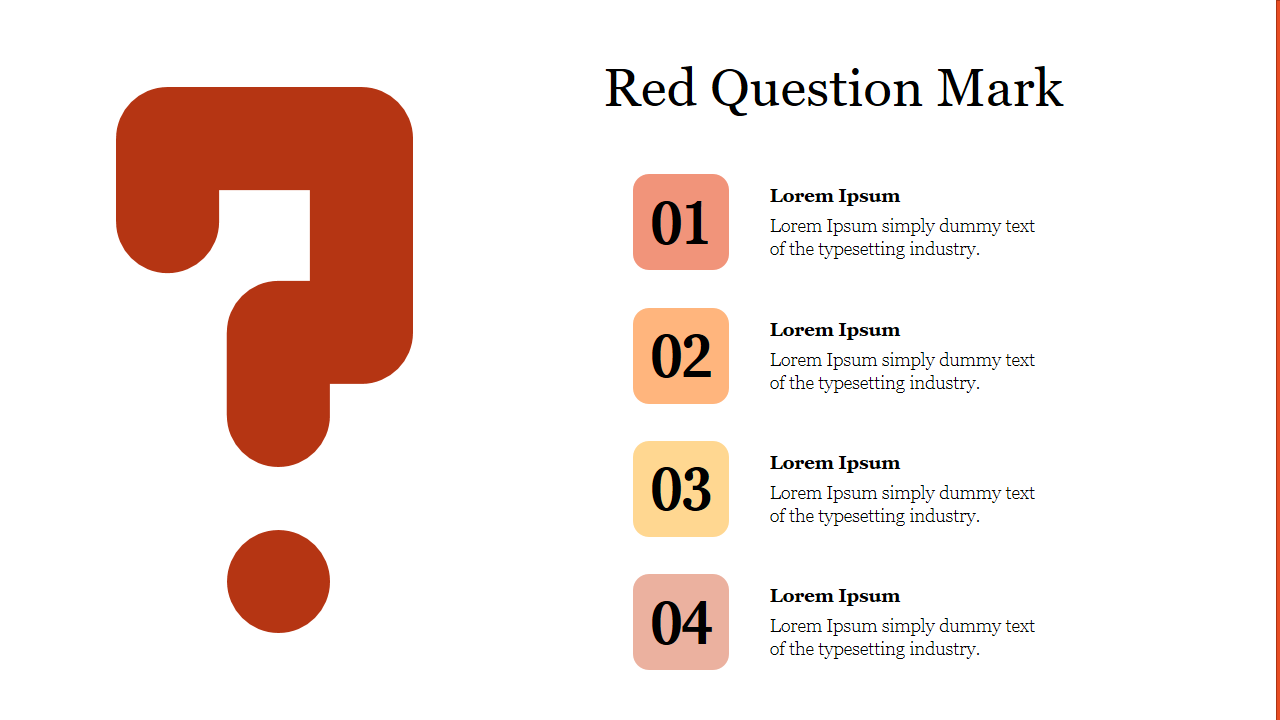
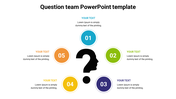
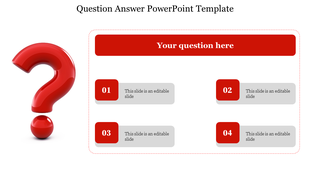
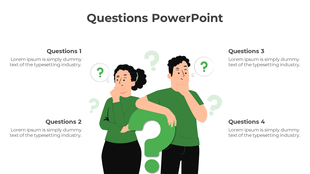
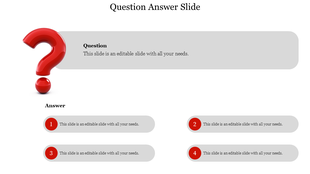
The Red Question Mark PowerPoint Template has a red color question mark. It has four text holders with numbers to present the questions and options. It is a great way to communicate your frequently asked questions. It allows you to customize it to your liking. Grab it right now to make a professional-looking FAQ presentation.
Features of this template:
1. 100% customizable slides and easy to download.
2. Slides available in different nodes & colors.
3. The slide contained 16:9 and 4:3 format.
4. Easy to change the slide colors quickly.
5. Well-crafted template with instant download facility.
6. The best slide for FAQ presentation.
More Collections for Red Question Mark PowerPoint Presentation
Recommended based on this template.









Similar Templates to Red Question Mark PowerPoint Presentation






Showing20 of69,218 templates