Animated Question Mark PowerPoint Template and Google Slides
Animated Question Mark Presentation Slide
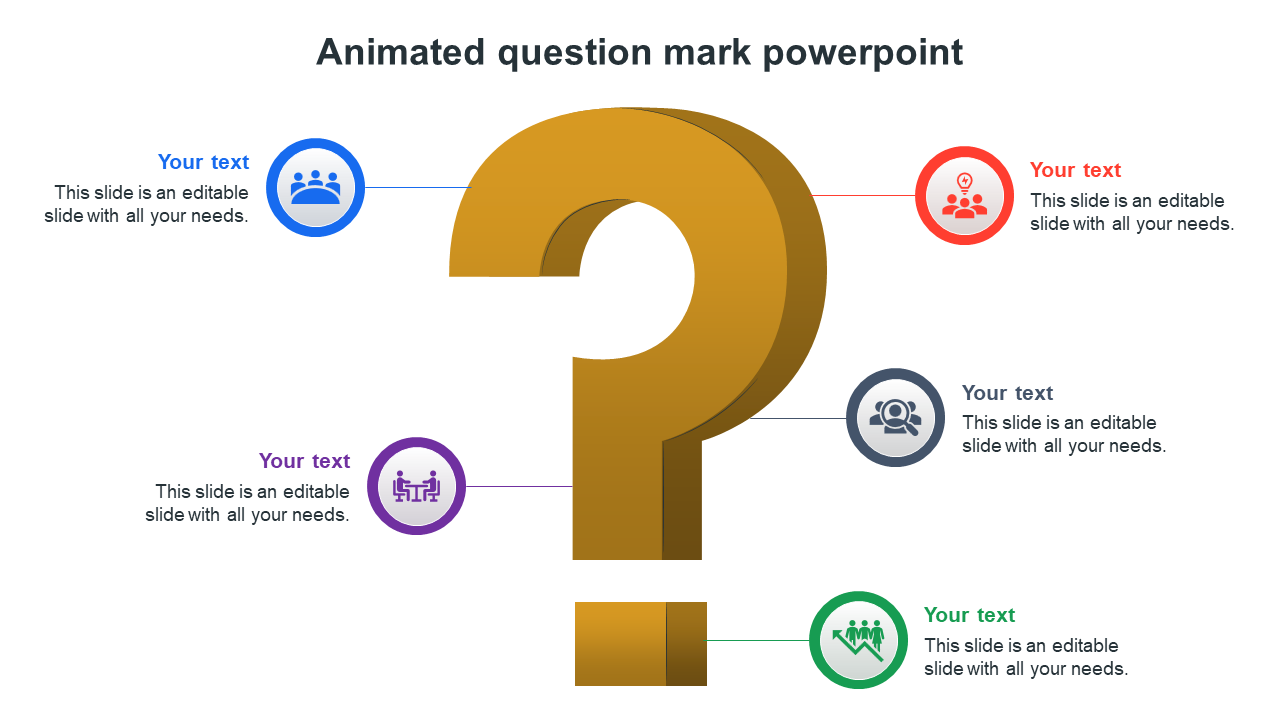
Isn't the question mark design interesting to view? This brings curiosity among the audience and a sudden reflection on what the question is about. Using a question mark design for your presentation can bring more effect to the topic that you want to present as you can raise the question to your audience and make them reflect on the same. So this four nodes template will help you give an interactive presentation outcome.
Features of the template
- 100 % customizable slides and easy to download.
- Slides available in different nodes & colors.
- The slide contained in 16:9 and 4:3 format.
- Easy to change the slide colors quickly.
- Well-crafted template with instant download facility.
- A pre-designed template helps to make a more engaging presentation.
- Best template to use in FAQ-related presentations.









You May Also Like These PowerPoint Templates
Showing20 of69,218 templates