Creative FAQ PowerPoint Template Presentation Design
Nodes
Colors






Innovative And Interesting FAQ Template:
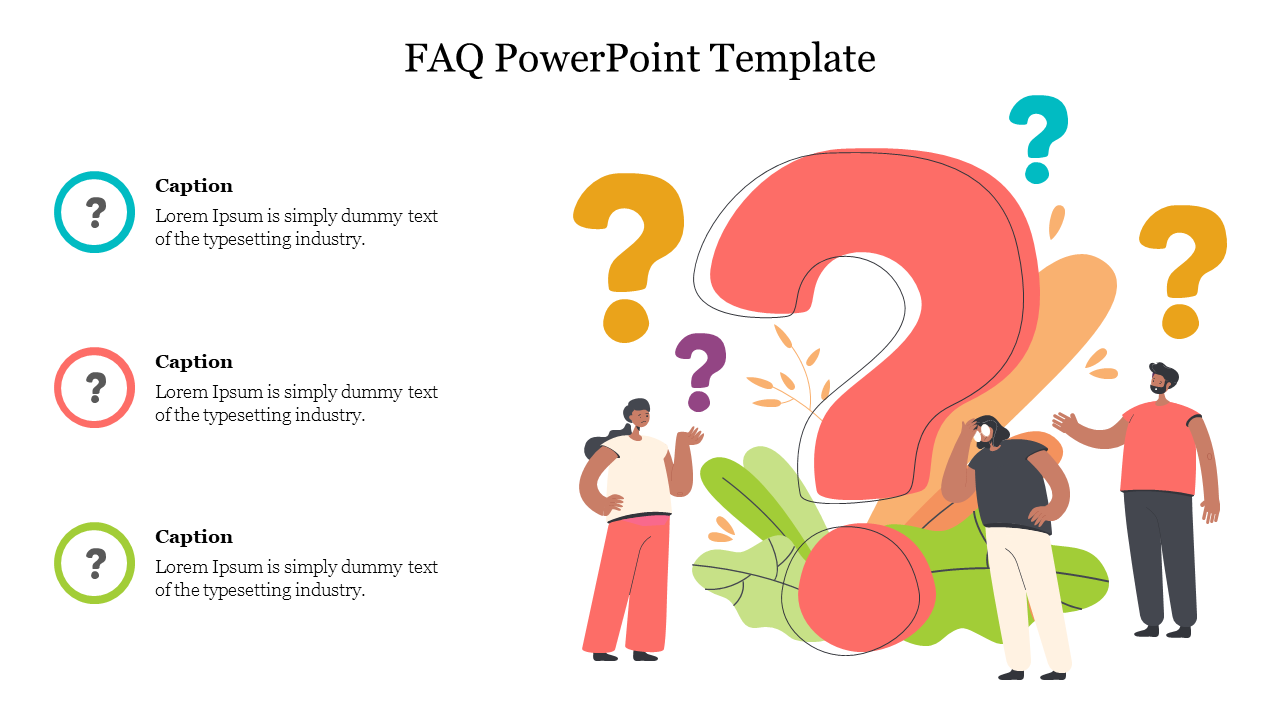
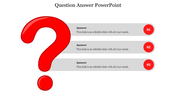
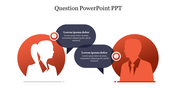
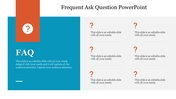
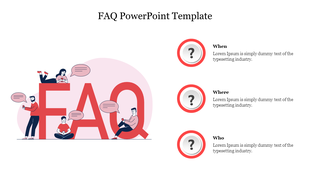
Download this multi color filled FAQ PowerPoint template to jot down questions and answers in them. You can use this template at the end or in between your presentation slides to create attentiveness among your audience. Through this template, you can keep your presentation alive and interactive. The diagrams and images filled in this faq PowerPoint template are high quality, forming curiosity among your audience.
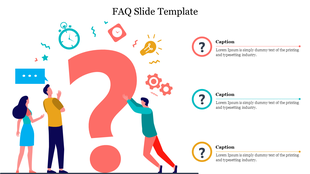
You can find three nodes answering your questions: when, where, and who. You can enter your questions using our user-friendly features and present a flawless slide. Also, another appreciating feature about this template is that it is available for you free of cost, which saves you money by presenting you with an excellent template.
Features Of This Template:
- 100% customizable slides and easy to download
- Slides are available in different nodes & colors.
- The slides contained 16:9 and 4:3 format.
- Easy to change the slide colors quickly.
- Well-crafted Template with instant download facility.
- Crisp and elegant font style.
- The best Template with attractive nodes.
- Highly compatible with PowerPoint, Google Slides and Canva template.
More Collections for Creative FAQ PowerPoint Template Presentation
Recommended based on this template.









Similar Templates to Creative FAQ PowerPoint Template Presentation
Showing20 of69,218 templates