Question Answer PowerPoint Presentation And Google Slides
Nodes
Colors






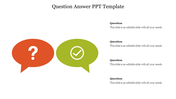

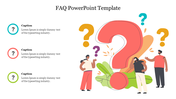

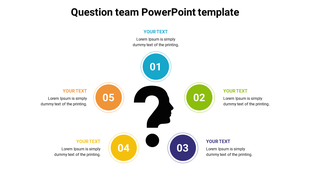
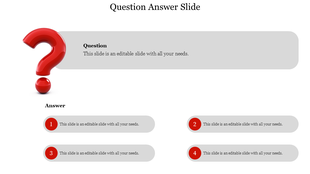
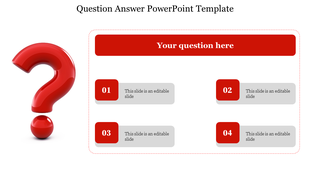
Dynamic Question Mark Diagram:
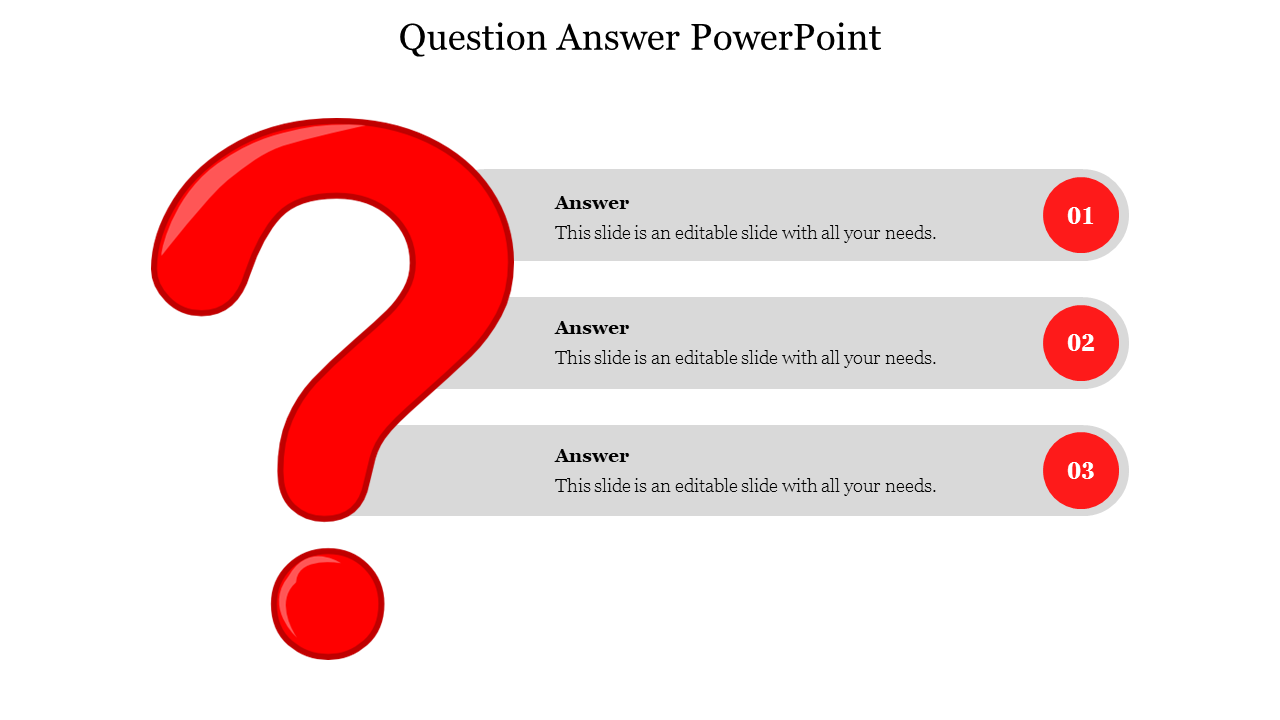
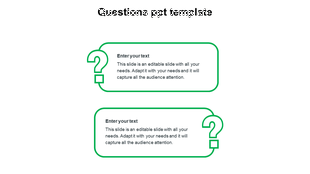
Through the attractive diagram presented and this Question Answer PowerPoint template. You can create an interaction with your audience and make your presentation lively. You can find the nodes, contents, and diagram are relatable which talks about your discussed topic. You can find that the nodes are spacious through which you can enter many points related to your topic. This template is user-friendly through which you can edit them according to your needs.
Here you can find the three nodes presented to create an impression on your audience minds at ease. Through the node your points can be explained in a vivid manner. So, don't waste your time and download this Question Answer PowerPoint template now and win appreciation from your audience.
Features Of This Template:
- 100% customizable slides and easy to download
- Slides are available in different nodes & colors.
- The slides contained 16:9 and 4:3 formats.
- Easy to change the slide colors quickly.
- Well-crafted Template with instant download facility.
- Crisp and elegant font style.
- The best Template with attractive nodes.
More Collections for Question Answer PowerPoint Presentation
Recommended based on this template.









Similar Templates to Question Answer PowerPoint Presentation







Showing20 of69,218 templates