530+ Dashboard Presentation Templates
Data without structure is just noise. Your audience sees numbers but doesn't understand what they mean. Dashboards organize scattered metrics into one clear story. They transform confusion into actionable clarity.
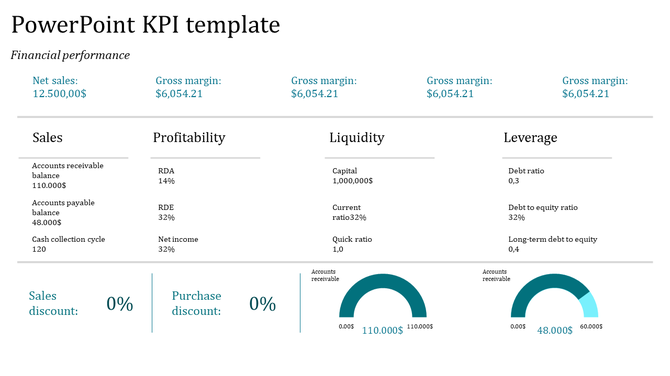
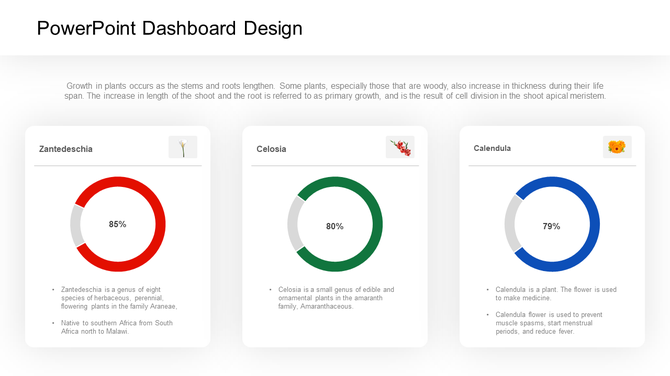
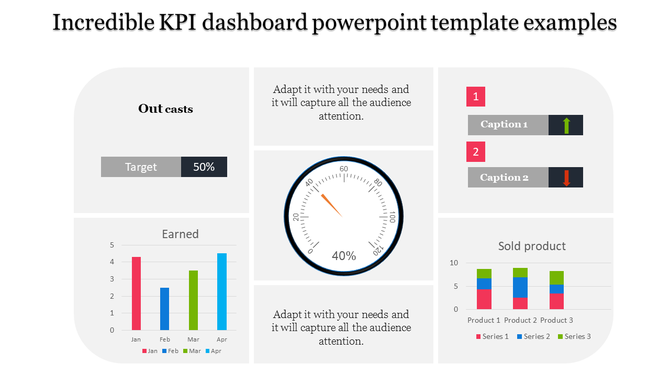
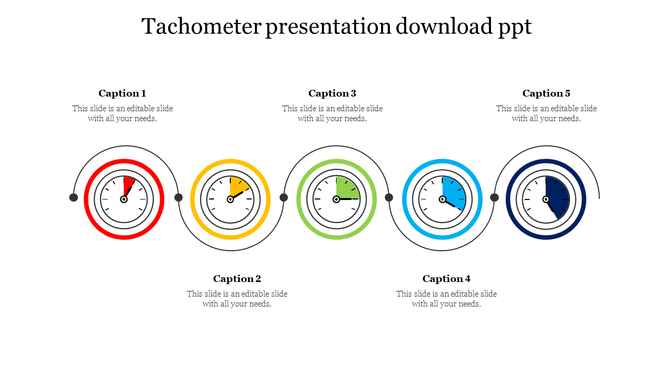
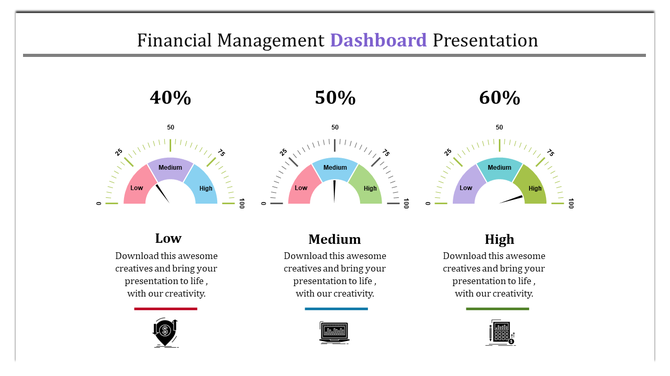
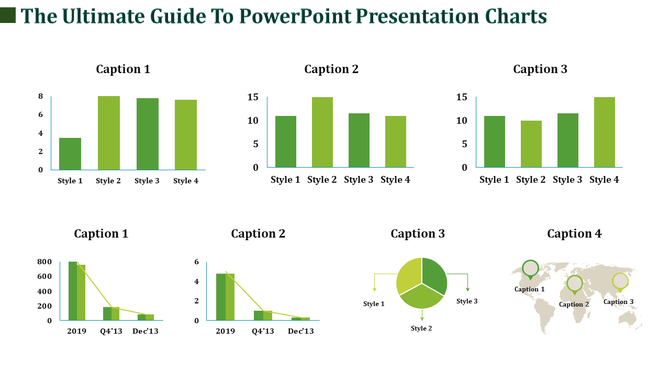
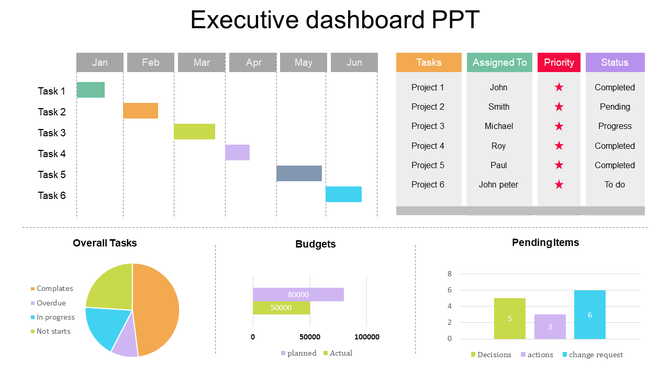

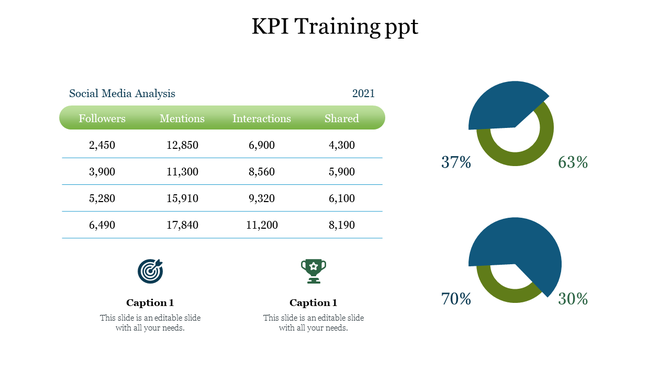
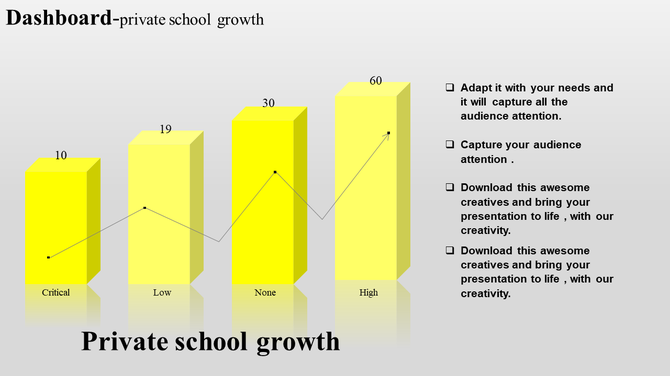
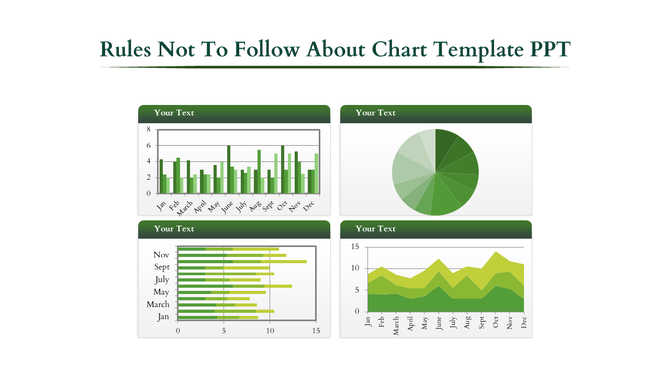
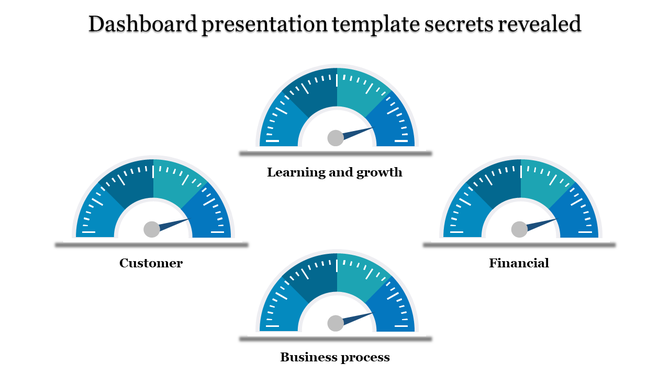
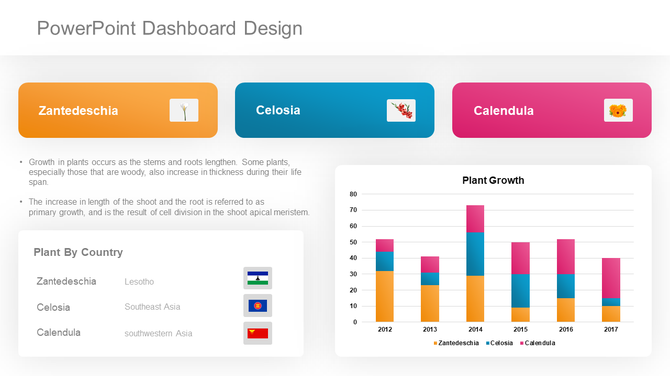
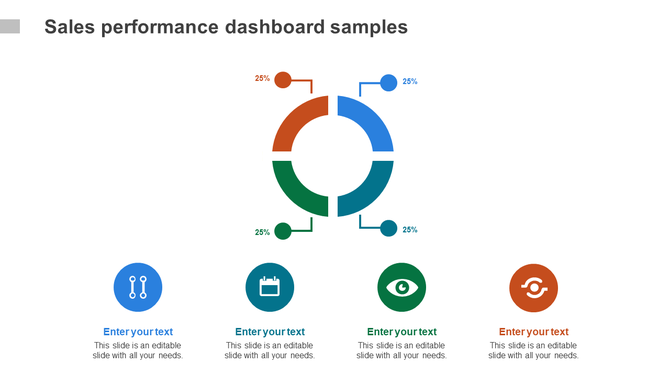
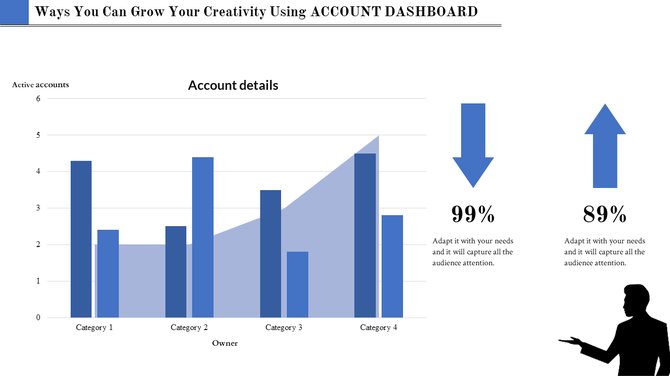
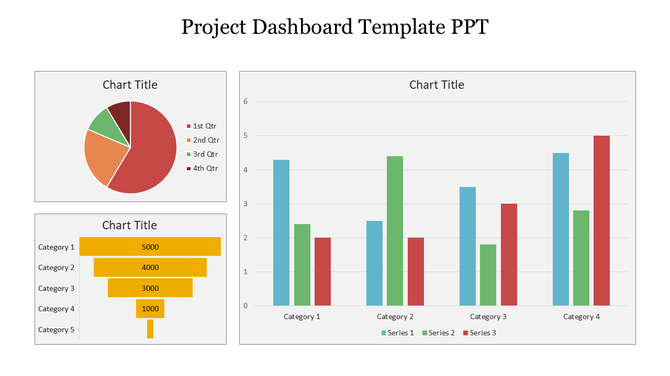
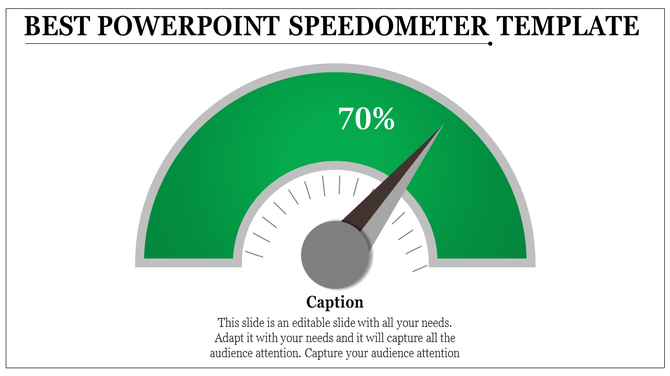
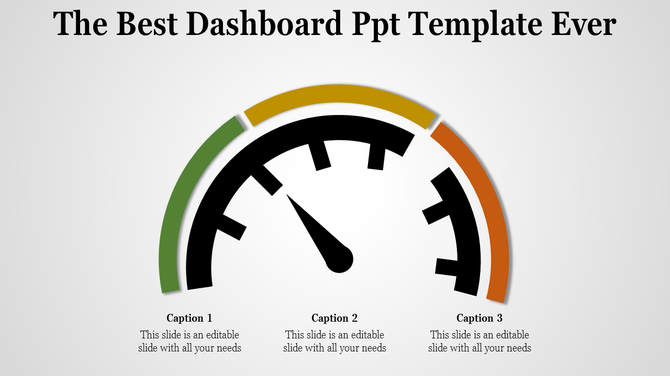
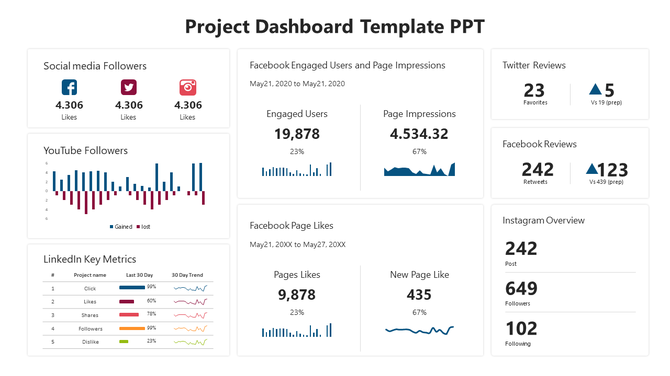
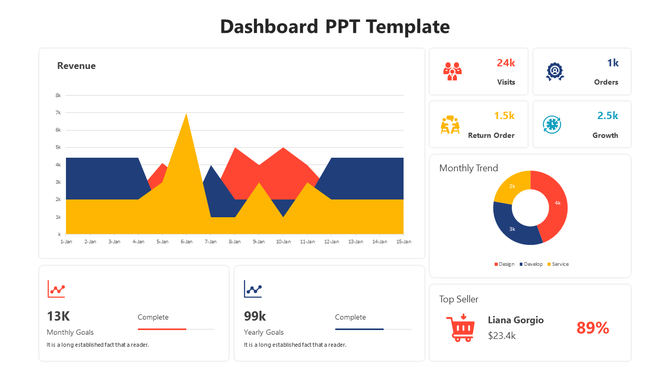
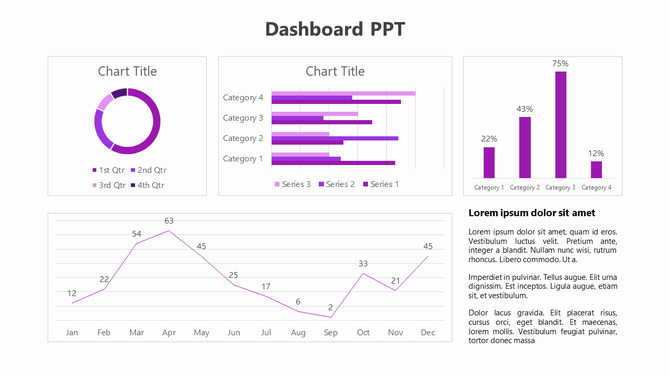
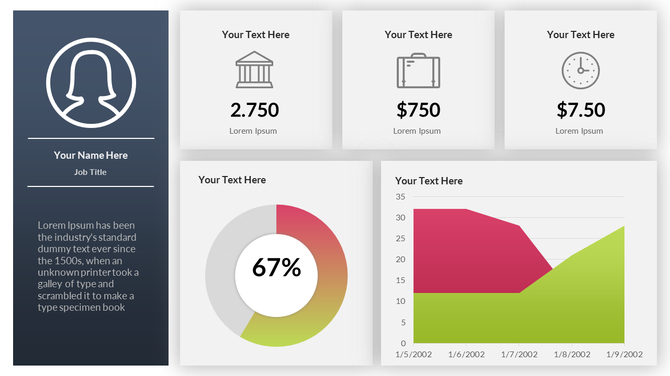


- Performance Dashboards: Track goals, smash targets, and celebrate milestones with vibrant speedometer designs and progress bars.
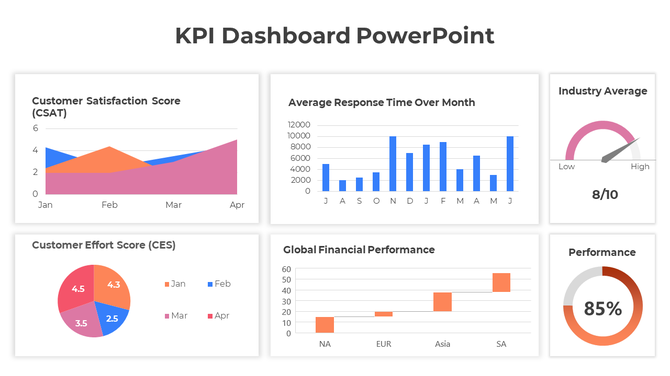
- KPI Dashboards: Keep your key performance indicators front and center with clear, concise displays that tell the story behind the numbers.
- Financial Summary Dashboards: Impress investors and stakeholders with sleek, professional layouts that showcase your financial prowess.
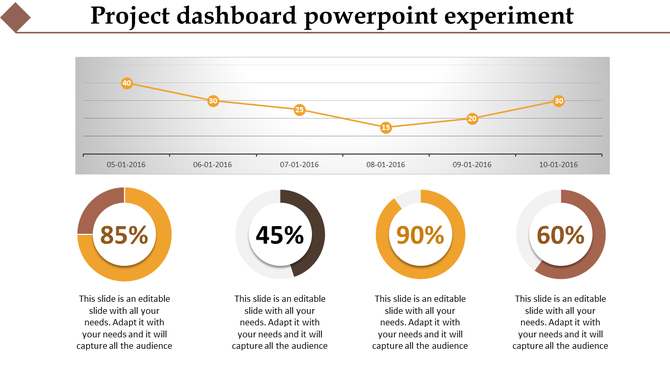
- Project Dashboards: Manage projects like a pro with visual roadmaps, milestone trackers, and task completion meters.
Explore Similar Collections
Frequently Asked Questions
1. I have data in Excel—can I actually use these dashboard templates or do I need special software?
Yes. Download the template, open it in PowerPoint or Google Slides, and paste your numbers into the editable fields. The charts update automatically. No special software needed. If your data is in Excel, just copy and paste the numbers. The template handles the visualization.
2. I'm not a designer—can I really customize this template to match my company's colors and branding?
Completely. All templates are 100% editable. Select any color element, right-click, and change it. Change fonts, logos, text—everything. You don't need design skills. The template's structure is already professional; you just swap in your brand colors and logo.
3. Which dashboard template should I pick—I have sales data, budget data, and customer metrics. Do I need three different templates?
One template works. Most dashboard templates have multiple slides, each showing different metric types. One Financial Dashboard might have slides for revenue, costs, profit, and forecasts. Check the slide pack before downloading. You might find everything you need in one template.
4. Can I edit the charts in these templates or are they locked?
Fully editable. Click any chart, change the data, and it updates instantly. Want to switch from a bar chart to a line chart? Right-click, change chart type. Want different chart labels? Edit them directly. Nothing is locked. Everything adapts to your needs.
5. My data updates weekly—do I have to rebuild the dashboard every week or does it update automatically?
If you link the template to a live data source (Excel sheet, Google Sheets, database), it updates automatically. If you manually paste data, just replace the numbers each week—takes 5 minutes. Either way, you're not rebuilding. The structure stays the same; only numbers change.
6. These templates show specific metrics like revenue and profit. What if my business tracks different KPIs?
Delete the metrics you don't need and add your own. The template's power is the STRUCTURE and LAYOUT, not the specific metrics. You control what data appears. Swap out "Revenue" for "Website Traffic" or "Customer Satisfaction Score." The visual format works for any metric.
7. Can I use the same template for different audiences—like one version for executives and one for my team?
Yes. Duplicate the slide, keep different metrics on each version. Executives might see high-level KPIs (revenue, profit margin). Your team might see operational details (daily sales, conversion rates). Same template structure, different data. Save both versions for different presentations.