
Posts by Arockia Mary Amutha
 Google Slides Tutorials
Editing audio or music in Google Slides might seem a bit tricky at first, but it’s easier than you think. Plus, adding that perfect tune...
 Google Slides Tutorials
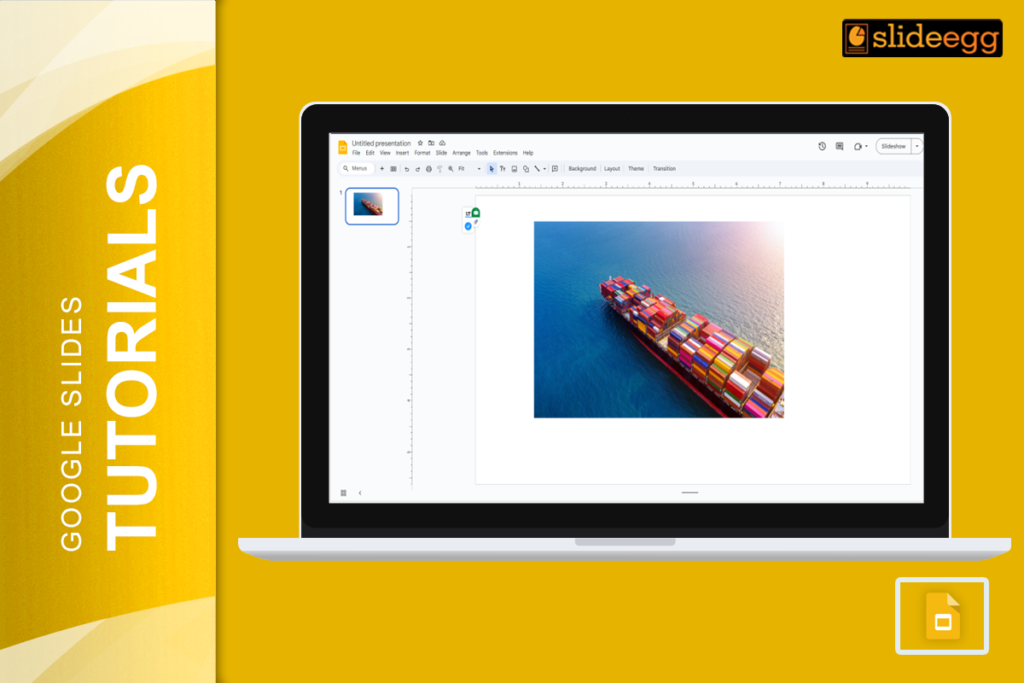
Adding captions to images in Google Slides can greatly enhance your presentations by providing context and ensuring your audience gets the full picture. They’re a...
 Google Slides Tutorials
Adding buttons is a fantastic way to make your slides interactive and engaging. Plus, it’s super easy! Let’s walk through the process of adding buttons...
 Google Slides Tutorials
Adding a video to your presentation can really make it pop, right? But sometimes, you might run into trouble getting that video to actually play....
 Google Slides Tutorials
Google Slides is the trusted companion for many of our presentations. But what happens when it hits us with an Error 150? It’s a common...
 Google Slides Tutorials
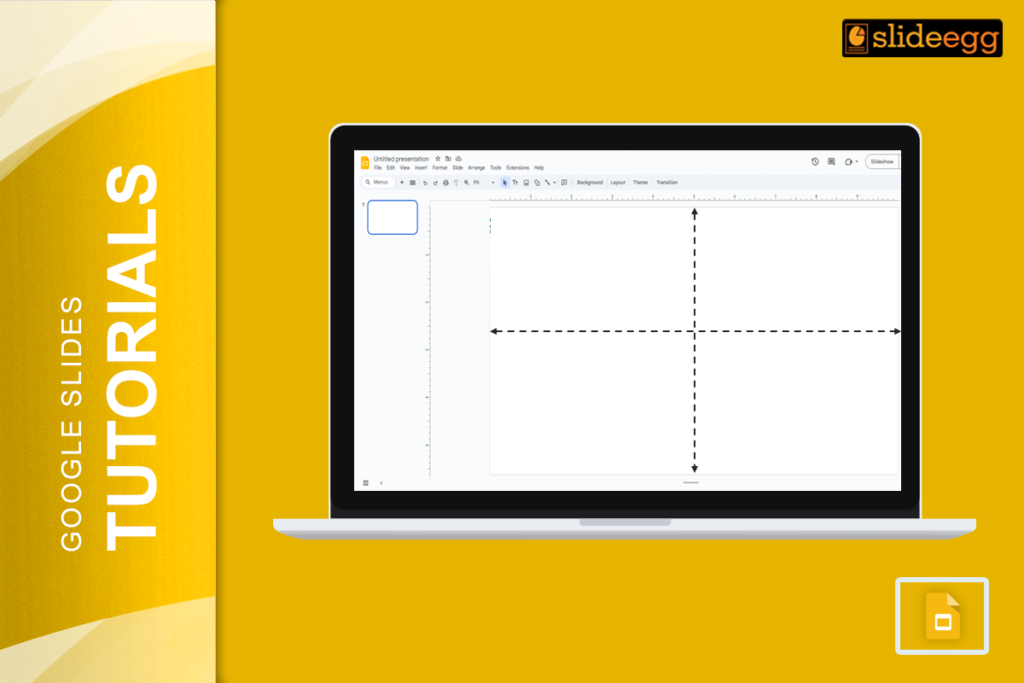
When you start using Google Slides, one of the first things you might wonder is about the slide dimensions. By default, a Google Slide is...
 Google Slides Tutorials
Creating presentations is an art, and just like any artist needs the right tools, so do presenters. Enter Google Slides—a tool that has become a...
 Industry Information
I. Introduction: Social Media as a Tool for Music Promotion Social media today is a new dimension for artists to promote their music, connect with...
 Google Slides Tutorials
When it comes to creating presentations, two big names pop up: Google Slides and Microsoft PowerPoint. They’re both great tools, but they shine in different...
 Google Slides Tutorials
Delivering a presentation on Google Slides is a fantastic way to share your ideas, but what if you need to add notes or highlight key...
Recent Blogs

Have you ever tried to compare three competitors in a single, disorganized spreadsheet? By the time you get...

Gemini puts Google’s AI right inside the Slides editor, so you can draft, design, and polish a presentation...

Quick Take: SlideEgg’s Christmas collection holds 474+ templates across PowerPoint, Google Slides, and select Canva formats, Santa-and-nativity scenes...