
Posts by Arockia Mary Amutha
 Google Slides Tutorials
Want to add a caption or a quote to your image in Google Slides? Or maybe you want to highlight a specific part of the...
 Google Slides Tutorials
When you’re asked to analyze a literary work, your goal is to dig deeper into the text and explain its themes, characters, and messages. Instead...
 Google Slides Tutorials
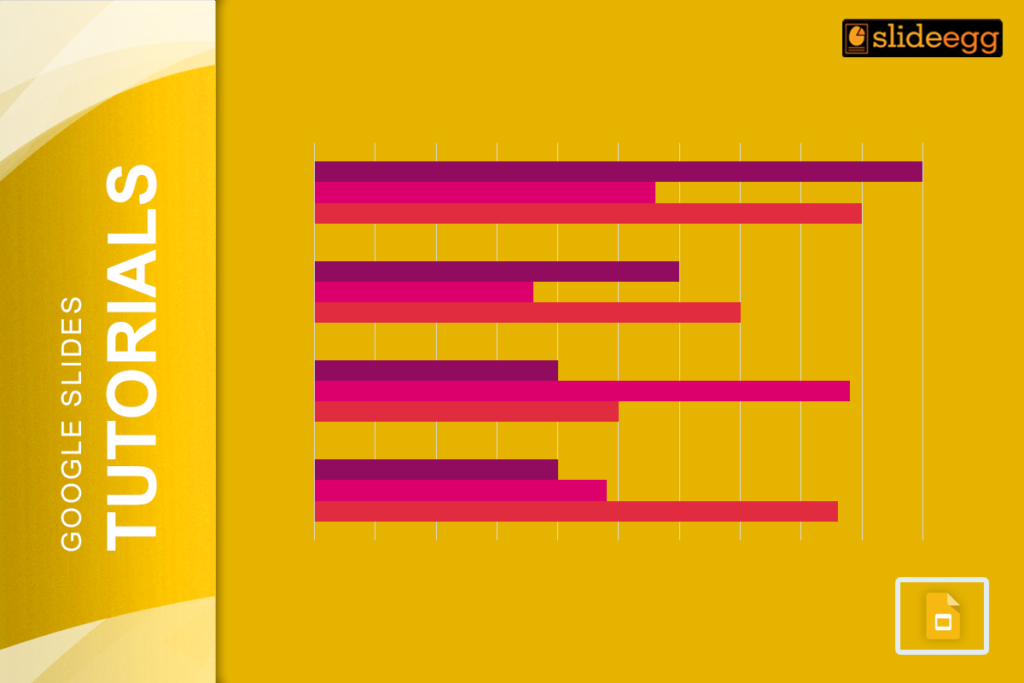
Bar charts are a great way to visualize data and make your presentations more engaging. When you add years to a bar chart, it becomes...
 Google Slides Tutorials
Have you ever felt the need to make your presentation more personal and engaging? Well, here’s some good news – Google Slides now has a...
 Google Slides Tutorials
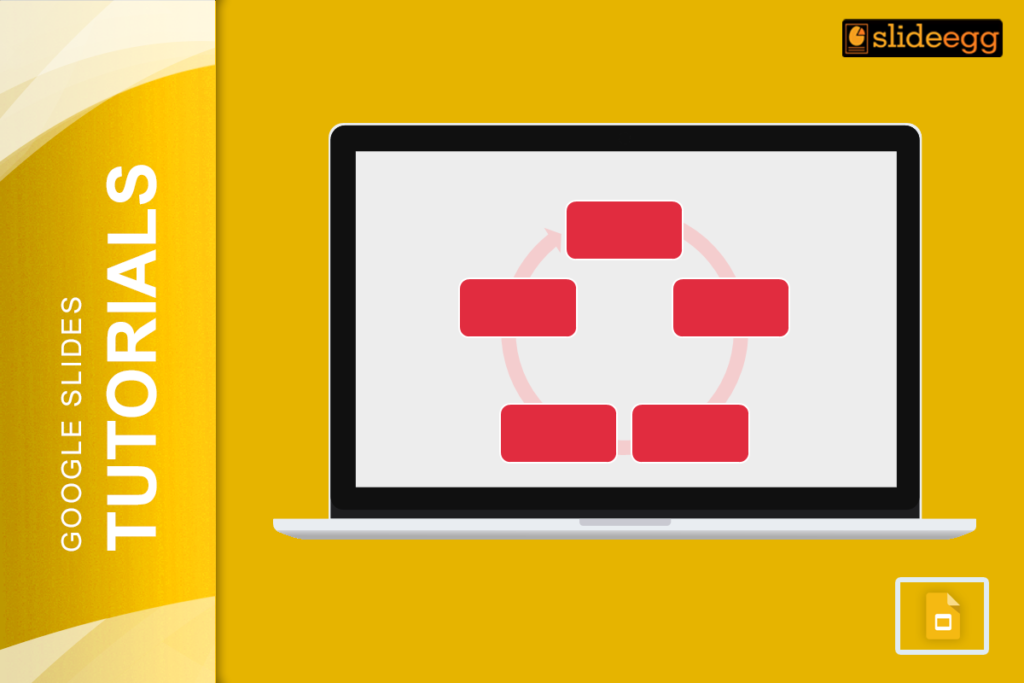
When it comes to creating a presentation, nothing beats visuals that grab attention. That’s where SmartArt in Google Slides comes in handy. It is like...
 Google Slides Tutorials
Blurring an image in Google Slides might seem tricky at first because the tool doesn’t have a built-in blur effect. But don’t worry! There’s a...
 Google Slides Tutorials
Google Slides includes strikethrough formatting but Google hides it well enough that many users assume the feature does not exist. There is no visible toolbar...
 Google Slides Tutorials
Did you know that Google Slides doesn’t even have a “Save” button? Crazy, right? That’s because it saves your work automatically—every single change—without you lifting...
 Google Slides Tutorials
If you’ve ever tried adding fractions to a Google Slides presentation, you know it’s not as simple as typing regular text. But don’t worry—there’s a...
 Google Slides Tutorials
Ever wondered how some presentations grab attention with those bold, colorful, and funky text designs? That’s WordArt for you! It has the power to turn...
Recent Blogs

Have you ever tried to compare three competitors in a single, disorganized spreadsheet? By the time you get...

Gemini puts Google’s AI right inside the Slides editor, so you can draft, design, and polish a presentation...

Quick Take: SlideEgg’s Christmas collection holds 474+ templates across PowerPoint, Google Slides, and select Canva formats, Santa-and-nativity scenes...