
Posts by Arockia Mary Amutha
 Presentation Tips
I. Introduction to the Importance of Engaging Slides More important in many instances of language learning than what is taught are how it is taught....
 Presentation Tips
“The best stories are often the simplest,” said the legendary storyteller, Hans Christian Andersen. And he was right. In a world overflowing with information, the...
 Presentation Tips
Ever felt like you’re spending too much time clicking around in your presentations? What if I told you there’s a way to get things done...
 Presentation Tips
Colors are the silent heroes of our lives. They influence our mood, grab our attention, and even send signals that affect our decisions. When it...
 Google Slides Tutorials
“Colors, like features, follow the changes of the emotions.” – Pablo Picasso. When it comes to creating impactful presentations, colors play a crucial role. They...
 Google Slides Tutorials
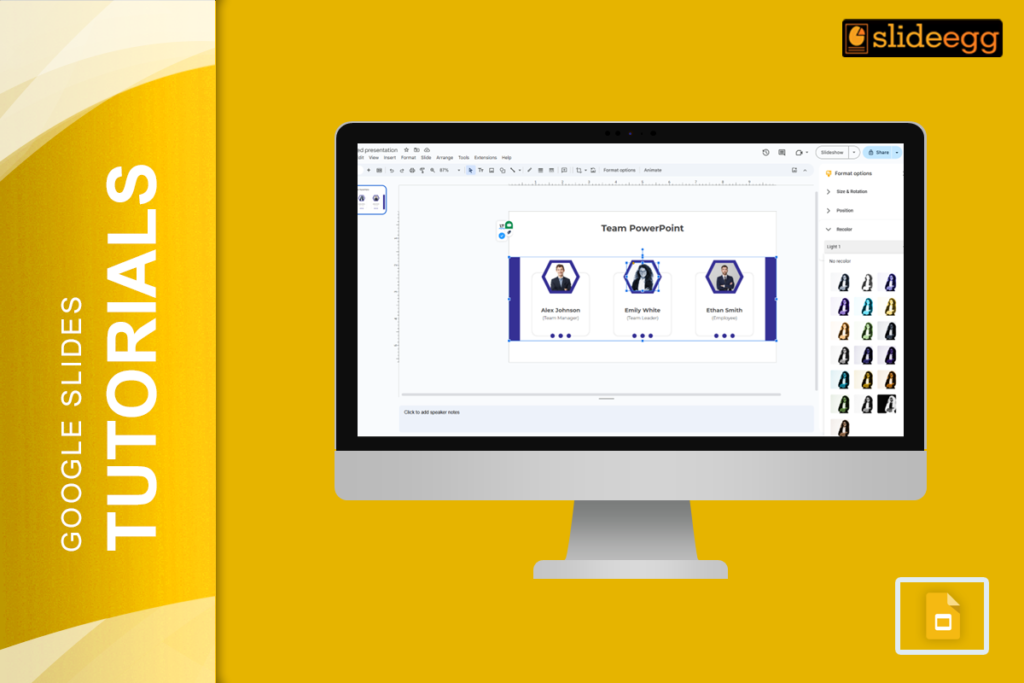
Have you ever found the perfect image for your presentation, only to realize the colors don’t quite match your theme? Don’t worry, you’re not alone....
 Google Slides Tutorials
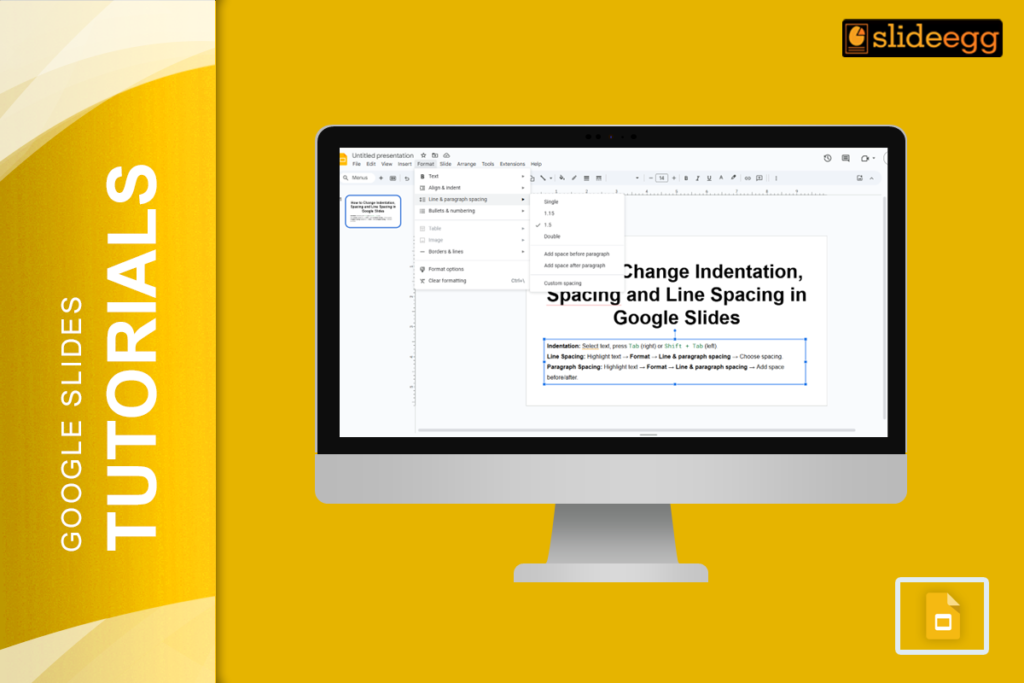
“The gap between a slide that looks amateur and one that looks polished is often not the content — it is the spacing. Too little...
 Google Slides Tutorials
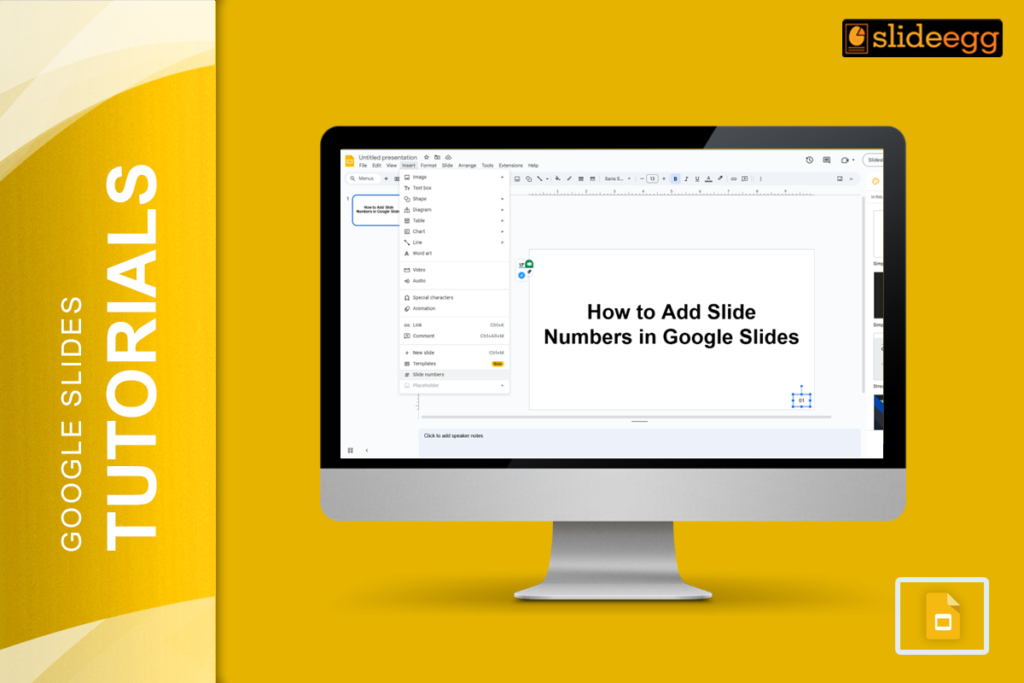
“Small details make a big difference.” Adding slide numbers to your presentation might seem like a minor task, but it can greatly enhance your audience’s...
 Google Slides Tutorials
If you’re working on a presentation and need to add some tables to present data neatly, Google Slides makes this a breeze. In this blog...
 Google Slides Tutorials
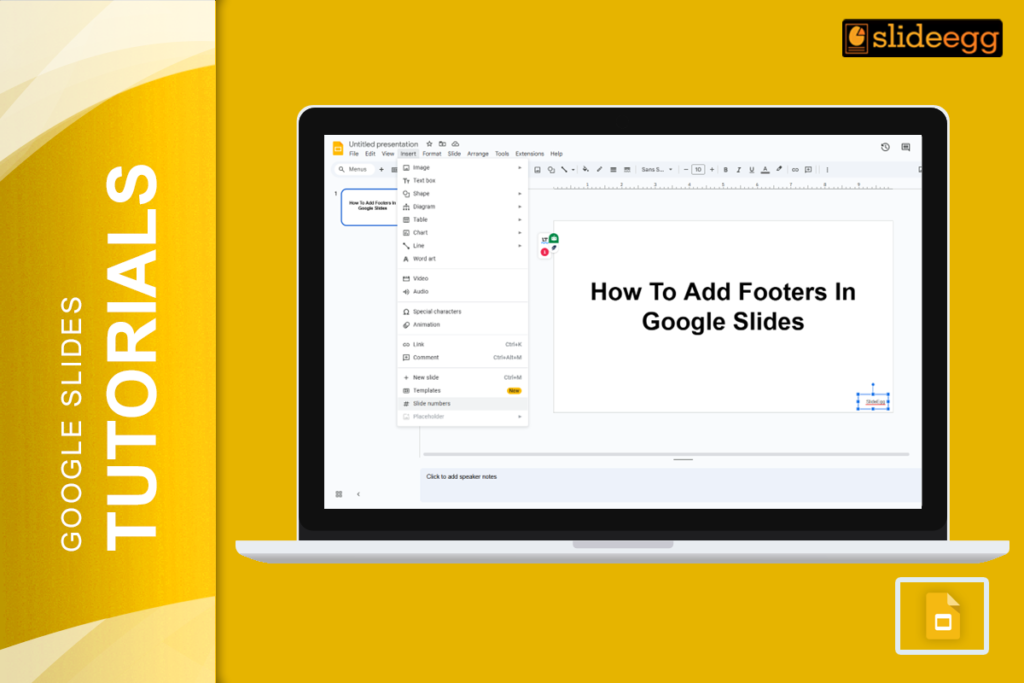
Ever looked at a stunning presentation and wondered how it all looks so neat and professional? Well, one of the secrets is adding a footer!...
Recent Blogs

Have you ever tried to compare three competitors in a single, disorganized spreadsheet? By the time you get...

Gemini puts Google’s AI right inside the Slides editor, so you can draft, design, and polish a presentation...

Quick Take: SlideEgg’s Christmas collection holds 474+ templates across PowerPoint, Google Slides, and select Canva formats, Santa-and-nativity scenes...