
Posts by Arockia Mary Amutha
 Google Slides Tutorials
“A picture is worth a thousand words.” This old saying perfectly captures the power of visuals. In presentations, a well-placed image can make all the...
 Google Slides Tutorials
A quick and easy way to spice things up is by embedding YouTube videos into your Google Slides. It’s a fantastic way to keep your...
 Google Slides Tutorials
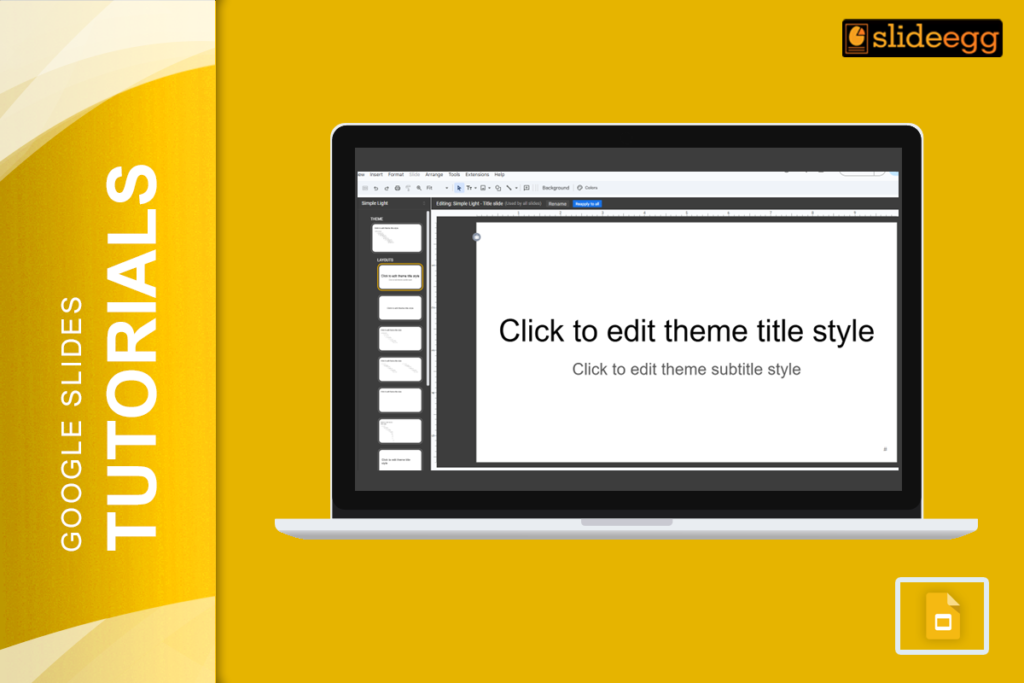
Master Slide is like a blueprint for your entire presentation. By editing the master slide, you can set a unified look and feel that automatically...
 Google Slides Tutorials
Images are powerful, and they need to fit just right in your slides. But what happens when you have an awesome image that doesn’t quite...
 Google Slides Tutorials
“Keynote or Google Slides—which one should I use?” Keynote is a fantastic tool for creating sleek, professional-looking slides, but Google Slides is often the go-to...
 Google Slides Tutorials
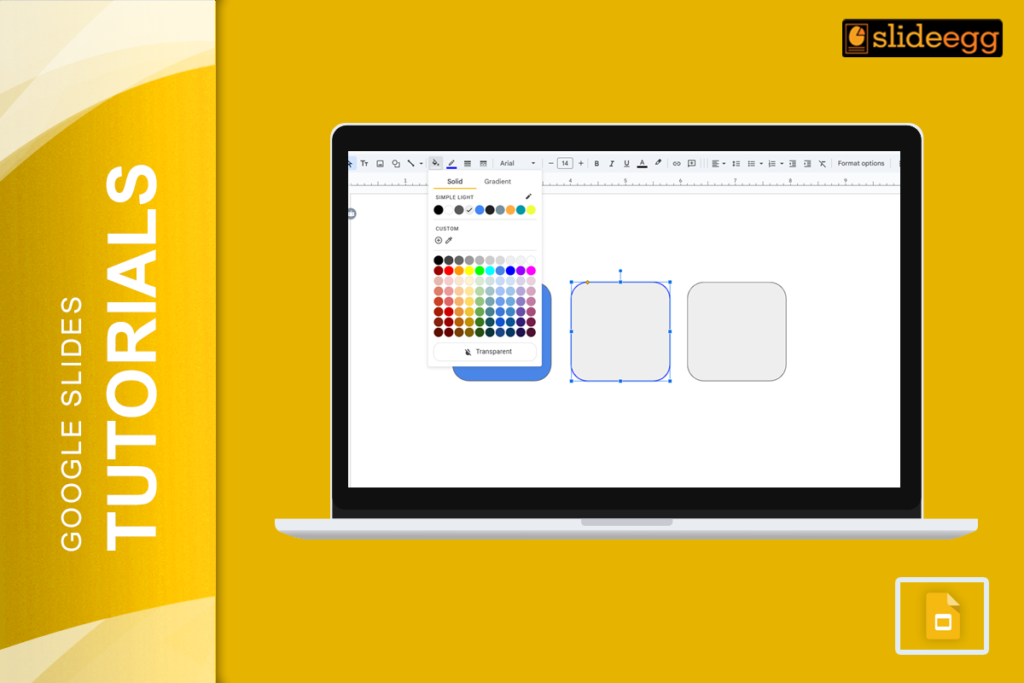
You’ve built your slide. The content is solid. But something still feels off — and more often than not, it comes down to color. Shapes...
 Google Slides Tutorials
Converting Canva designs to Google Slides can often feel like attempting to fit a square peg into a round hole. While Canva is a fantastic...
 Google Slides Tutorials
“Did you know that adding videos to your slides can increase audience retention by 83%?” Yes, videos make presentations way more engaging, and if you’re...
 Presentation Tips
Remote team presentations have become an integral component of professional communication. Whether pitching a project, training employees, or brainstorming with colleagues across time zones, delivering...
 Powerpoint Tutorials
Did you know that Microsoft PowerPoint is used by over 500 million people worldwide? It’s no surprise, considering how versatile it is! But here’s the...
Recent Blogs

Have you ever tried to compare three competitors in a single, disorganized spreadsheet? By the time you get...

Gemini puts Google’s AI right inside the Slides editor, so you can draft, design, and polish a presentation...

Quick Take: SlideEgg’s Christmas collection holds 474+ templates across PowerPoint, Google Slides, and select Canva formats, Santa-and-nativity scenes...