
Posts by Arockia Mary Amutha
 Google Slides Tutorials
Quick Steps to Add a Clickable Link in Google Slides1. Open your Google Slides presentation.2. Select the text, image, or shape you want to hyperlink.3....
 Google Slides Tutorials
Easy Ways to Make an Image Clickable in Google SlidesHere’s a quick breakdown of how to add a hyperlink to an image in Google Slides:...
 Google Slides Tutorials
Quick Tips to Change Bullet Color in Google Slides 🖍 Highlight the text where you want to change the bullet color. ◾ Click on the...
 Google Slides Tutorials
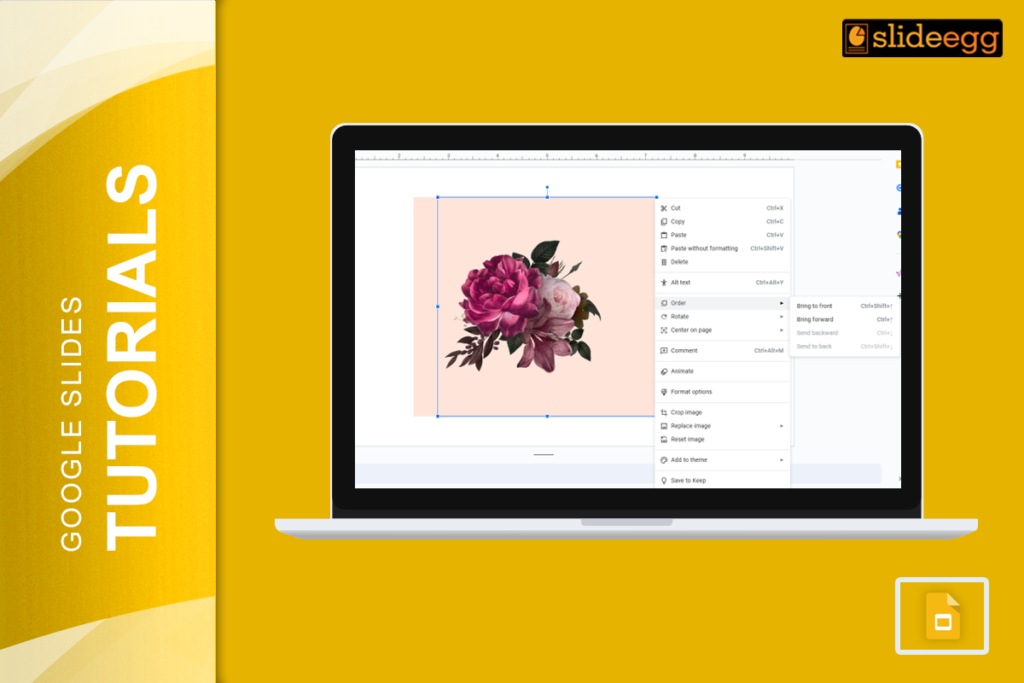
Quick Steps to Bring an Image to the Front in Google SlidesShort on time? Here’s a quick guide: 1️⃣ Click on the image you want...
 Google Slides Tutorials
Introduction: No Wi-Fi? No Internet? No Problem! We’ve all been there—right when you need to edit an important Google Slides presentation, the internet decides to...
 Google Slides Tutorials
Ever spent hours making the perfect Google Slides presentation only to wonder, “How do I share this?” Do you email it? Download it? Send a...
 Google Slides Tutorials
Why Narration Makes Your Slides Better Did you know that people remember 95% of a message when they hear it, compared to only 10% when...
 Google Slides Tutorials
Ever had a pile of ideas that seemed to go off in all directions? Google Slides is here to bring order to the chaos, making...
 Google Slides Tutorials
“Design is not just what it looks like and feels like. Design is how it works.” – Steve Jobs. Creating a good presentation is like...
 Google Slides Tutorials
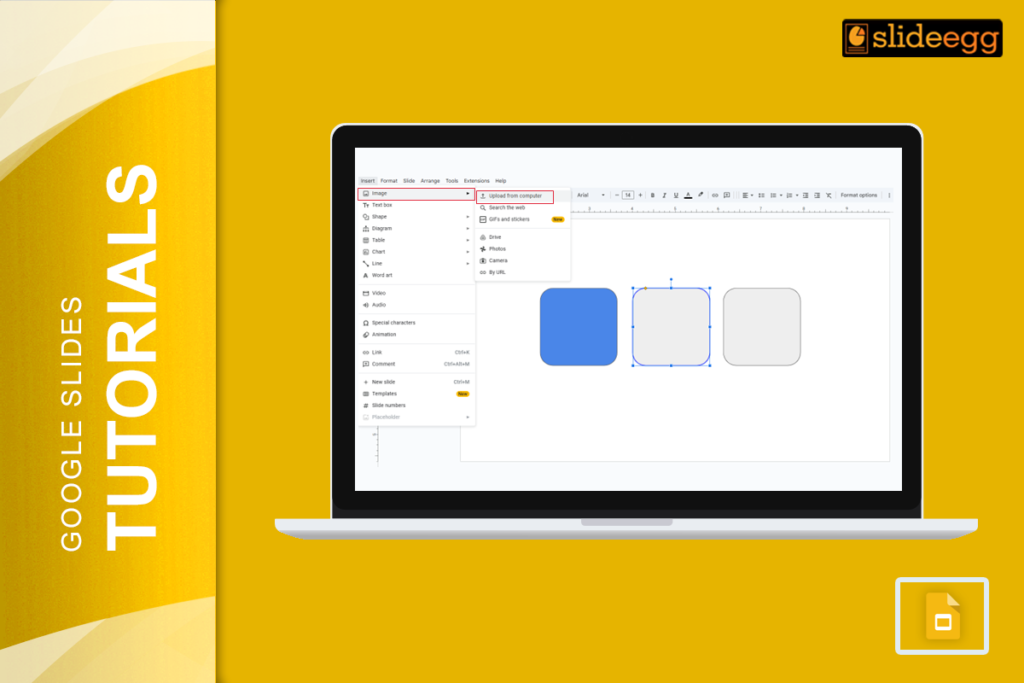
Creating a presentation that stands out can be a challenge, especially when you want to keep your audience engaged. One way to make your slides...
Recent Blogs

Have you ever tried to compare three competitors in a single, disorganized spreadsheet? By the time you get...

Gemini puts Google’s AI right inside the Slides editor, so you can draft, design, and polish a presentation...

Quick Take: SlideEgg’s Christmas collection holds 474+ templates across PowerPoint, Google Slides, and select Canva formats, Santa-and-nativity scenes...