
Posts by Arockia Mary Amutha
 Google Slides Tutorials
Quick Tips for Adding Sound Effects in Google Slides:🎵 Use Google Drive: Upload the sound effects to Google Drive before inserting it.🎤 Insert Audio: Click...
 Google Slides Tutorials
Quick Tips to Insert Pictures in Google Slides:* Click “Insert” → “Image” → Choose your source (Upload from computer, Google Drive, URL, Camera, etc.).* Drag...
 Google Slides Tutorials
Quick Tips: What Audio Files Does Google Slides Support?Before we dive into the details, here’s a quick rundown of the audio formats that work in...
 Google Slides Tutorials
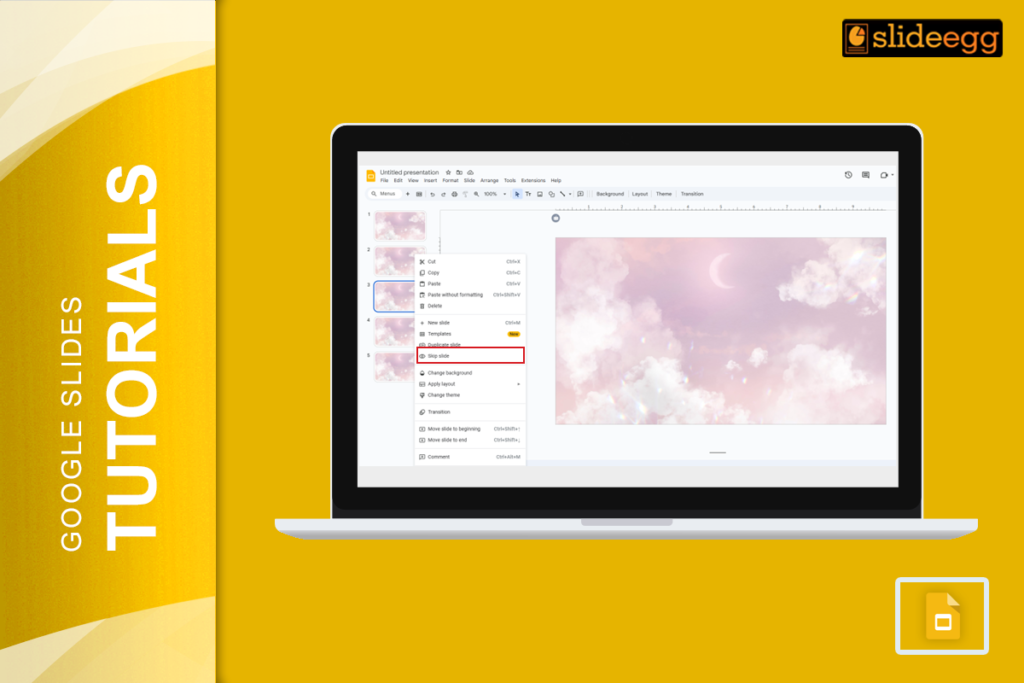
Quick Tips for Skipping and Unskipping Slides in Google Slides🔹 To skip a slide: Right-click on the slide in the left panel → Click “Skip...
 Google Slides Tutorials
Quick Tips to Screen Record Google Slides* Use built-in screen recording tools on Windows or Mac (like Xbox Game Bar or QuickTime).* Install a free...
 Google Slides Tutorials
Need to save a Google Slide as an image? You can export Google Slides as image files: PNG, JPEG, or SVG in seconds using the...
 Google Slides Tutorials
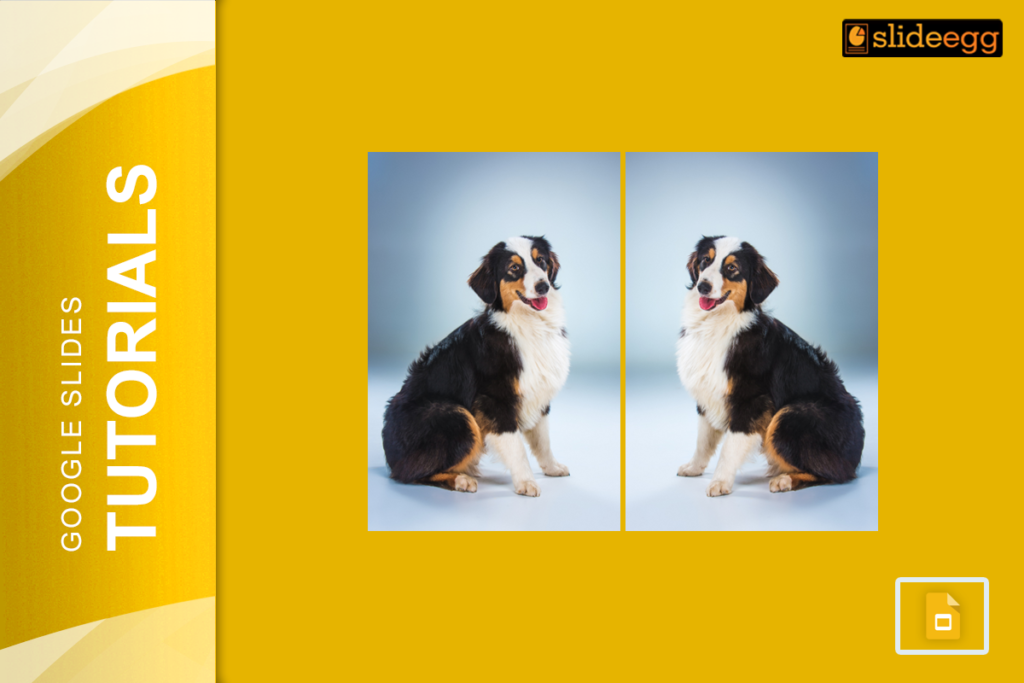
Your image is facing the wrong direction. The arrow points left when it should point right. The person in the photo looks away from your...
 Google Slides Tutorials
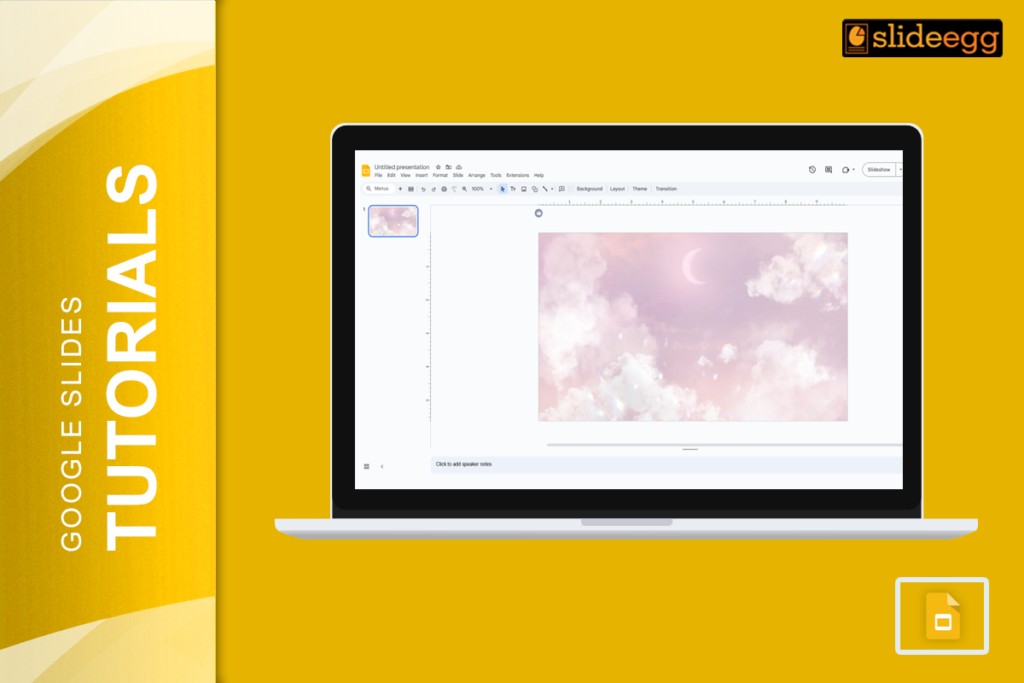
Easy Hacks to Make Your Google Slides Look Stunning* Pick a Color Scheme – Stick to 2-3 complementing colors for a cohesive look.* Use Stylish...
 Google Slides Tutorials
Fastest Tricks to Make Text Transparent in Google Slides If you’re in a hurry, here’s a super-quick guide to making transparent text in Google Slides:...
 Google Slides Tutorials
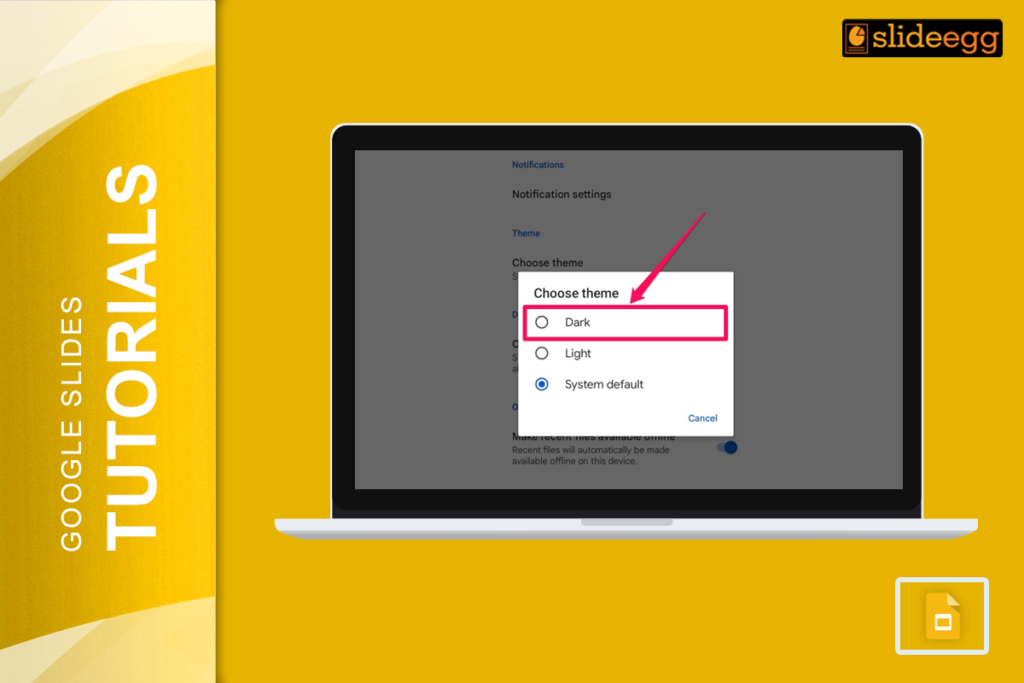
Quick Tips: How to Enable Dark Mode in Google Slides* Use a Dark Theme: Apply a dark background manually to your slides.* Enable Dark Mode...
Recent Blogs

Have you ever tried to compare three competitors in a single, disorganized spreadsheet? By the time you get...

Gemini puts Google’s AI right inside the Slides editor, so you can draft, design, and polish a presentation...

Quick Take: SlideEgg’s Christmas collection holds 474+ templates across PowerPoint, Google Slides, and select Canva formats, Santa-and-nativity scenes...