
Posts by Arockia Mary Amutha
 Google Slides Tutorials
When it comes to creating professional-looking presentations, clarity and organization are key. Adding footnotes in Google Slides is one great way to provide extra details...
 Google Slides Tutorials
Animations can make your Google Slides presentation look cool, but sometimes, they’re just not necessary. Maybe you want a cleaner, distraction-free look, or you’re simply...
 Google Slides Tutorials
Plagiarism isn’t just a problem for writers or bloggers—it’s a big deal in presentations too! Imagine you’ve put together a killer Google Slides presentation, only...
 Google Slides Tutorials
When it comes to making presentations, keeping your audience engaged is the ultimate goal. But let’s face it—plain slides filled with text don’t do it...
 Google Slides Tutorials
Google Slides is a great tool for crafting presentations. Whether you’re working on a school project, a business pitch, or a fun slideshow for a...
 Google Slides Tutorials
Creating a game on Google Slides is a fun and interactive way to engage your audience, whether for educational purposes or just entertainment. With its...
 Google Slides Tutorials
Changing the arrow color in Google Slides is a super easy way to make your presentations more visually appealing and professional. Whether you’re designing for...
 Google Slides Tutorials
Google Slides is an amazing tool for creating presentations. But what if you could turn those slides into a video? Videos can be more engaging...
 Google Slides Tutorials
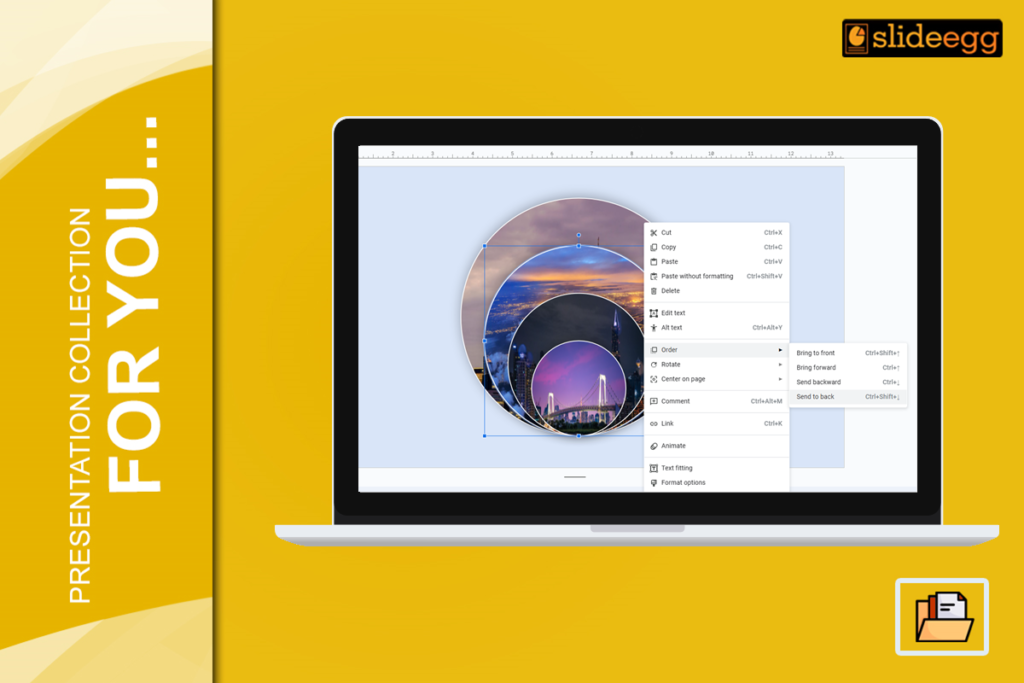
Creating stunning presentations often involves images, text, and shapes layered together to tell a story. If you’re using Google Slides, you’ve probably wondered, “How do...
 Google Slides Tutorials
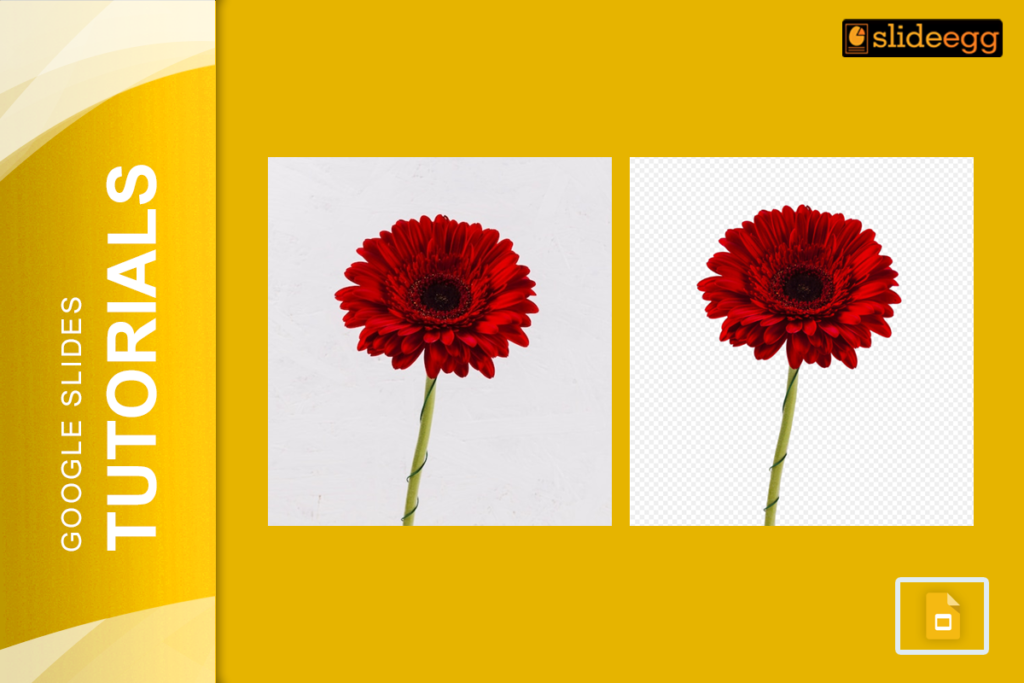
Removing backgrounds in Google Slides can make your presentations look more professional and polished. Whether you want to remove a solid background or edit an...
Recent Blogs

Have you ever tried to compare three competitors in a single, disorganized spreadsheet? By the time you get...

Gemini puts Google’s AI right inside the Slides editor, so you can draft, design, and polish a presentation...

Quick Take: SlideEgg’s Christmas collection holds 474+ templates across PowerPoint, Google Slides, and select Canva formats, Santa-and-nativity scenes...