Retrospective Analysis PowerPoint And Google Slides

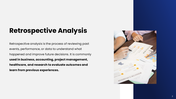
Pack of 18 slides
P.ID : 77088
Advertisement
43 views
3 Downloads
Designer
Bhavadharani
Get Custom Slides by Experts
Enhance Your Presentations with Add-ins
Google Slides Add-in
Access templates directly in Google Slides
Microsoft PowerPoint Add-in
Access templates directly in PowerPoint
GPT Add-on
AI-powered presentation assistance

Retrospective Analysis PowerPoint, Google Slides, and Canva Template


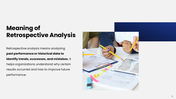
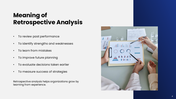
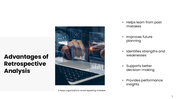
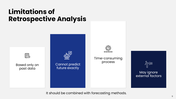
Looking to review past performance and turn insights into smarter future decisions? This Retrospective Analysis presentation template is designed to help teams evaluate completed projects, identify lessons learned, and uncover opportunities for continuous improvement. It offers a clear structure to present outcomes, challenges, and actionable recommendations in a professional and easy-to-understand format.

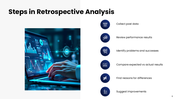
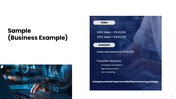
With clean layouts and data-focused visuals, you can highlight key metrics, compare expected versus actual results, and communicate findings with clarity. The slides support step-by-step evaluation, making it simple to showcase successes, address gaps, and outline improvement plans for upcoming projects or business cycles. It’s ideal for project teams, managers, consultants, and organizations focused on performance review and strategic growth.


Fully customizable and easy to adapt, this template allows you to tailor content, charts, and visuals to your specific analysis. Use it to present meaningful insights, strengthen decision-making, and build a culture of continuous improvement across your organization.


Features of this template

  • 100% customizable slides and easy to download.
  • The slides contain 16:9 and 4:3 formats.
  • Easy to change the colors quickly.
  • Highly compatible with PowerPoint, Google Slides, and Canva templates.

You May Also Like These PowerPoint Templates
Free
Add to Wishlist Download Edit
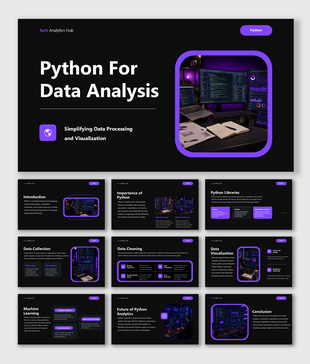
Python for data analysis presentation covering visualization, machine learning, analytics, and coding tools in business.