Ecuador Map PPT Template Presentation and Google Slides
Nodes
Colors
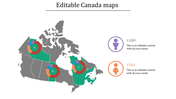
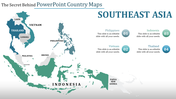
Grey Color Map Inserted Template:
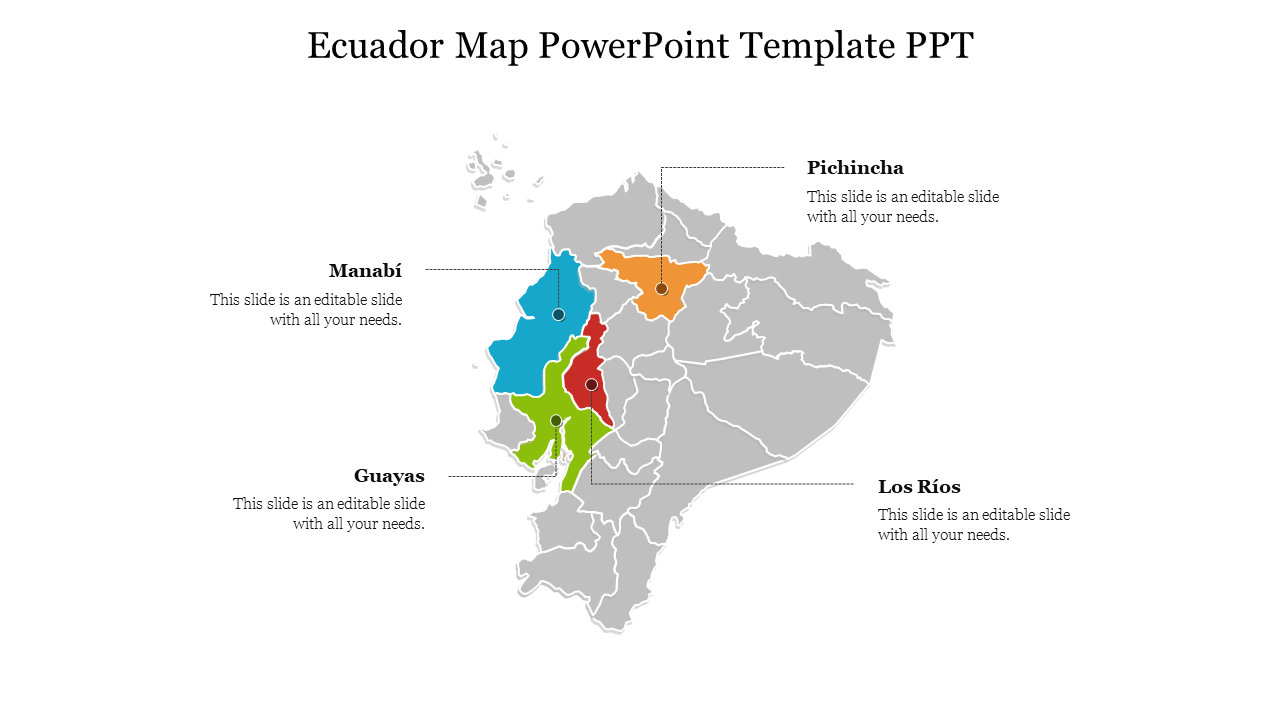
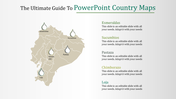
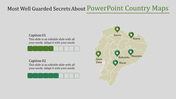
Talk about the availability of resources, your business opportunities, and about tourism using this Ecuador Map PowerPoint template. You can find the diagram of the map which is inserted in the center to be attractive with the colors filled inside them. There are four countries denoting the places along with their names presented. You can also find that the places are uniquely filled with colors which look attractive on the grey map presented.
This whole template look spacious and informative with names and the colors inserted in them. This can be accessed by just spending your minimum amount, so without any further delay get this ecuador map PowerPoint template ppt template downloaded from our website as soon as possible.
Features Of This Template:
- 100% customizable slides and easy to download
- Slides are available in different nodes & colors.
- The slides contained 16:9 and 4:3 format.
- Easy to change the slide colors quickly.
- Well-crafted Template with instant download facility.
- Crisp and elegant font style.
- The best Template with attractive nodes.
More Collections for Ecuador Map PPT Template Presentation
Recommended based on this template.
Similar Templates to Ecuador Map PPT Template Presentation
Showing20 of69,218 templates