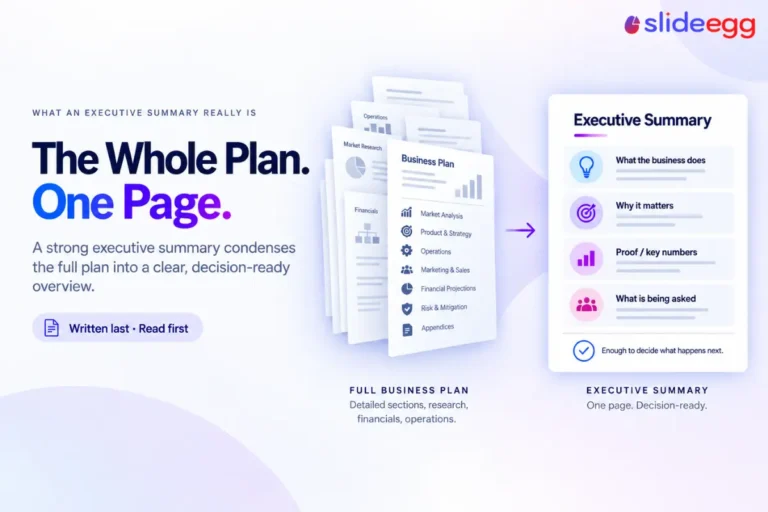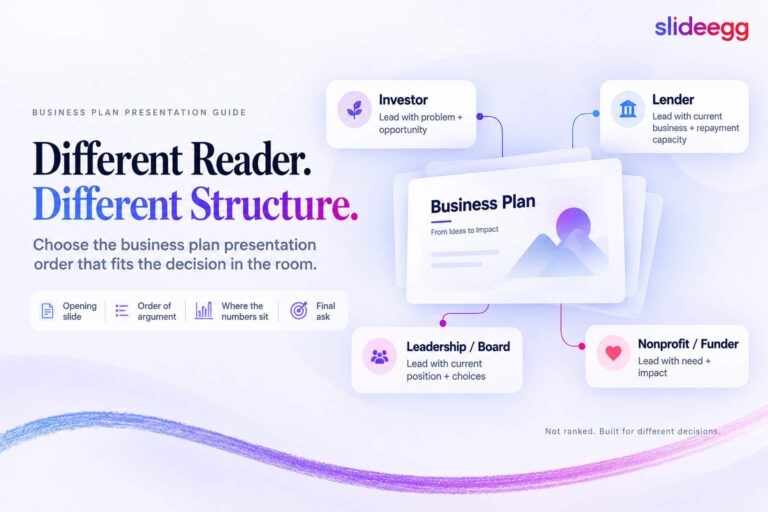
Free does not have to mean basic. The problem is that most free PowerPoint templates look useful at first, but fall apart when you actually try to edit them. Some are too generic. Some rely on flat images. Some look modern but do not give you enough structure to build a complete presentation.
So this list is not just a collection of free slides. These templates were selected based on practical use: whether they solve a real presentation need, whether the layout helps the audience follow the message, and whether the slides can be adapted without rebuilding everything from scratch.
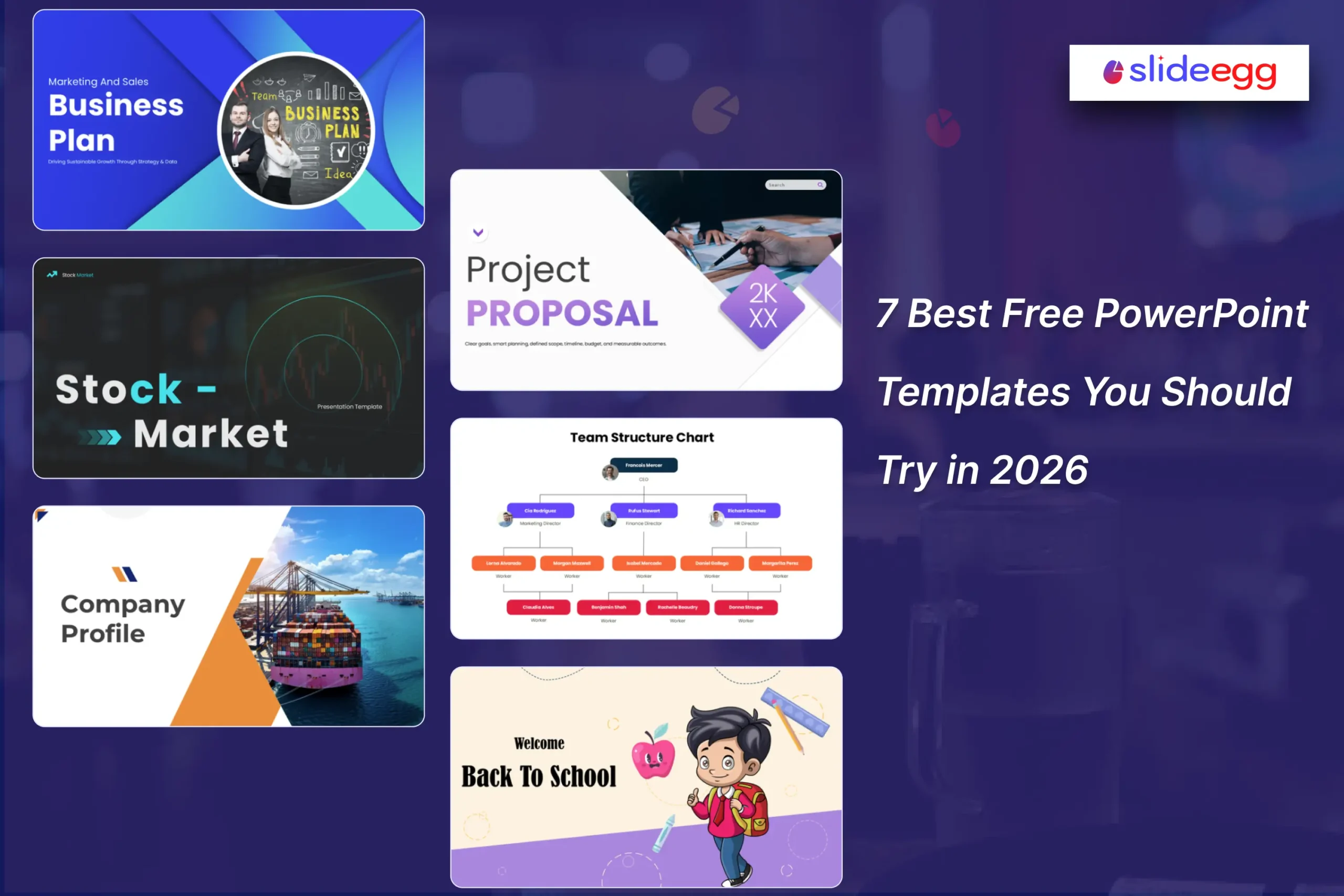
Here are seven free PowerPoint templates worth using in 2026 for business, education, marketing, finance, project planning, and startup presentations.
Note: Template views and download numbers are based on the visible SlideEgg template data at the time of writing and may change over time.
7 Free PowerPoint Templates Worth Downloading
| Template | Best For | Why It Stands Out | Difficulty Level |
| Business Plan PowerPoint | Marketing and sales planning | Strong structure for strategy, KPIs, and execution | Medium |
| Stock Market PowerPoint | Finance education and investor awareness | Explains complex finance topics visually | Medium |
| Logistics Company Profile | Company introductions | Covers mission, services, milestones, CSR, and leadership | Easy |
| Team Structure Chart | HR and organization planning | Makes reporting lines easy to understand | Easy |
| Project Proposal | Project planning and stakeholder approval | Covers scope, timeline, budget, and risks | Medium |
| Back to School PowerPoint | Classroom activities | Built for student engagement and first-day activities | Easy |
| Startup Pitch Deck | Investor and founder presentations | Includes problem, solution, market, traction, and strategy | Medium |
1. Business Plan PowerPoint — Best for Marketing and Sales Strategy

If you need to explain how a business will grow, this Business Plan PowerPoint template is the strongest starting point on this list.
Why Users Pick It:
This template has already gained 2.5K+ views and 1.3K+ downloads, showing that users are actively choosing it to create marketing plans, sales strategies, and business growth presentations.
It is useful because it not only gives you attractive slides. It gives you a planning sequence. You can move from market analysis to marketing strategy, sales strategy, KPIs, budget allocation, and implementation. That matters because a business plan presentation fails when it becomes a collection of random ideas instead of a clear execution story.
2. Stock Market PowerPoint — Best for Finance Education

The Stock Market PowerPoint template is best for explaining financial concepts to beginners.
Why Users Pick It:
This template has already gained 4.6K+ views and 1.5K+ downloads, showing that users are actively choosing it to explain stock market basics, investment concepts, and financial learning topics.
Stock market presentations are easy to make confusing. If you overload the audience with definitions, charts, and technical terms, they stop following. This template works because it gives you a visual learning path. It covers stock market basics, market history, financial market types, primary and secondary markets, stockbrokers, investor sentiment, and portfolio growth.
3. Logistics Company Profile — Best for Business Introductions

The Logistics Company Profile template is the best choice when you need to introduce a company clearly without making the presentation look overloaded.
Why Users Pick It:
This template has already gained 8.7K+ views and 4.5K+ downloads, showing that users are actively choosing it to create logistics company profiles, client introduction decks, and B2B business presentations.
A Logistics company profile presentation should answer a few simple questions: Who are you? What do you do? Why should someone trust you? What proof do you have? This template gives space for company overview, vision, mission, solutions, milestones, values, CSR, leadership, and contact details.
4. Team Structure Chart — Best for HR and Organization Planning
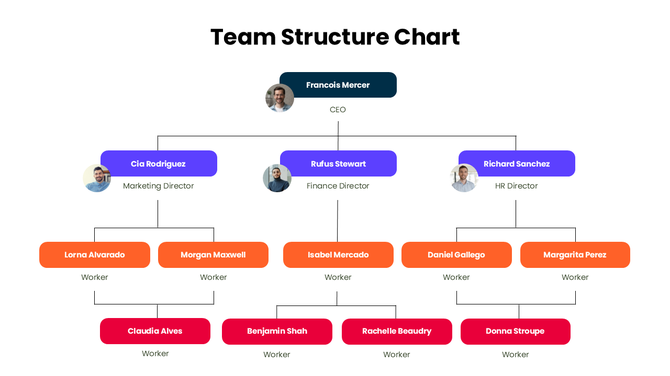
The Team Structure Chart template is the most practical option for HR teams, managers, and project leads.
Why Users Pick It:
This template has already gained 4.1K+ views and 1.8K+ downloads, showing that users are actively choosing it to create team structure charts, org charts, and internal reporting presentations.
Team structure slides are not meant to be decorative. Their job is to make reporting lines and responsibilities clear. This template does that well by giving a simple hierarchy format for directors, managers, staff, departments, and roles.
5. Project Proposal — Best for Stakeholder Approval
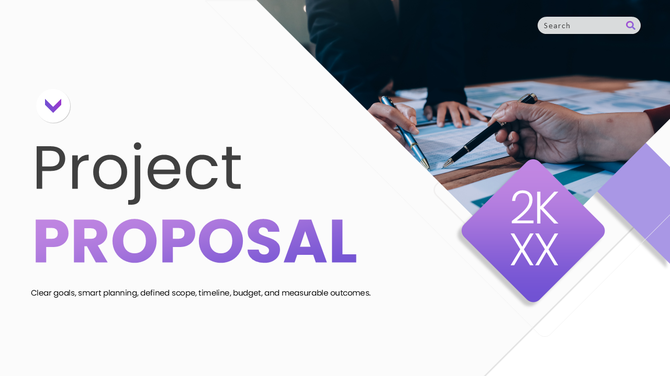
The Project Proposal template is the best option when you need to turn a project idea into a structured presentation.
Why Users Pick It:
This template has already gained 6K+ views and 5K+ downloads, showing that users are actively choosing it to create project proposals, approval decks, and stakeholder presentations.
A weak project proposal only says what the project is. A strong one explains the goal, scope, timeline, budget, risks, resources, and expected outcome. This template covers those core areas, which makes it useful for project managers, consultants, team leads, and business teams seeking approval.
6. Back to School PowerPoint — Best for Classroom Engagement

The Back to School PowerPoint template is the best education-focused template in this list because it is not just a normal classroom deck with school-themed graphics.
Why Users Pick It:
This template has already gained 2.1K+ views and 1.3K+ downloads, showing that users are actively choosing it to create back-to-school presentations, classroom welcome slides, and first-day student activities.
It is built around actual first-day classroom needs: welcome slides, student introductions, creative activities, routines, schedules, and icebreaker moments. That makes it useful for teachers who want the first class to feel organized and interactive.
7. Startup Pitch Deck — Best for Founder and Investor Presentations

The Startup Pitch Deck template is the best option for founders who need a structured investor-style presentation.
Why Users Pick It:
This template has already gained 4.7K+ views and 3.9K+ downloads, showing that users are actively choosing it to create startup pitch decks, investor presentations, and business funding proposals.
Investors do not want a deck filled with vague ideas. They want to understand the problem, solution, market opportunity, business model, traction, team, and growth plan. This template gives you a structured flow to present those points without making the deck feel scattered.
How to Choose the Right Free PowerPoint Template
Do not choose a template only because it looks attractive.
| Your Need | Choose This Type of Template |
| Explain a business strategy | Business Plan PowerPoint |
| Teach finance concepts | Stock Market PowerPoint |
| Introduce a company | Company Profile PowerPoint |
| Show reporting structure | Team Structure Chart |
| Get approval for a project | Project Proposal |
| Engage students on the first day | Back to School PowerPoint |
| Pitch a startup idea | Startup Pitch Deck |
A good template should reduce your design workload, but it should not control your message. If the slide layout does not support your story, do not force it. Pick a template that matches the presentation goal first, then customize the design.
Why SlideEgg Templates Stand Out
SlideEgg’s free templates are useful because they cover practical presentation needs, not just decorative slide designs.
- Wide variety: Templates are available for business, education, finance, marketing, HR, startups, project planning, and more.
- Editable structure: Slides can be customized with your own text, colors, charts, images, and branding.
- Use-case-focused layouts: Many templates are built around real presentation situations such as proposals, pitch decks, company profiles, and classroom activities.
- PowerPoint compatibility: Templates are designed for PowerPoint, with many also supporting Google Slides and Canva workflows. You can also learn more about Microsoft PowerPoint directly from Microsoft’s official PowerPoint page.
- Time-saving design: The layouts give you a ready structure, so you can focus more on the message and less on building slides from scratch.
- Professional presentation flow: The best templates do more than look good. They help organize ideas in a way that is easier for the audience to follow.
Frequently Asked Questions About Free PowerPoint Templates
What qualifies as a free PowerPoint template in 2026?
A free PowerPoint template should be downloadable without a mandatory paid subscription or trial. It should give users editable slides that can be customized for personal, classroom, or professional use. Always check the license terms before using a free template commercially.
Are free PowerPoint templates safe to use in professional presentations?
Yes, if they come from a reliable source and are provided in standard PowerPoint formats such as .pptx. Avoid downloading templates from sites that bundle files with unknown software, pop-ups, or executable files.
What file format should I expect from a free PowerPoint template?
The standard format is .pptx. Some templates may also support Google Slides or Canva editing, but a true PowerPoint template should work in Microsoft PowerPoint first.
Do free PowerPoint templates include editable charts and infographics?
High-quality templates usually include editable charts, icons, diagrams, shapes, and placeholders. Lower-quality templates may use flat images that cannot be edited properly. Before using a template, check whether the major elements can be customized.
Do free PowerPoint templates work offline?
Yes. Downloadable .pptx files can be edited and presented offline in Microsoft PowerPoint. Cloud-based versions for Google Slides or Canva may require internet access for editing, syncing, or loading certain assets.
Can I use free PowerPoint templates for business presentations?
Yes, many free PowerPoint templates can be used for business presentations such as proposals, company profiles, project plans, sales reports, and pitch decks. Still, check the license terms because some free templates may require attribution or have usage limits.
What should I check before choosing a free PowerPoint template?
Check whether the template matches your presentation goal, has editable elements, uses readable typography, includes enough slide layouts, and works in the format you need. Do not choose a template only because it looks attractive.
Which free PowerPoint template is best for business planning?
A Business Plan PowerPoint template is best for business planning because it usually includes slides for market analysis, strategy, KPIs, budget, sales plans, and implementation. It helps turn scattered ideas into a clear business presentation.
Which free PowerPoint template is best for teachers?
A Back to School or Education PowerPoint template is best for teachers because it supports classroom introductions, lesson activities, schedules, student engagement, and visual learning. Teachers should choose templates with simple layouts and age-appropriate visuals.
How do I make a free PowerPoint template look original?
Replace the sample text, adjust the colors to match your brand or topic, add your own data, remove unnecessary slides, and use consistent fonts. The template should support your message, not make your presentation look like a copied sample deck.
Final Thoughts
The best free PowerPoint template is not always the most colorful one. It is the one that helps you explain your idea clearly.
For business planning, use the Business Plan PowerPoint. For finance education, use the Stock Market deck. For company introductions, use the Logistics Company Profile. For HR and team planning, use the Team Structure Chart. For approvals, use the Project Proposal. For teachers, use the Back to School deck. For founders, use the Startup Pitch Deck.
Start with the template that matches your goal, then customize the content until the presentation sounds like your message, not a sample deck.