
Posts by Arockia Mary Amutha
 Google Slides Tutorials
Steps to Add Real-Time Data Using Google Sheets in Google Slides in a Snap ✅ Open Google Slides and click “Insert” → “Chart.”✅ Choose “From...
 Google Slides Tutorials
Step-by-Step Snapshot: Build A Resume In Google Slides ✅ Open Google Slides from your Google Drive.✅ Change slide size to A4 or letter (File >...
 Google Slides Tutorials
Essential Steps for Creating Ebooks with Google Slides ✅ Set up your slide size to match book dimensions (6×9 inches or A4)✅ Choose a clean,...
 Google Slides Tutorials
Working on a big presentation can be stressful. You spend hours making everything perfect, and then someone accidentally moves your logo or deletes an important...
 Google Slides Tutorials
Easy Steps To Make Your Digital Notebook ✅ Open Google Slides.✅ Click Blank to start a new presentation.✅ Change slide size to A4 or Letter...
 Google Slides Tutorials
Easy Steps to Start Storyboarding with Google Slides 💠Open Google Slides and choose a blank presentation.💠Rename the title and set your layout to “Blank” for...
 Google Slides Tutorials
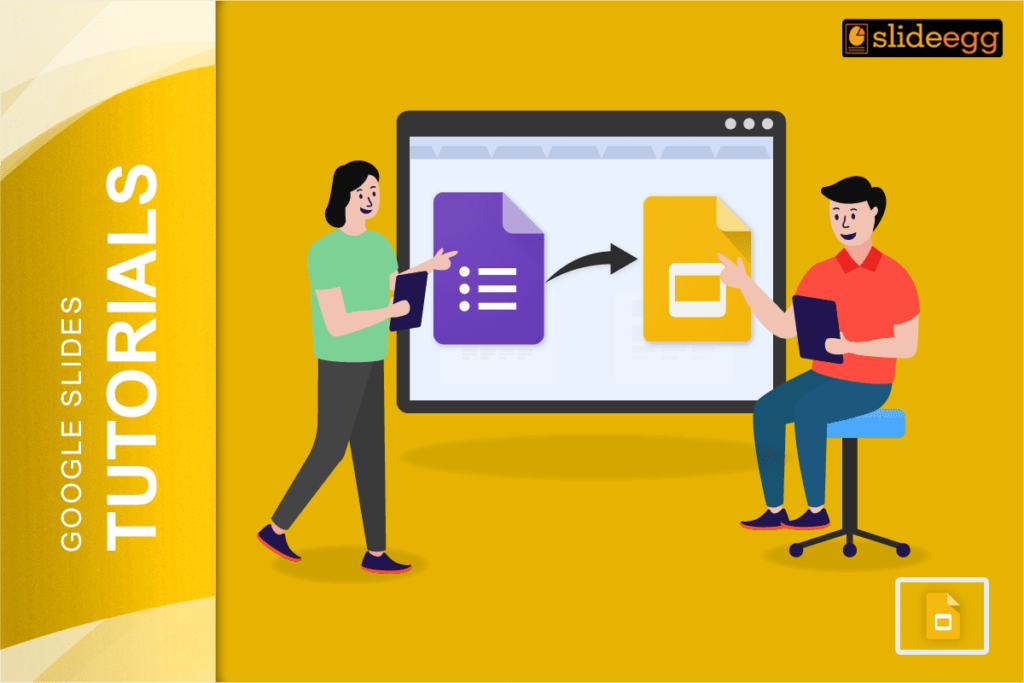
Simple Steps to Connect Google Forms with Slides ✅ Create your Google Form and copy the link✅ Open your Google Slides and go to the...
 Google Slides Tutorials
Simple Steps to Make Google Slides Interactive ✅ Open Google Slides and pick a clean template✅ Add short texts, simple images, and fun icons✅ Use...
 Google Slides Tutorials
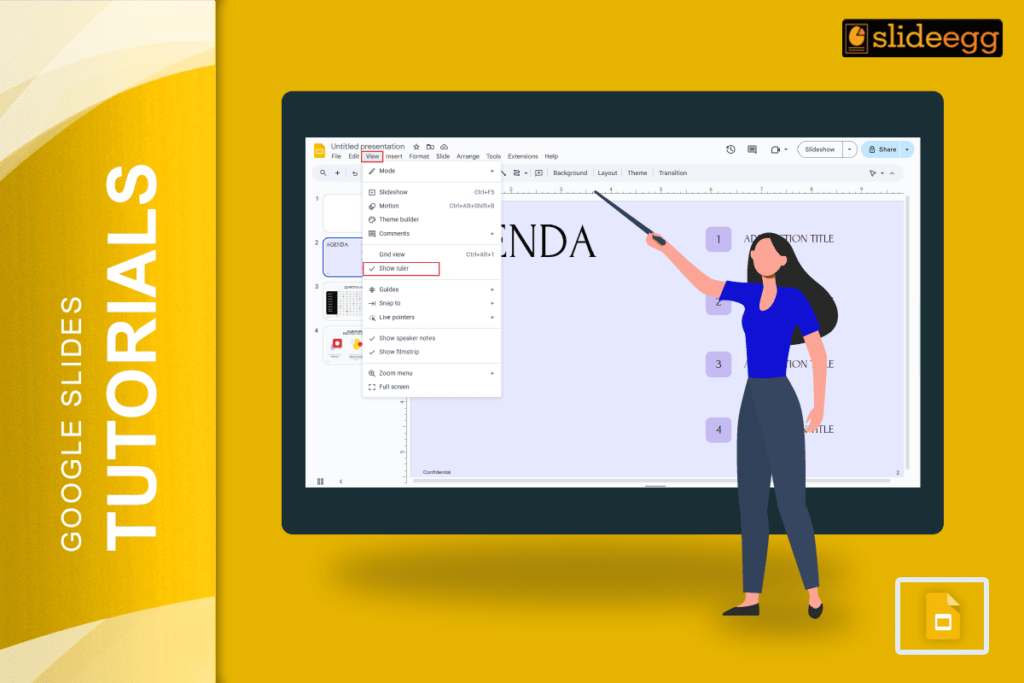
Want to align your content better? Here’s how to turn on the ruler in Google Slides in simple steps:💠Open your Google Slides file.💠Go to the...
 Google Slides Tutorials
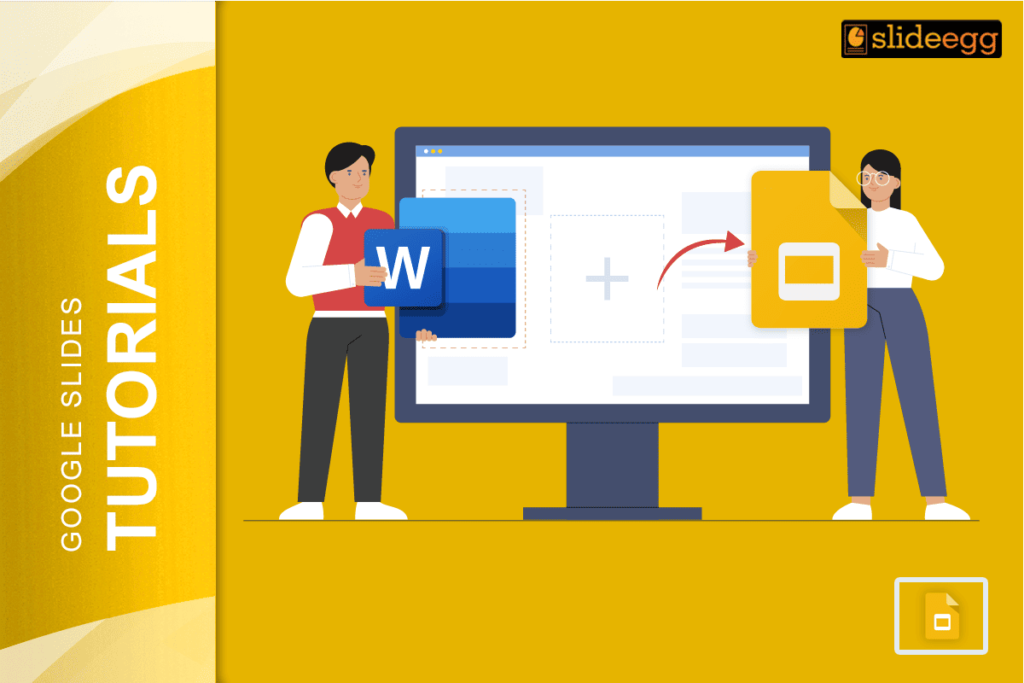
Steps to Add a Word File to Google Slides Easily ✅ Open your Word document in Microsoft Word or Google Docs.✅ Copy the content you...
Recent Blogs

Have you ever tried to compare three competitors in a single, disorganized spreadsheet? By the time you get...

Gemini puts Google’s AI right inside the Slides editor, so you can draft, design, and polish a presentation...

Quick Take: SlideEgg’s Christmas collection holds 474+ templates across PowerPoint, Google Slides, and select Canva formats, Santa-and-nativity scenes...