
Posts by Arockia Mary Amutha
 Google Slides Tutorials
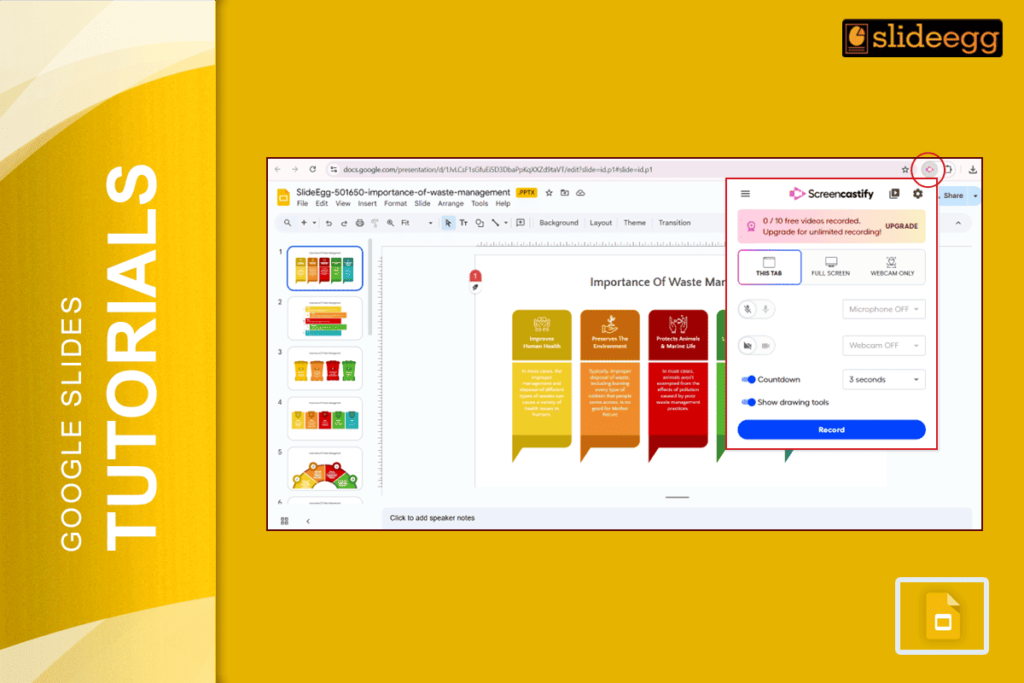
Quick Tips to Use Screencastify with Google Slides ✅ Open your Google Slides presentation.✅ Add the Screencastify extension to your Chrome browser.✅ Click the Screencastify...
 Google Slides Tutorials
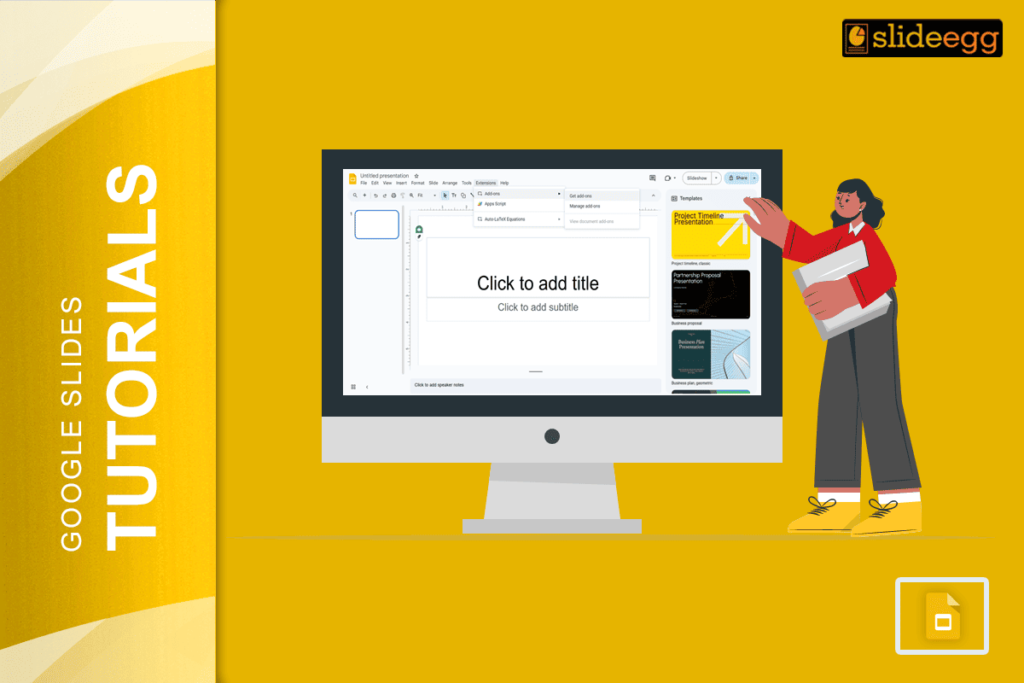
Easy Steps to Use Pear Deck with Google Slides ✅ Open Google Slides.✅ Install the Pear Deck Add-on.✅ Create or open your lesson slides.✅ Add...
 Google Slides Tutorials
Quick Tips to Add LaTeX in Google Slides:✅ Use CodeCogs or QuickLaTeX to generate LaTeX equations as images.✅ Just copy-paste the image into your slide.✅...
 Google Slides Tutorials
Quick Tips for Shuffling Slides in Google Slides ✅ Open slide panel – Click on the slide list on the left side.✅ Click and hold...
 Google Slides Tutorials
👇 Quick Tips: Google Slides Edit History at a Glance ✅ Click the clock icon near the Share button.✅ Or go to File → Version...
 Google Slides Tutorials
Quick Tips for Scribbling on Google Slides ✏️ Use the scribble tool from the toolbar.✏️ Pick bright colors for better visibility.✏️ Keep your drawings simple...
 Google Slides Tutorials
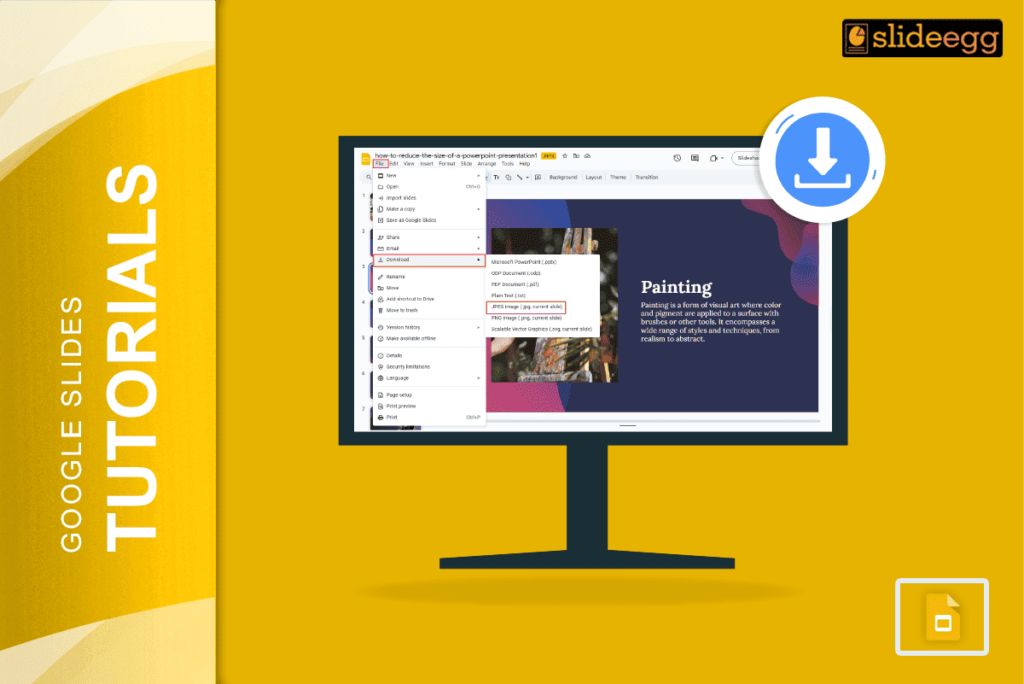
Quick Steps to Save Google Slides as JPEG 📥Open your Google Slides presentation.📥Click “File” in the top menu.📥Select “Download” from the dropdown.📥Choose the “JPEG image”...
 Google Slides Tutorials
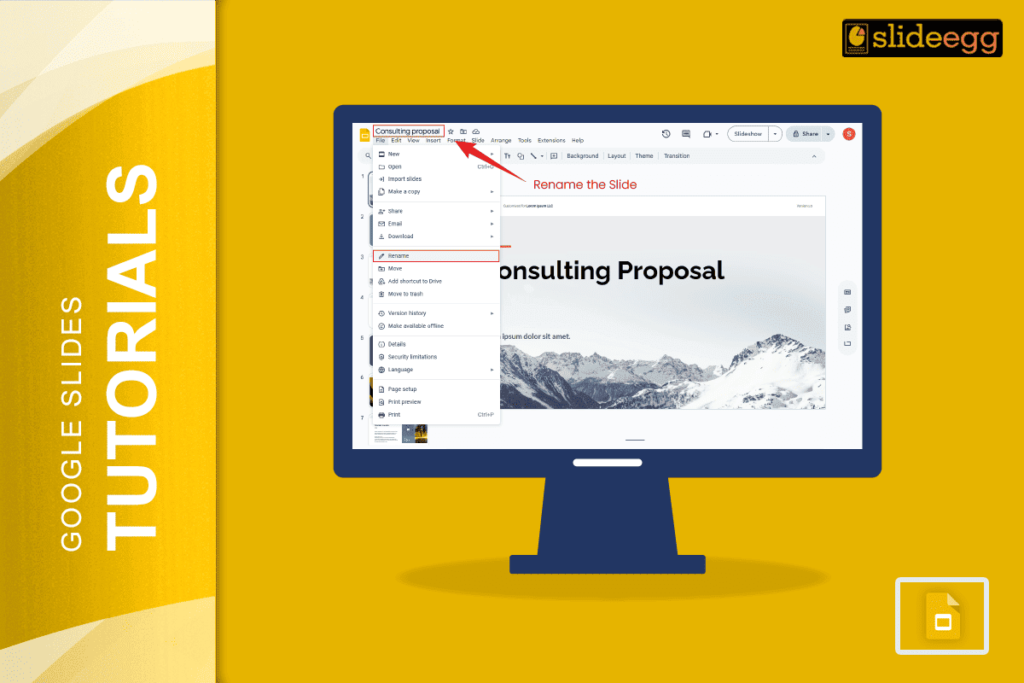
Quick Tips: Naming Slides in Google Slides ✅ Add a text box at the top or bottom of each slide for names.✅ Use speaker notes...
 Google Slides Tutorials
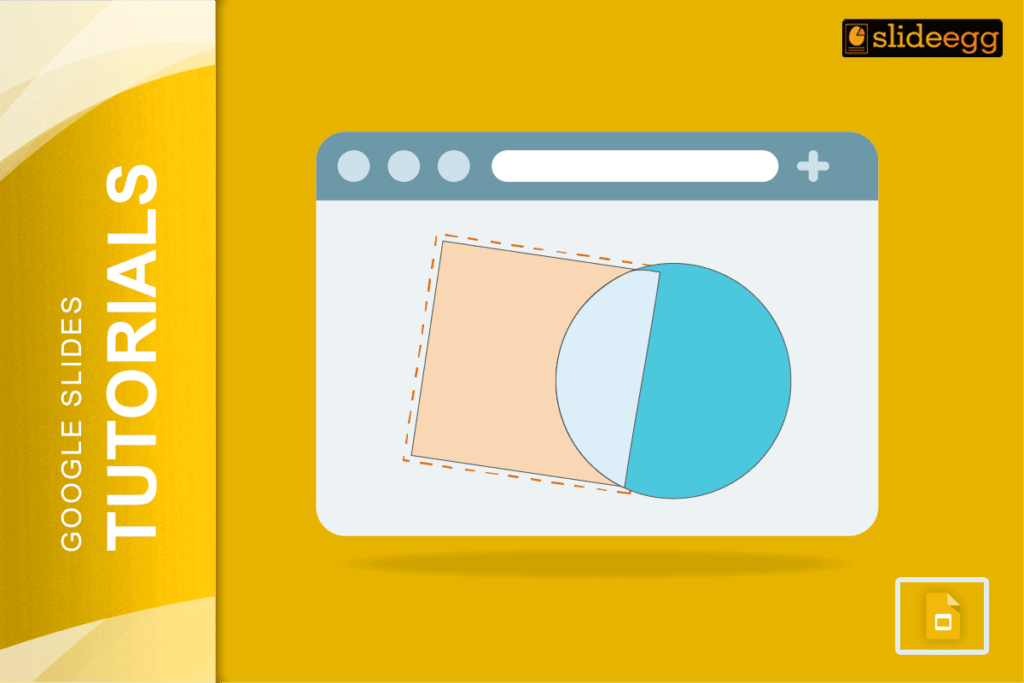
Quick Tips to Merge Shapes in Google Slides 🔥 Add shapes using the Insert menu.🔥 Arrange them where you want.🔥 Use Group to lock them...
 Google Slides Tutorials
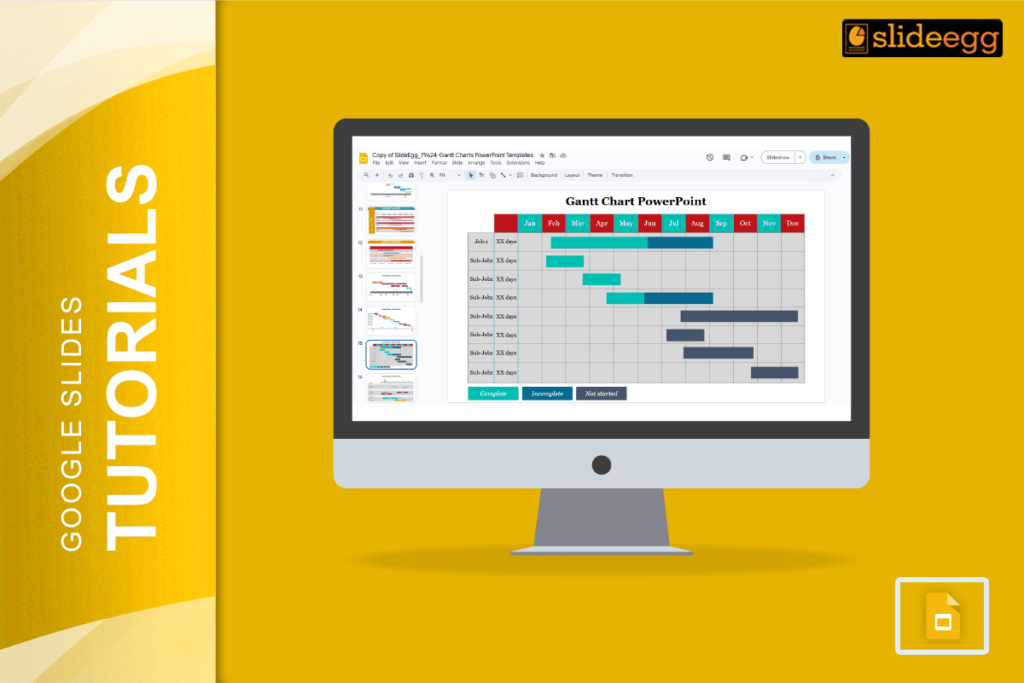
Smart Tips for Creating Gantt Charts in Google Slides ✅ Use tables for easy alignment and structure.✅ Choose bright colors to show different tasks.✅ Keep...
Recent Blogs

Have you ever tried to compare three competitors in a single, disorganized spreadsheet? By the time you get...

Gemini puts Google’s AI right inside the Slides editor, so you can draft, design, and polish a presentation...

Quick Take: SlideEgg’s Christmas collection holds 474+ templates across PowerPoint, Google Slides, and select Canva formats, Santa-and-nativity scenes...