
Posts by Arockia Mary Amutha
 Google Slides Tutorials
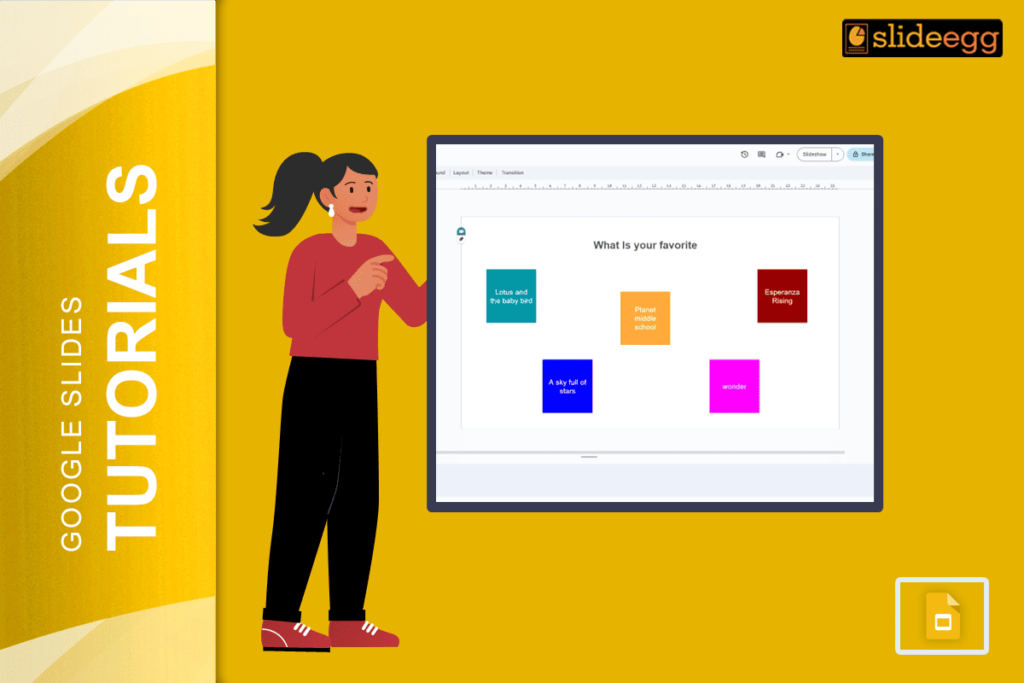
✅ Quick Tips: How to Create a Jamboard in Google Slides ⭐ Open Google Slides and create a blank slide deck.⭐ Use shapes, text boxes,...
 Google Slides Tutorials
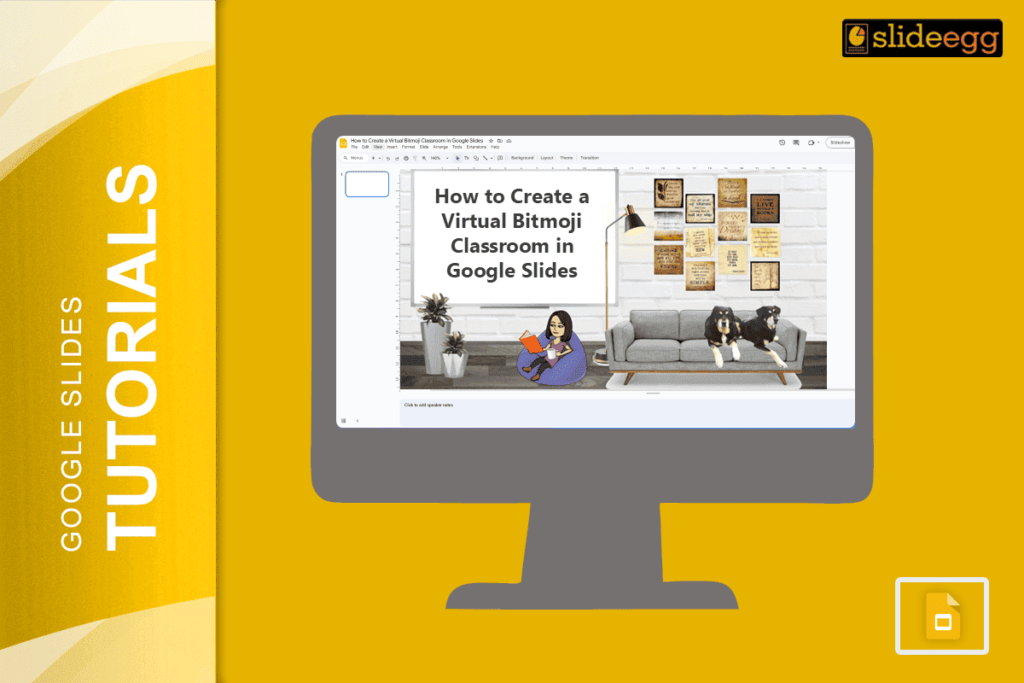
✅ Quick Tips to Make a Virtual Bitmoji Classroom in Google Slides 👉 Use Google Slides to build your classroom layout.👉 Get your Bitmoji from...
 Google Slides Tutorials
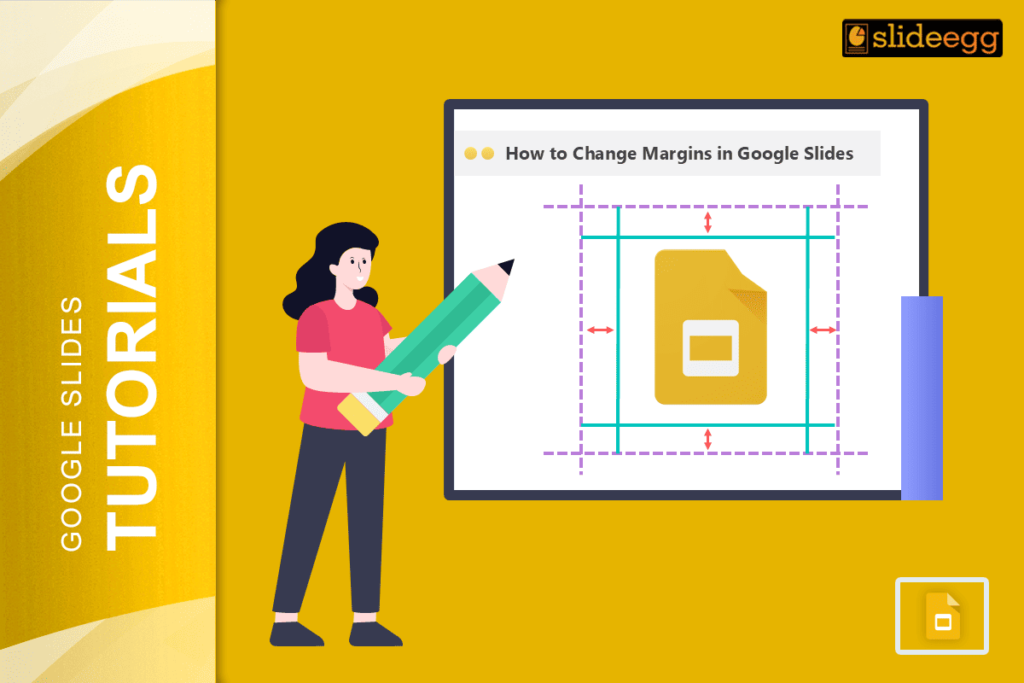
Quick Tips: How to Change Margins in Google Slides (In Short) ✅ Google Slides doesn’t have a built-in margin setting like Word.✅ You can adjust...
 Google Slides Tutorials
🟢 Quick Steps to Align Paragraphs, Headings & Bullet Points ✅ Click on the text box you want to fix.✅ Choose alignment: left, center, right,...
 Google Slides Tutorials
Quick Tips: How to Remove Slide Transitions in Google Slides 📝 Open your Google Slides presentation.📝 Click on the slide you want to edit.📝 Click...
 Google Slides Tutorials
✅ Quick Tips to Record Google Slides with Voice and Video Get started fast with these simple steps: 🎤 Open your Google Slides presentation.🎤 Use...
 Google Slides Tutorials
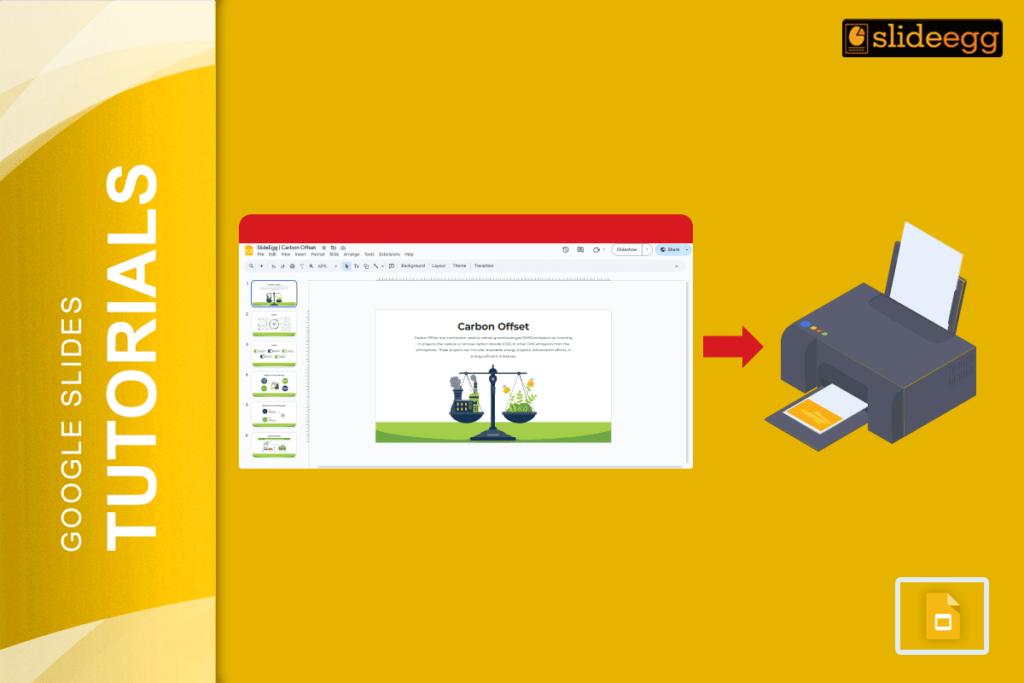
Quick Tips to Print Multiple Google Slides on One Page ✅ Open your Google Slides presentation.✅ Click File → Print Settings and Preview.✅ Choose how...
 Google Slides Tutorials
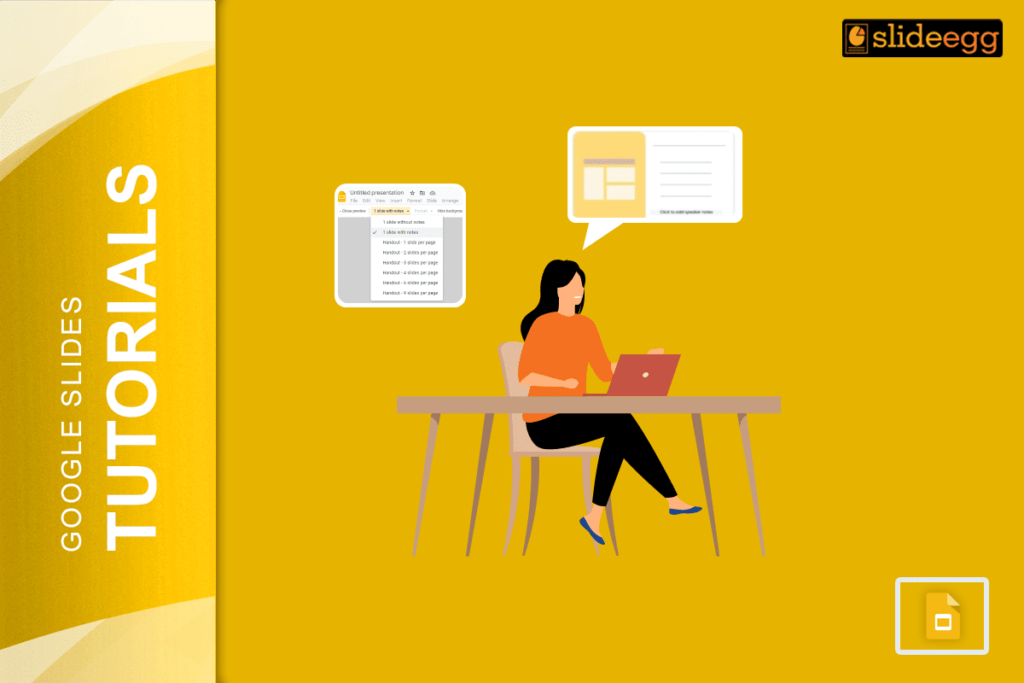
Quick Tips to Print Google Slides with Lines for Notes 💠Open your Google Slides presentation.💠Click File > Print Settings and Preview.💠Select the “1 slide with...
 Google Slides Tutorials
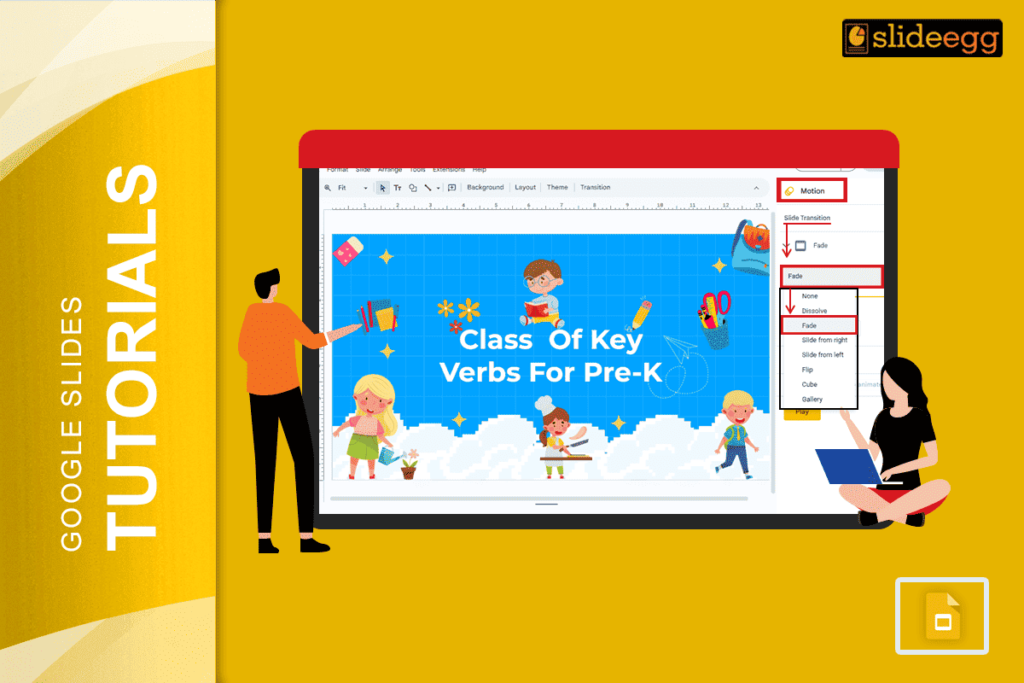
Quick Tips for Making Words Transition on Google Slides: 🌀Open your Google Slides presentation.🌀Click on the text box or word you want to animate.🌀Go to...
 Google Slides Tutorials
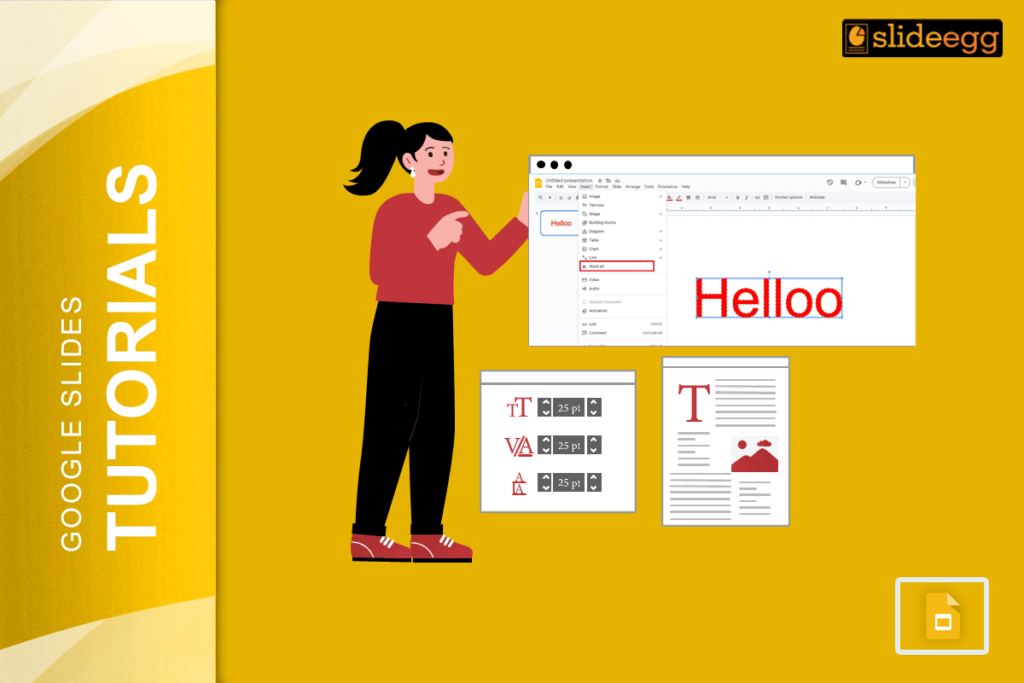
Quick Tips: Make Text Glow in Google Slides Google Slides doesn’t have a direct “glow” option, but with a few tricks, you can fake it...
Recent Blogs

Have you ever tried to compare three competitors in a single, disorganized spreadsheet? By the time you get...

Gemini puts Google’s AI right inside the Slides editor, so you can draft, design, and polish a presentation...

Quick Take: SlideEgg’s Christmas collection holds 474+ templates across PowerPoint, Google Slides, and select Canva formats, Santa-and-nativity scenes...