
Posts by Arockia Mary Amutha
 Google Slides Tutorials
✅ Quick Tips: How to Add a Decorative Border in Google Slides * Open your Google Slides presentation.* Select the slide where you want the...
 Google Slides Tutorials
Quick Tips to Make a Worksheet on Google Slides ✅ Open Google Slides.✅ Click on Blank Presentation.✅ Set page size like a worksheet (A4 or...
 Google Slides Tutorials
Quick Tips to Make a Pamphlet on Google Slides1. Open Google Slides2. Pick a Blank Presentation3. Change the Slide Size to match a pamphlet4. Add...
 Google Slides Tutorials
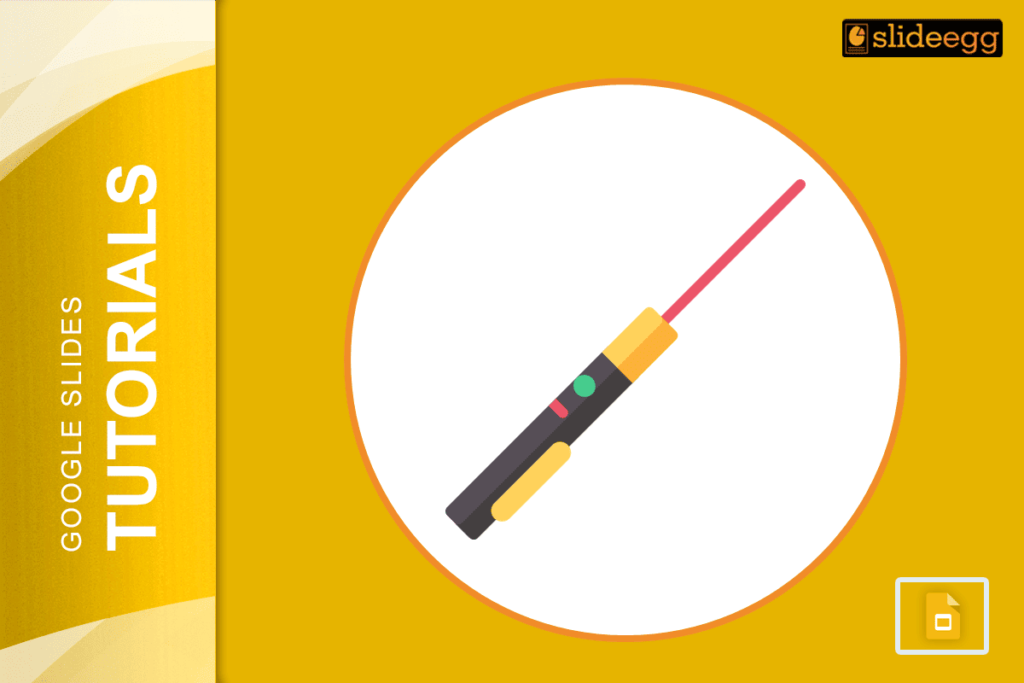
📌 Quick Tips: How to Use Laser Pointer in Google Slides1. Open your Google Slides presentation2. Click Slideshow (top-right)3. Press Shift + L (on Windows)...
 Google Slides Tutorials
📝 Quick Tips to Add Grammarly to Google Slides✅Grammarly doesn’t work directly inside Google Slides.✅Use “Grammarly for Chrome” to check text while typing in Google...
 Google Slides Tutorials
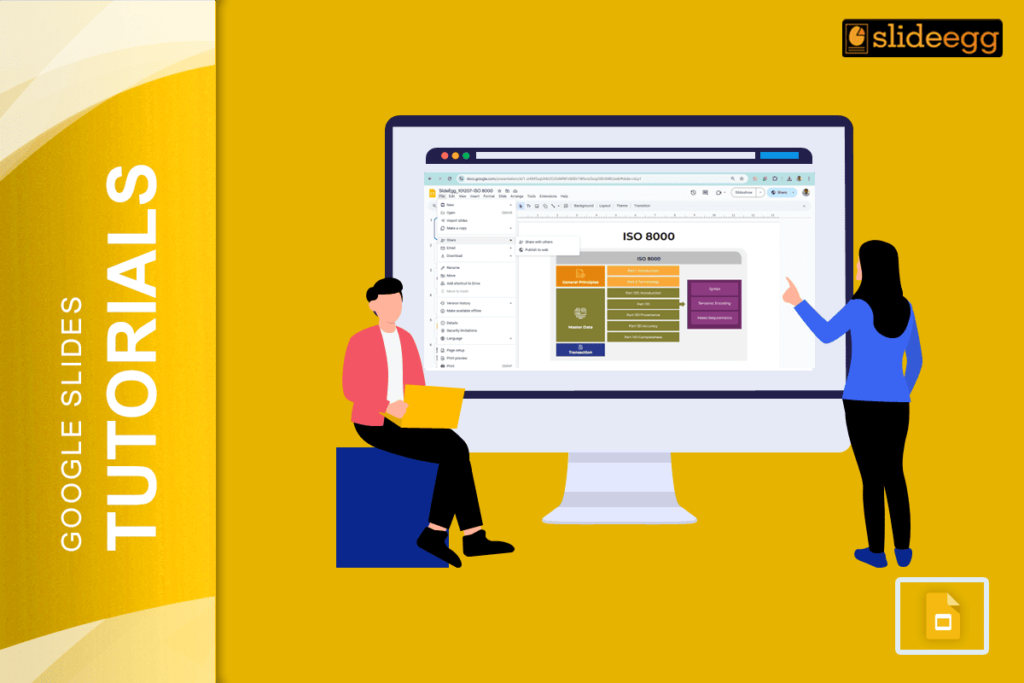
✅ Quick Tips: How to Add Citations in Google Slides * Type your source in a small text box under your slide.* Use the Insert...
 Powerpoint Tutorials
📝 Quick Tips to Present PowerPoint on Zoom Before we learn in detail, here are some fast steps you can follow to present a PowerPoint on...
 Google Slides Tutorials
Quick Tips: How to Add a Clock to Google Slides ✅ Go to Google Slides✅ Click Insert > Text box or Image✅ Add a clock...
 Google Slides Tutorials
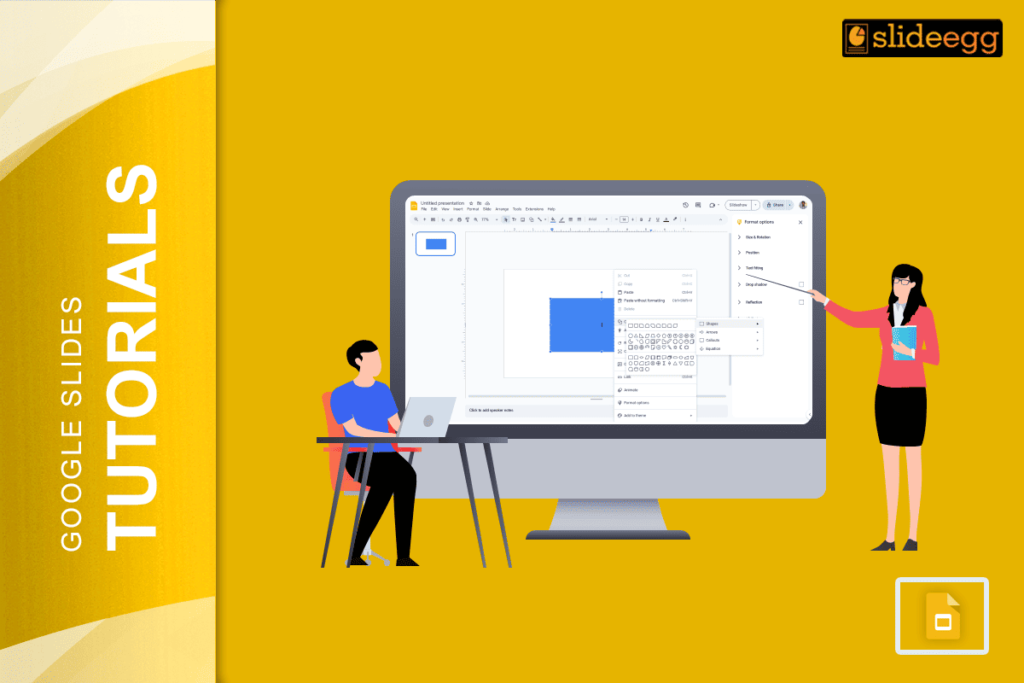
Quick Tips: How to Share Google Slides in Presentation Mode ✅ Open your Google Slides deck✅ Click on the “Present” button✅ Copy the presentation link...
 Google Slides Tutorials
Quick Tips: How to Round Corners in Google Slides (Super Easy Steps!)✅ Click the shape on your slide.✅ Look for the yellow diamond (handle) on...
Recent Blogs

Have you ever tried to compare three competitors in a single, disorganized spreadsheet? By the time you get...

Gemini puts Google’s AI right inside the Slides editor, so you can draft, design, and polish a presentation...

Quick Take: SlideEgg’s Christmas collection holds 474+ templates across PowerPoint, Google Slides, and select Canva formats, Santa-and-nativity scenes...