
Posts by Arockia Mary Amutha
 Industry Information
Introduction Between tight deadlines, iterative revisions, cross-team feedback cycles, and repetitive operational tasks, creative teams often spend more time managing workflows than actually designing. But...
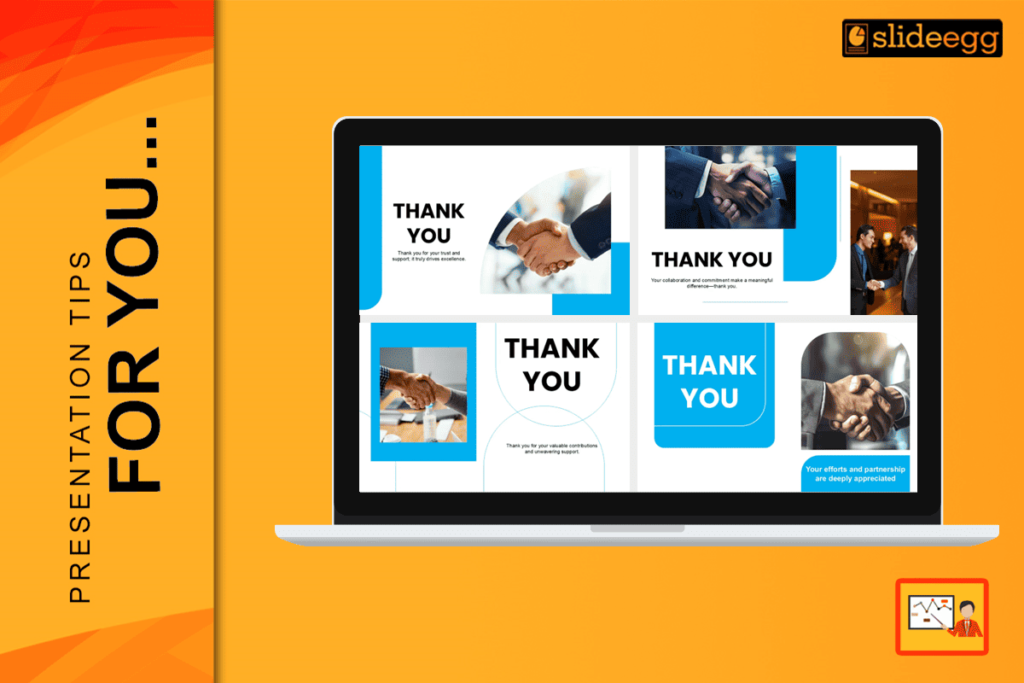 Presentation Tips
Many people spend hours making their first slide look perfect. They want to make a great first impression. But did you know that the last...
 Presentation Tips
Slides are strange creatures. They promise precision, control, professionalism—but too often, they deliver monotony. I’ve watched managers, colleagues, and even friends pour their energy into...
 Presentation Tips
Explaining complex topics with visuals, tables, and infographics can make learning easier for students. But teachers need the right AI presentation makers that require the...
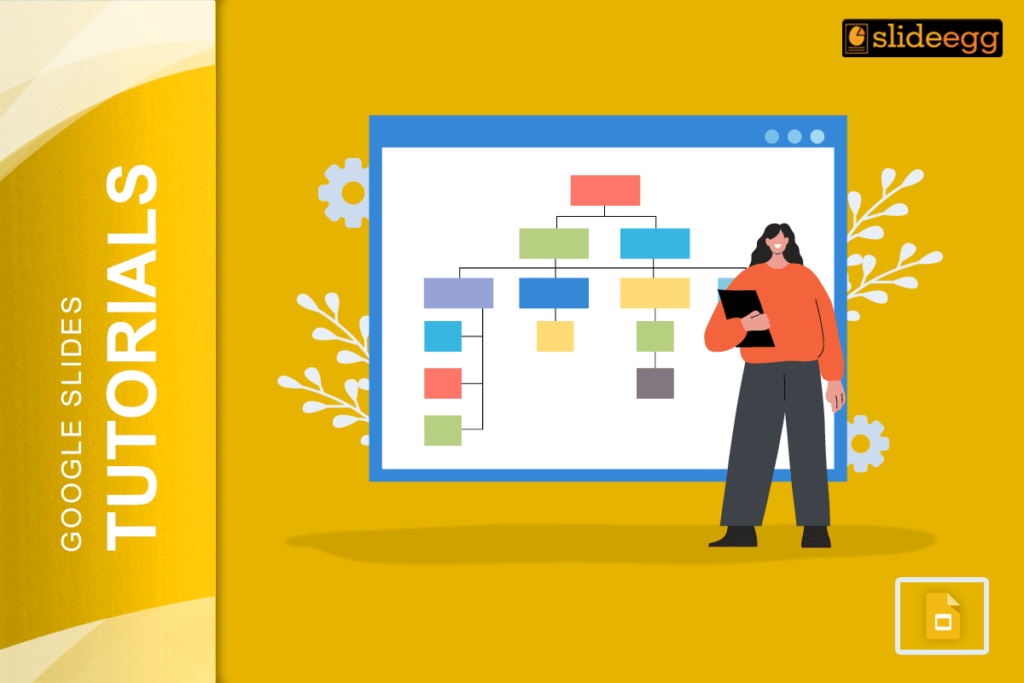 Google Slides Tutorials
Simple Steps to Create a Decision Tree in Google Slides✅Open Google Slides and choose a blank slide.✅Click Insert → Shape to draw boxes for each...
 Google Slides Tutorials
Getting ready to make your interactive quiz in Google Slides✅Plan your quiz: how many questions, answers, and feedback slides.✅Make all slides first – question and...
 Industry Information
One of the hardest things for presentation designers to do is talk about technological issues like privacy, encryption, or digital trust. The ideas are hard...
 Presentation Tips
PowerPoint has supported learning for many years across schools and training rooms. Many teachers and trainers still feel they use only a small part of...
 Presentation Tips
Strong academic writing does more than stack facts on a page; it leads readers through a clear story. To see how people judge clarity, read...
 Google Slides Tutorials
Essential Steps to Group Your Google SlidesHere are the main steps you can follow:✅Go to View → Grid View for easier layout.✅Right-click between slides and...
Recent Blogs

Have you ever tried to compare three competitors in a single, disorganized spreadsheet? By the time you get...

Gemini puts Google’s AI right inside the Slides editor, so you can draft, design, and polish a presentation...

Quick Take: SlideEgg’s Christmas collection holds 474+ templates across PowerPoint, Google Slides, and select Canva formats, Santa-and-nativity scenes...