Free Tech PowerPoint Presentations Templates
Nodes
Colors


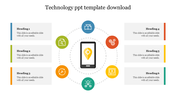








Free Technology PowerPoint Theme for a Six-Point Overview
The layout can introduce:
A mobile product or application
A digital-transformation initiative
Six features of a technology solution
Technology benefits and limitations
A project’s objectives, risks, and results
Key areas within a classroom technology topic
Turn the Placeholder Options Into a Clear Story
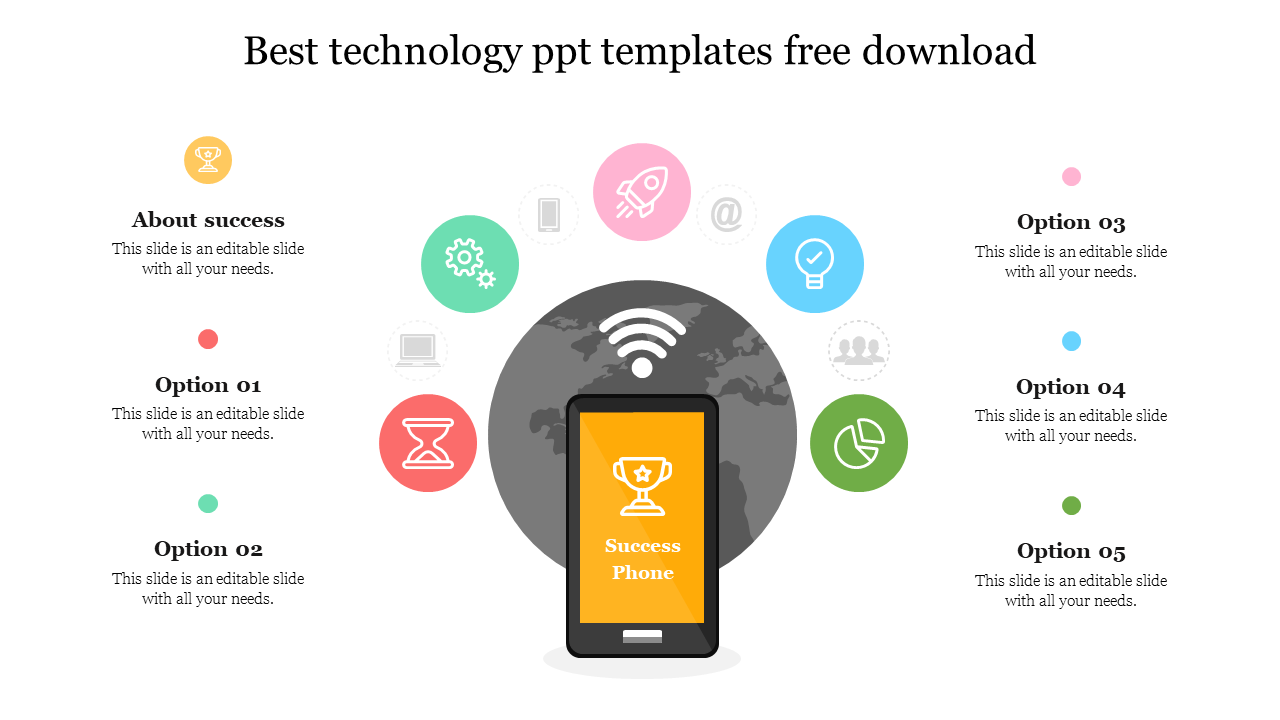
The original slide contains labels such as “About Success” and “Option 01.” Replace them with meaningful headings that tell the audience what each section represents.
For a mobile-product presentation, the six sections could become:
User problem
Target audience
Core features
Supporting technology
Privacy and security
Success measure
For a technology project update, use objective, current status, integration, adoption, risk, and expected outcome instead.
The phone screen should carry the central subject—such as the application name, project goal, or main result. The surrounding icons can then represent the six supporting ideas. Avoid using the icons as decoration alone; replace any symbol that does not match the accompanying point.
This design presents related elements rather than a step-by-step process. If order matters, number the sections clearly or select a timeline layout instead. The title, text blocks, icons, colours, and central phone graphic can be customised in PowerPoint.
When the smartphone represents the actual subject rather than a visual metaphor, the Mobile Phones PowerPoint templates provide more device-focused layouts. For subjects such as AI, cybersecurity, or cloud computing, choose a specialised design from the Technology PowerPoint templates instead of forcing all the details onto this summary slide.
More Collections for Free Tech PowerPoint Presentations Templates
Recommended based on this template.










Similar Templates to Free Tech PowerPoint Presentations Templates







Showing20 of69,218 templates