Amazing Arrows PowerPoint Presentation Template Design

Arrows Presentation Template
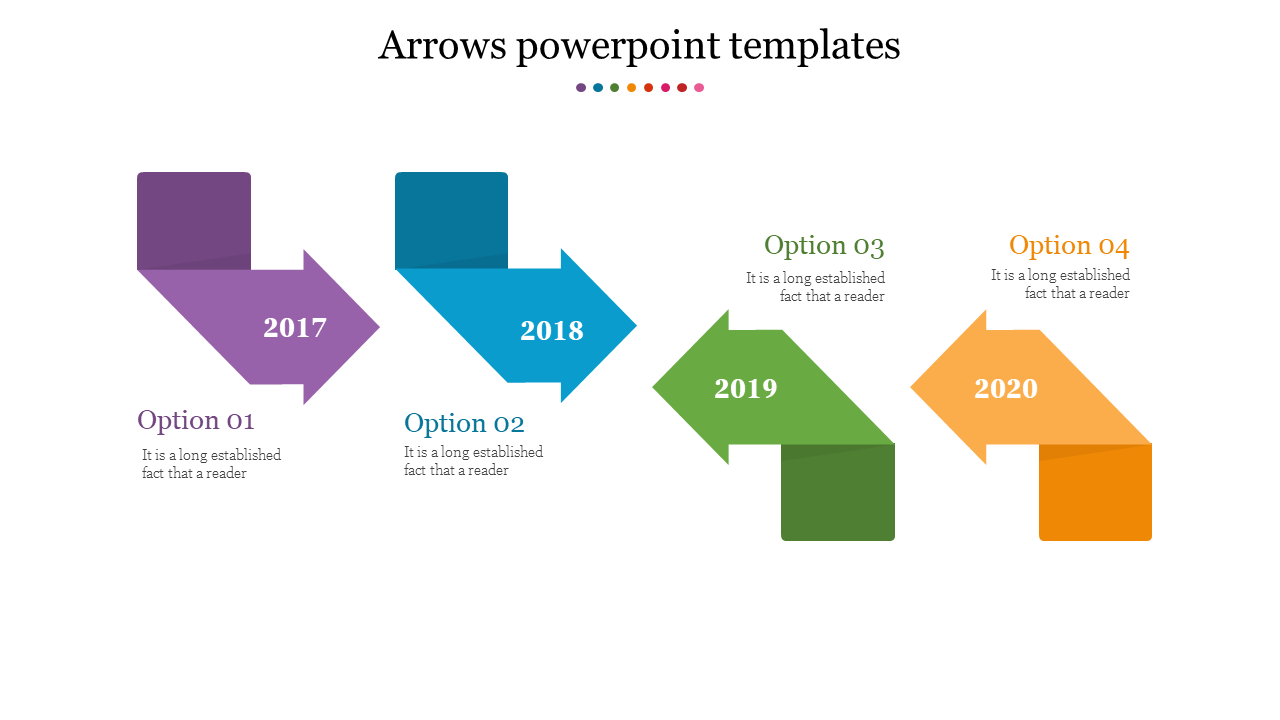
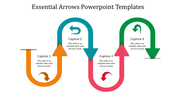
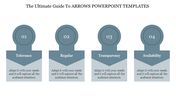
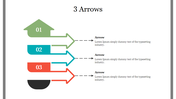
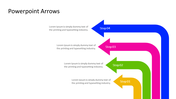
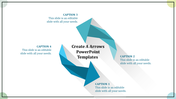
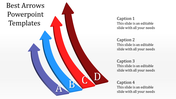
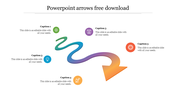
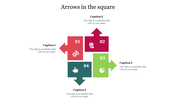
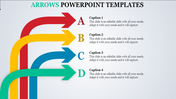
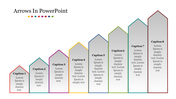
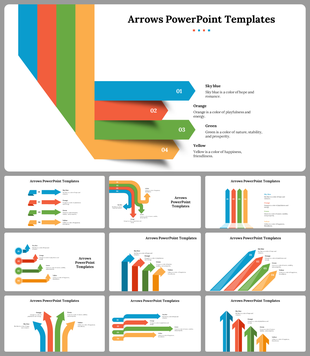
Create an engaging presentation with our Arrows PowerPoint template. This template features four colorful arrows, each pointing resolutely forward. Their vibrant hues—purple, blue, green, and orange—symbolize progress, direction, and growth. But these arrows aren’t just decorative; they’re your secret weapons for impactful storytelling.
Each arrow corresponds to a specific year—2017, 2018, 2019, and 2020. It’s like having a timeline at your fingertips. Whether you’re showcasing yearly achievements, project milestones, or strategic plans, these arrows guide your narrative seamlessly. And the best part? You can easily customize the content placeholders to fit your data.
Who Can Benefit?
U.S. Professionals: Elevate your boardroom presentations, impress clients, and leave a lasting impact.
Anyone Seeking Clarity: Whether you’re a startup founder, educator, or nonprofit advocate, these templates simplify complex ideas.
Click below to download or explore more slides tailored just for you.
Features of the template:
- Slides are available in 4:3 & 16:9
- Well-crafted template with instant download.
- Get slides that are 100% customizable and easy to download
- Highly compatible with PowerPoint and Google Slides.









You May Also Like These PowerPoint Templates








Showing20 of69,218 templates