Attractive PowerPoint Arrows Download With Four Node
Nodes
Colors





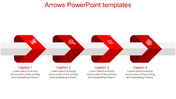





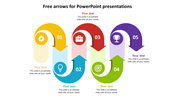
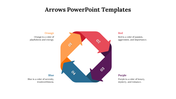
PowerPoint Template with a Two-Way Arrow
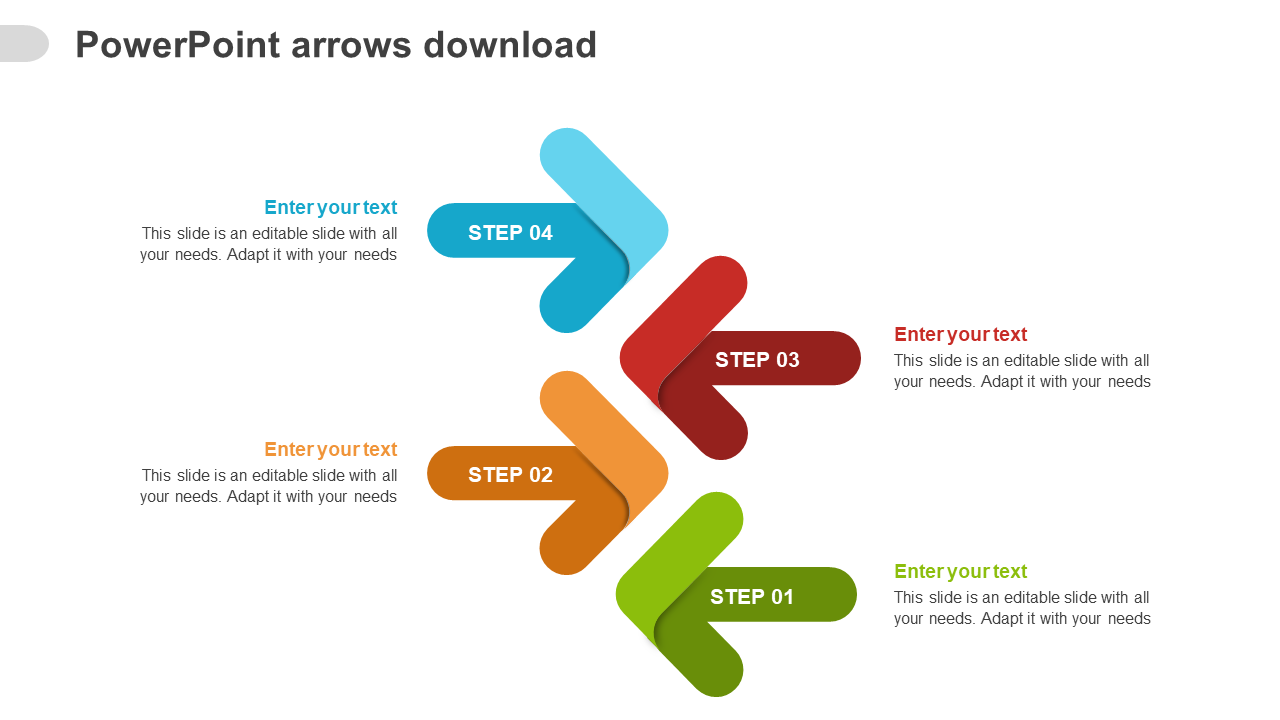
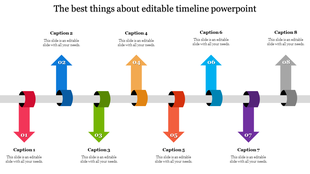
The idea of progress, change, direction, and flow can be illustrated using this two-way arrow PowerPoint template. The template has four arrows with attractive colors that point in opposite directions and can be used to indicate a starting or ending point. To further emphasize the concept, you may add text, photos, or graphics to the circles and change the colors of the arrows. This design is ideal for talks that discuss development and change. It works well with Google Slides and PPT. Use this template to make your message stand out and receive the attention it deserves!
Features of this Template
- 100 % customizable slides and easy to download.
- Slides are available in different colors.
- The Slide has 4:3 and 16:9 formats.
- Easy to change the slide colors quickly.
- Appealing Presentation to impress an audience.
- Create feature-rich slide presentations.
- An eye-pleasing color slide helps to give a catchy presentation.
- Crisp and clear font styles and design Presentation.
- Multi-hue arrow design Presentation.
More Collections for Attractive PowerPoint Arrows Download
Recommended based on this template.









Similar Templates to Attractive PowerPoint Arrows Download













Showing20 of69,218 templates