Non-Circular Presentation Templates
Free non-circular PowerPoint templates and Google Slides themes and are the perfect song for your presentation playlists. By using these templates for presenting your ideas, expect your company to be at its best compared to market competitors. The shapes give you space to customize.
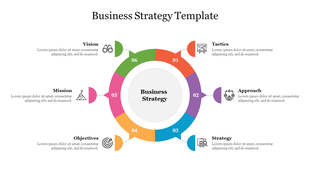
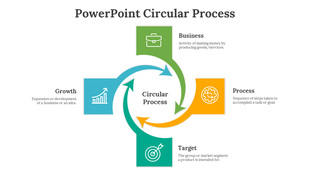
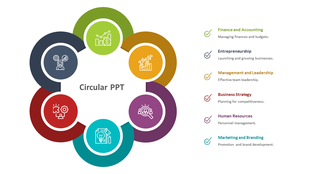


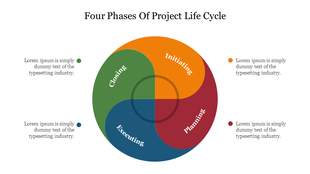




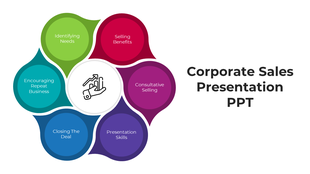
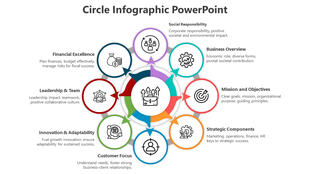

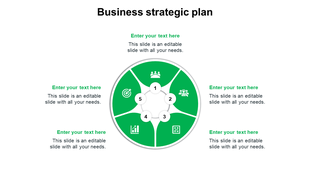


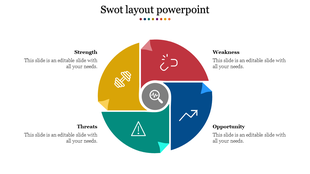
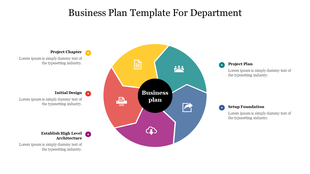
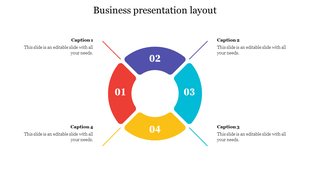






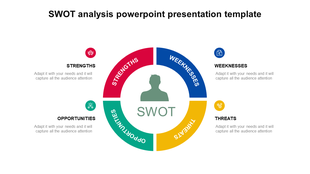
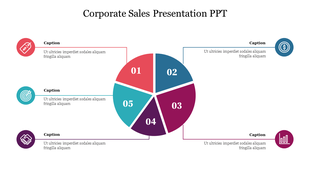


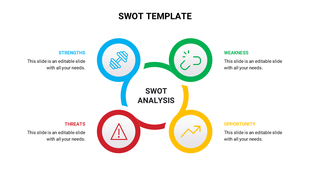
Showing48 of148
Make Creative Visual Stories With Free Non-Circular PowerPoint Templates and Google Slides Themes!
- Choose Slides That Stand Out: Our slides are more than just pretty pictures. They’re a powerful tool to make your message heard. With designs that catch the eye and colors that draw attention, your presentation will be unforgettable.
- Designs That Shine: Our templates feature bold colors and unique shapes that make each slide a work of art. They’re not just slides; they’re conversation starters.
- Fully Customizable for Your Needs: Every element can be changed to fit your style. By selecting multiple nodes, you have the flexibility to adjust every detail until it meets your exact specifications.
- Ready for Any Situation: Our templates are free from copyright worries and come in various formats and sizes. Whether you need a traditional 4:3 ratio or a modern 16:9 widescreen, we’ve got you covered.
- For Everyone, Everywhere: No matter who you are or what you do, our templates are made for you. Educators, business professionals, students—anyone can use them to make an impact.
Non Circular Templates: FAQs
What are Non-Circular PowerPoint templates?
A non-Circular PowerPoint Template is the best presentation tool designed with beautiful circular shape designs. These circle designs are the perfect layouts for representing business and product data.
Where can we use these Non-Circular PowerPoint Slides?
These Non-Circular PowerPoint templates are a great choice to use in business sectors. The circle designs are the best visual tool to enhance the presentation.
How can I make a Non-Circular PowerPoint Template in a presentation?
Designing a new slide for a presentation will take time. So it's better to use pre-designed templates for your presentations to save time and effort. If you wish to learn some design ideas for presentations, visit our tips and tricks page.
Who can use Non-Circular PowerPoint Templates?
Anyone from the business field can make use of these Non-Circular PowerPoint Templates. These layouts are well-designed to make your presentation simple and effective.
Where can I find free PPT Templates?
You may get free PowerPoint templates from a variety of sources. However, if you want high-quality designs, go with a recognized business like Slide Egg.