Circular Process PowerPoint And Google Slides Themes
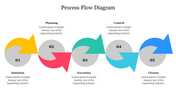
Linear PowerPoint Slide For Presentation
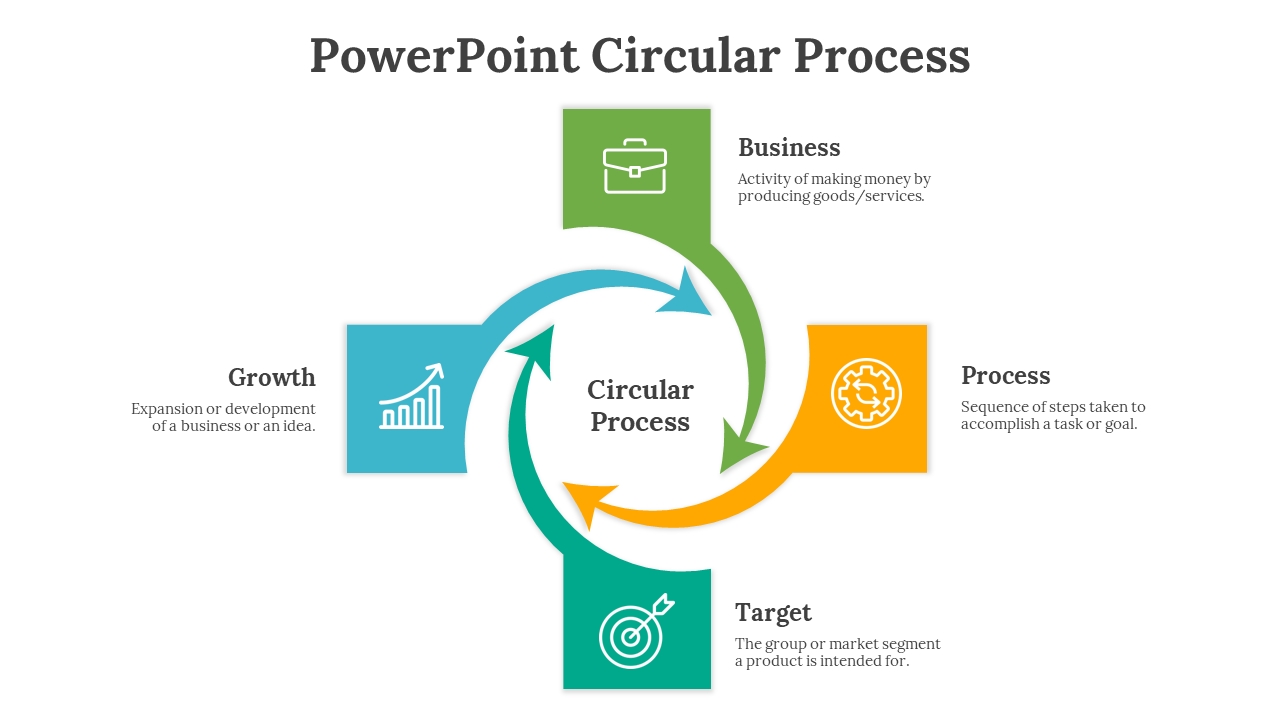
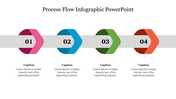
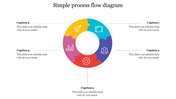
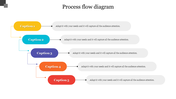
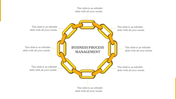
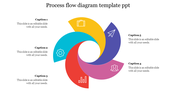
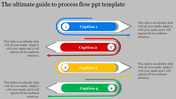
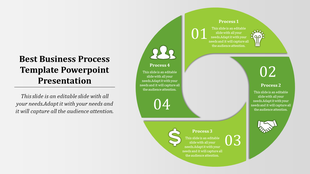
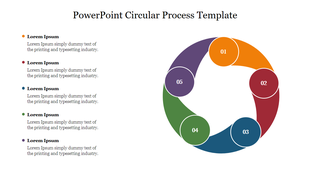
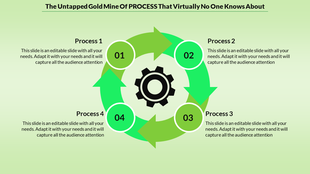
This PowerPoint circular process template is a pre-designed layout. The arrow design will highlight the business process data in an easily understandable way. Use our creative arrow process template to add important business milestones and data effectively.
About the template
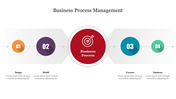
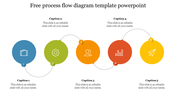
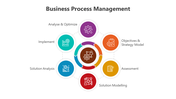
The PowerPoint circular process template is a creative business layout. It is a three-noded slide. The creative icons will communicate the business process plans effectively to the audiences. In addition, it holds the best infographic diagram to represent the business goals. All the elements in this slide are free to modify.
Feature of this template
- 100% customizable slides and easy to download.
- Slides available in different nodes & colors.
- The slide is contained in 16:9 and 4:3 format.
- Easy to change the slide colors quickly.
- Well-crafted template with instant download facility.
- It is a well-designed presentation template.
- Best template for PowerPoint Presentation.








You May Also Like These PowerPoint Templates







Showing20 of69,218 templates