Linear - One to Many to One Presentation Templates
One-to-many-to-one is a perfect method to inform people about the strategies for the upcoming business year. Entrepreneurs who venture into different startups can use our linear one-to-many-to-one Google Slides themes and PowerPoint templates for exploration.
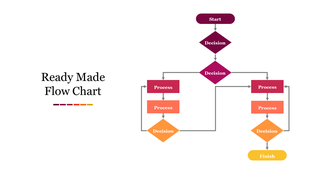
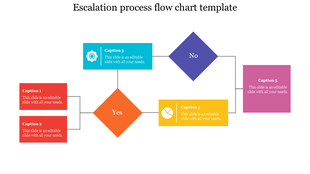
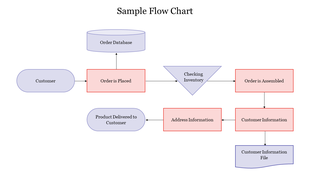
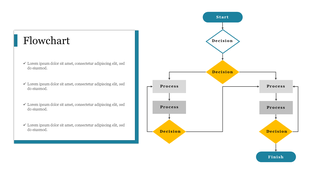
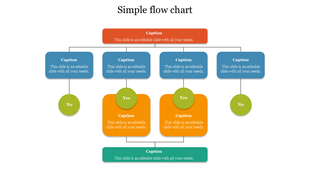
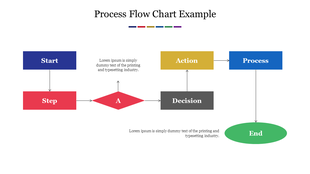
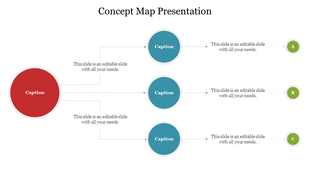
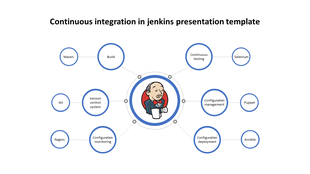
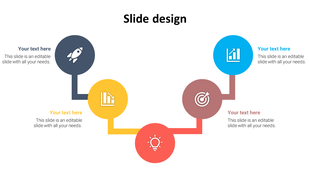
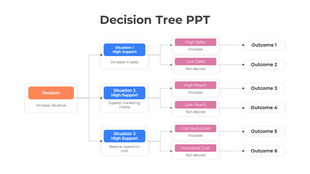
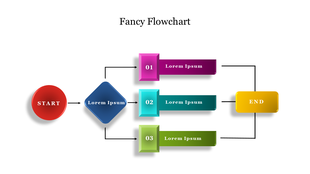
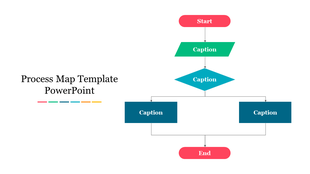
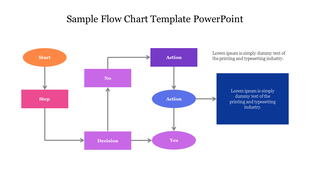
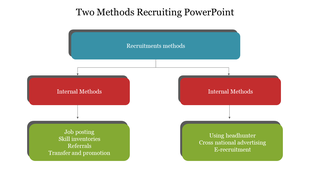
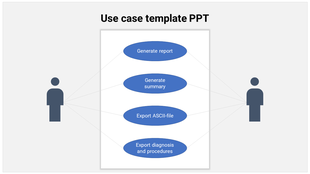
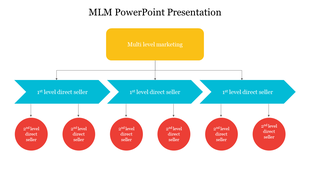
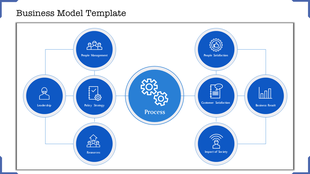
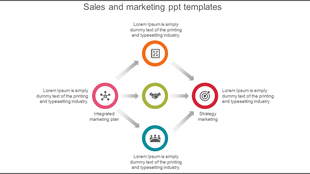
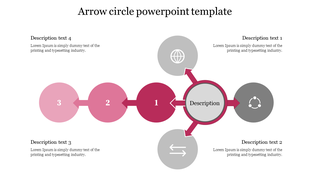
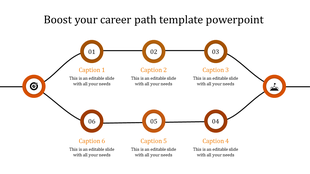
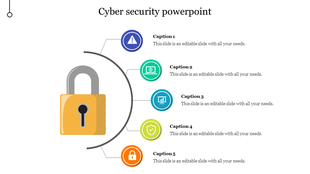
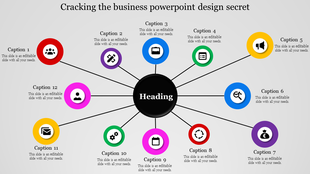
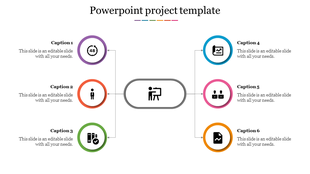
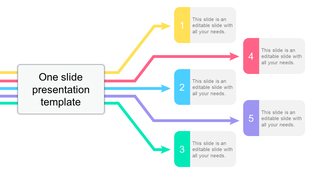
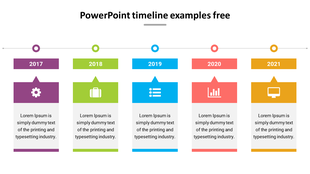
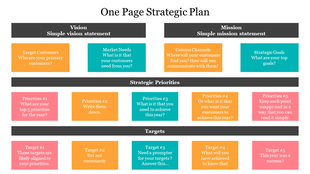
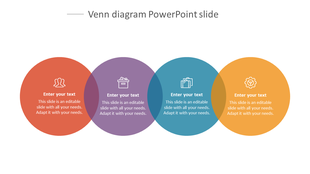
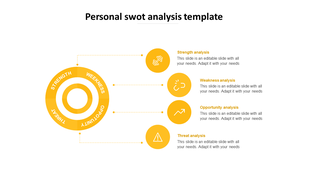

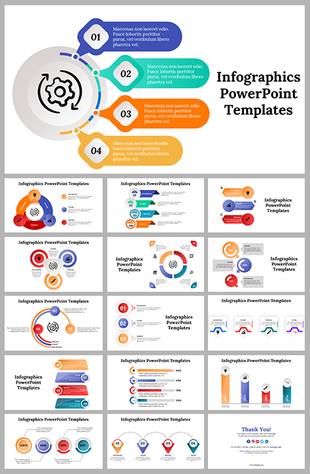
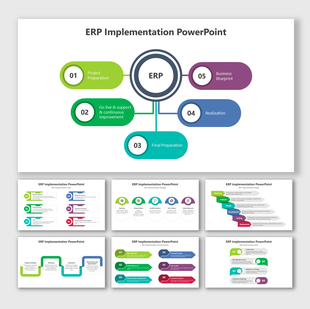
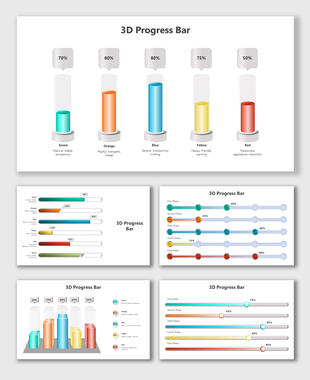
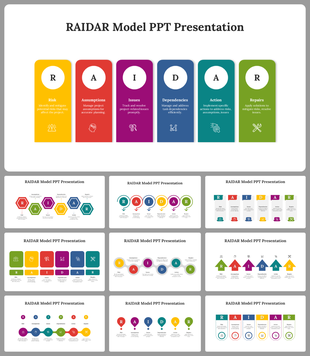
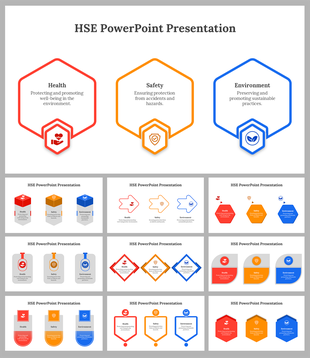
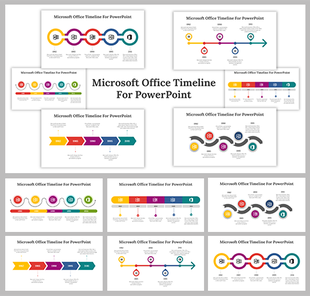


Make Every Point Clear with Linear - One to Many to One PowerPoint Templates and Google Slides Themes
- SWOT Analysis: Clearly outline strengths, weaknesses, opportunities, and threats.
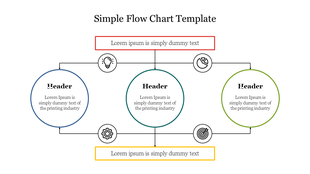
- Process Flow: Show every step of a process with easy-to-follow diagrams.
- Concept Map: Organize complex ideas in a structured layout.
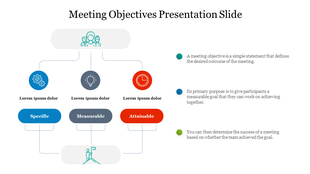
- Meeting Objectives: Set clear goals and agendas for your meetings.
- Career Path: Illustrate career progression and development plans.
- Business Plan: Present your business strategy in a coherent and logical manner.
- And More!
- Colorful Graphics: Use multicolor graphics to highlight different aspects of your presentation.
- Flowcharts and Mind Maps: These tools help you represent processes and ideas clearly.
- Customizable Elements: Every aspect of our templates is editable, so you can make them your own.
- Multiple Node Selections: Customize different parts of your slides with ease.
- Royalty-Free: Utilize our templates without any concerns about additional charges.
- 100% Editable: Change any element to suit your presentation style.
- Multiple Formats and Orientations: Choose from 4:3 or 16:9 sizes, and portrait or landscape orientations.
- Free Slides: Try out some of our templates for free to see how they work for you.
Frequently Asked Questions
What are Linear One-To-Many-To-One templates?
Linear One-To-Many-To-One templates are the best presentation tool designed with stylish themes and designs to enhance the presentation. These layouts are perfectly designed with linear designs and shapes to impress everyone.
Where can we use these Linear One-To-Many-To-One PowerPoint Slides?
Linear One-To-Many-To-One templates are the best presentation tool for business presentations. These templates are perfect for business meetings, conferences, workshops, and demos.
How can I make a Linear One-To-Many-To-One Template in a presentation?
Every professional PowerPoint creator will find it easy to create a presentation template. But if you are a beginner and need more time for your presentation, consider using a pre-designed template from Slide Egg.
Who can use Linear One-To-Many-To-One Templates?
All business professionals are free to use these Linear One-To-Many-To-One templates. These templates are the best choice for presenting the data using linear designs.
Where can I find free PPT Templates?
There are many free PPT template websites from where you can download slides. But you might have some problems regarding the designs. So it's always best to download templates from trustworthy websites like Slide Egg.