Arrows PowerPoint and Google Slides for Visual Impact
Free
Nodes
Colors

Arrows Google Slides Template
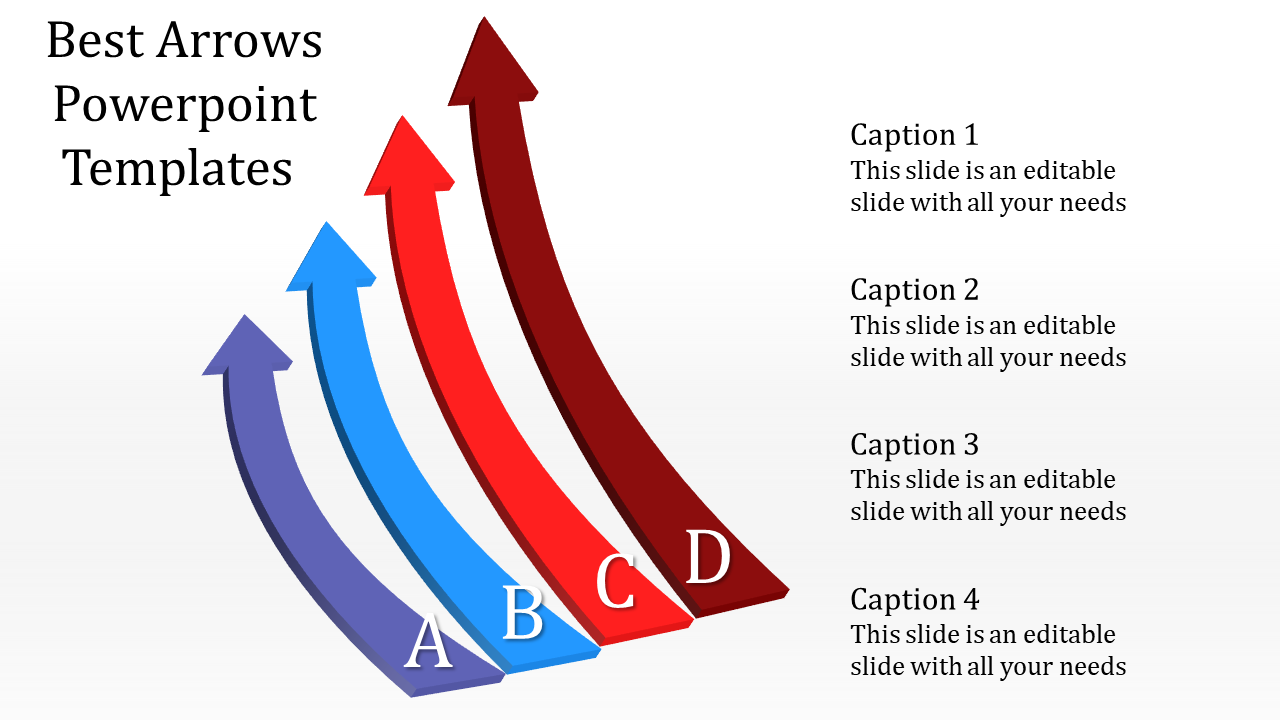
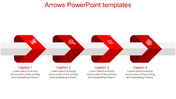
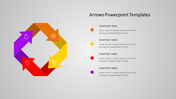
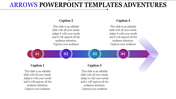
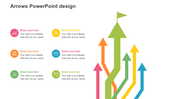
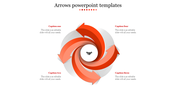
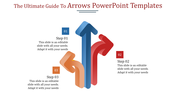
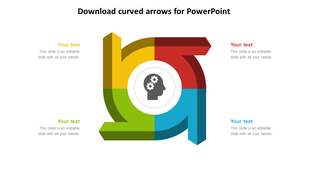
The "Arrows PowerPoint Template and Google Slides" features a collection of four 3D arrows in different vibrant colors: blue, purple, red, and maroon. These arrows are arranged in a curved line, with the blue arrow positioned at the bottom left and the maroon arrow at the top right. Adjacent to each arrow, there are text placeholders where users can input relevant information or descriptions.
This template is ideal for professionals across various fields who need to illustrate processes, workflows, or sequential steps in their presentations. It caters to project managers, business analysts, educators, trainers, or anyone tasked with visually representing sequential information or guiding audience attention through a series of steps or stages.
Compatible with both PowerPoint and Google Slides, ensuring versatility and accessibility for users. Available in "16:9" and "4:3" aspect ratios and zip formats to accommodate different presentation environments and screen sizes. Free to download and fully customizable, Download the Arrows PowerPoint Template and Google Slides now.
More Collections for Arrows PowerPoint and Google Slides
Recommended based on this template.









Similar Templates to Arrows PowerPoint and Google Slides








Showing20 of69,218 templates