Merging Arrows PPT Presentation Template And Google Slides
Nodes

Colors
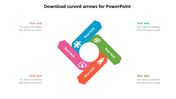
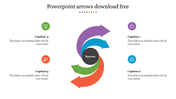

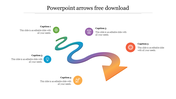
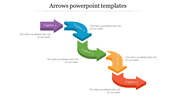
Merging Arrows PowerPoint Template
Download Now! Using a Merging Arrows PowerPoint Template is an excellent way to convey complex ideas. Besides being easy to use, this template is 100% customizable. The colors and shapes of each arrow can be changed to suit your specific needs and audience. If you need a more comprehensive presentation for a business presentation, then you can download this template.
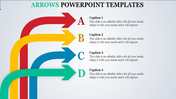
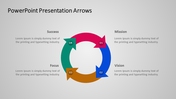
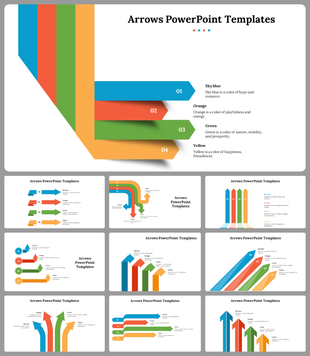
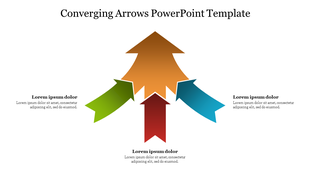
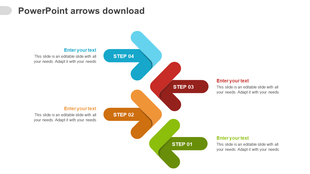
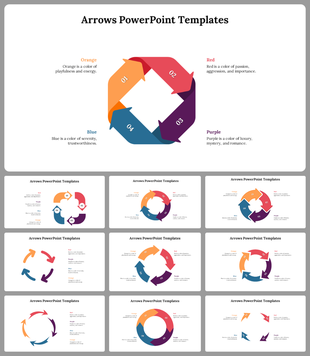
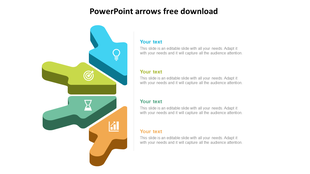
The Merging Arrows PowerPoint Template is beautifully designed with multicolor arrows. It includes creative infographic designs with eye-catching colors. The arrow is segmented into three sections, and each section has a text holder to present your information. It can be used for displaying a number of processes and data. This template can be adapted to fit your specific purpose and theme.
Features of this template:
1. 100% customizable slides and easy to download.
2. Slides available in different nodes & colors.
3. The slide contained 16:9 and 4:3 format.
4. Easy to change the slide colors quickly.
5. Well-crafted template with instant download facility.
6. Creative multicolor arrow slide.
More Collections for Merging Arrows PPT Presentation Template
Recommended based on this template.
Similar Templates to Merging Arrows PPT Presentation Template
Showing20 of69,218 templates