Our Predesigned PowerPoint Arrows Free Download
Nodes
Colors



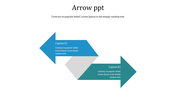



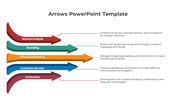



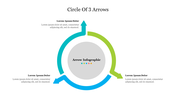

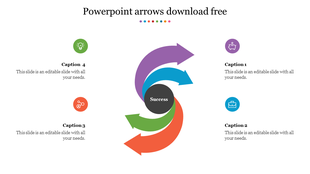
Turning Arrow Concept Template for PowerPoint
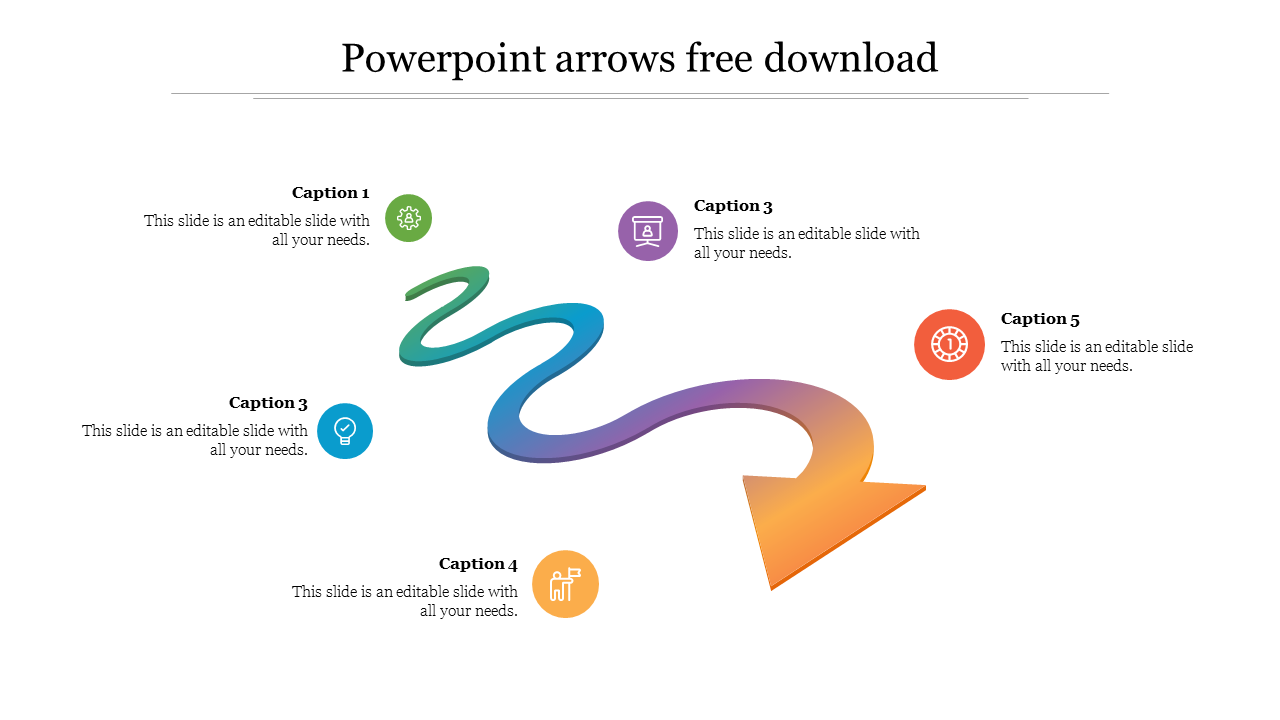
Create your own basic timelines and process stages using our Turning Arrow PowerPoint template. The turning arrow represents a difficult or uneven path taken to get to the desired location. This illustrated graphic can be used by presenters to illustrate the development stages, milestones, or stages of their success stories. In addition to the recommended use cases, this presentation diagram can be customized to show various corporate or academic topics with five nodes with text areas. Since all of the shapes and shadow effects used in this arrow graphic are 100% changeable in PowerPoint, users may easily change the color scheme or add additional features while still using Google Slides and PPT. Use this to give your presentation the appearance of a bee on a bonnet.
Features of the Template
- 100 % customizable slides and easy to download.
- Slides are available in different colors
- The slide has 4:3 and 16:9 formats.
- Easy to change the slide colors quickly.
- Appealing Presentation to impress an audience.
- Create feature-rich slide presentations.
- An eye-pleasing color slide helps to give a catchy display.
- Eye-grabbing multi-color turning arrow presentation.
More Collections for Our Predesigned PowerPoint Arrows Free Download
Recommended based on this template.









Similar Templates to Our Predesigned PowerPoint Arrows Free Download
















Showing20 of69,218 templates