Waterfall Chart Powerpoint — Edit and Present


Waterfall Chart PowerPoint — PowerPoint and Google Slides Template
Spending hours building slides from scratch is time you don't have. A ready-made, fully editable template gets you to a polished presentation in minutes — not hours.
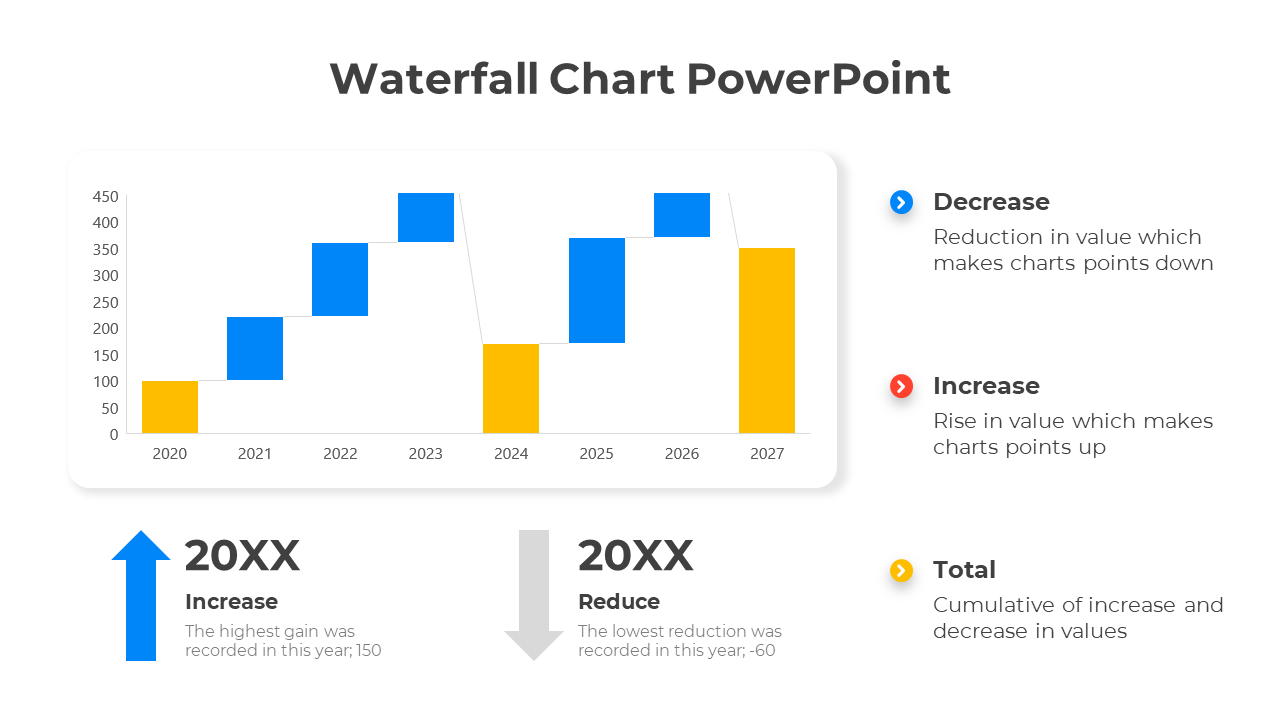
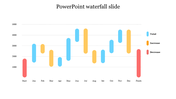
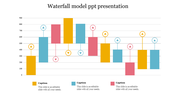
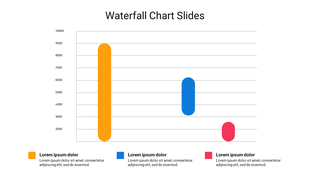
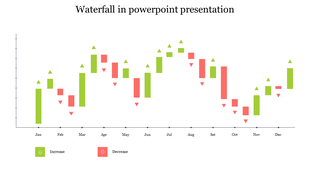
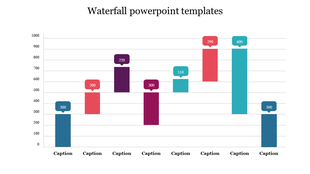
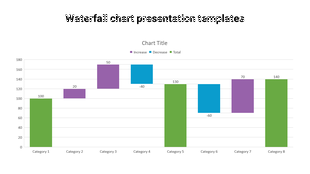
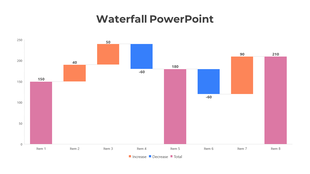
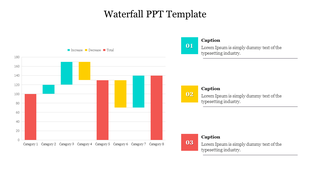
This Waterfall Chart PowerPoint gives you a clean, fully editable presentation slide that's ready to use the moment you download it. The slide features waterfall chart with blue and yellow bars for annual changes, featuring placeholders for increase, decrease, and total. Drop it into your deck, replace the placeholder text, and you're done.
What's Inside
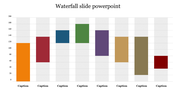
A focused single-slide design — built for one strong visual message, fast to customize — text, colors, icons, and layout are all yours to adjust. Design variations include: Waterfall, Waterfall Chart, Chart, Waterfall Chart Model. Match your brand, adapt the layout, change the colors — it takes minutes, not hours.
Who This Is For
Built for professionals, students, educators, and anyone who needs a polished, ready-to-use presentation template. No design background needed — just open, edit, and present.
Formats & Download
Available for PowerPoint and Google Slides. Download instantly — no design skills required. Everything is fully customizable to match your brand or topic.
Key Features
- Fully editable — text, colors, icons, and layout
- Compatible with PowerPoint and Google Slides
- 16:9 widescreen format — presentation-ready
- Clean, professional design — no clutter
- Premium — instant download access
Explore more Waterfall model templates to find the right fit for your next presentation.


You May Also Like These PowerPoint Templates
Showing20 of69,218 templates