Black FridaySave Up to 50% on Lifetime plan

GRPI Model Presentation Templates

If you want to train more efficient team workers for your upcoming project? Then get our Free GRPI Model PowerPoint Templates and Google Slides Themes. They are the best options for it. It is designed with super cool features to impress all. Grab our templates without any delay.

Free
Pyramid shaped GRPI model with blue, orange, green, and red sections detailing team development stages.
Free
GRPI model diagram with four layered pyramid in green and blue, displaying a hierarchical structure of team development.
Free
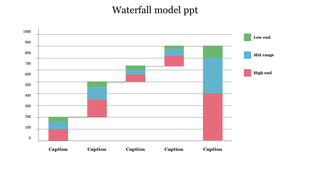
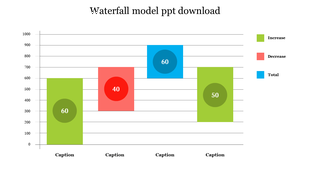
Stacked bar chart of the waterfall model with color coded ranges low, mid, and high end across several days.
Free
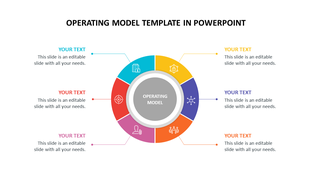
Slide showcasing an operating model with a layered circular design and three icons for caption area on model components.
Free
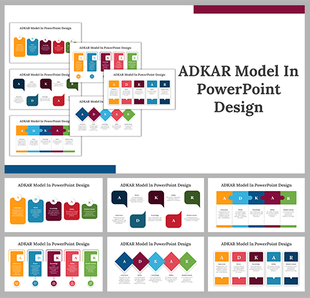
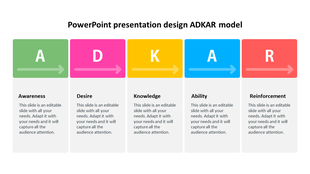
Slide featuring the ADKAR model with five sections each with colorful corresponding icons and placeholder text.
Free
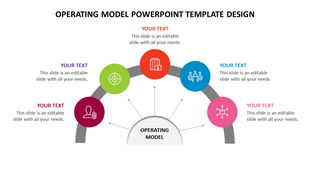
Operating model template with a five-segment circular chart, each segment in a different color with placehoder text areas.
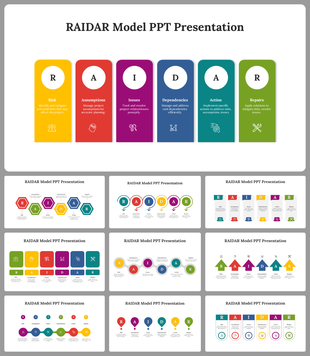
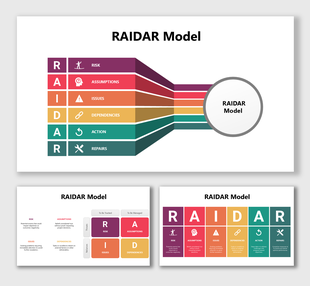
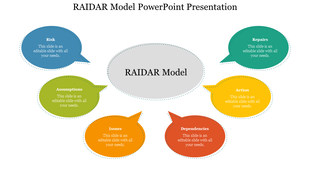
Colorful RAIDAR model template with speech bubble placeholders surrounding the main title.
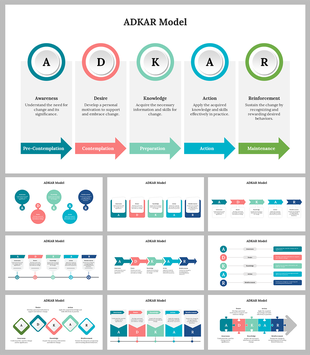
ADKAR model template with five circular elements representing the stages of change management.

Transform Your Team’s Performance with Free GRPI Model PowerPoint Templates and Google Slides Themes!


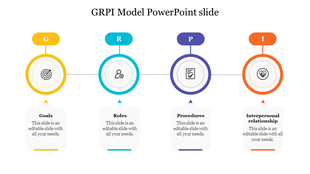
The GRPI Model is a simple yet powerful framework that helps teams work better together. It stands for Goals, Roles, Processes, and Interactions. Each part of the model is like a piece of a puzzle that, when put together, creates a clear picture of how a team can achieve its objectives.

Why GRPI Model Presentations?

Presentations based on the GRPI Model can guide your team through setting clear goals, defining roles, understanding processes, and improving interactions. They are a visual and practical way to bring the GRPI principles to life.

How Our Slides Help?

Our slides offer a visual aid to discuss and align the four key elements of the GRPI Model. With our templates, you can:

  • Set clear and shared goals.
  • Clarify each team member’s role.
  • Outline efficient processes.
  • Foster positive interactions.

Why Choose Our Slides?

In our collection, we offer a diverse range of themes, spanning business strategies and educational workshops, with slides featuring engaging infographics, customizable colors, editable elements, backgrounds, and more. All our content is royalty-free, and we provide various formats (4:3 & 16:9) and orientations (portrait & landscape) to suit your needs, along with free slides to jumpstart your projects. Our GRPI Model Templates stand out for their user-friendly design and visual appeal, incorporating creative elements that enhance comprehension and retention. With customizable multicolor options, you can tailor the look to align with your brand or desired mood. Every aspect is editable, empowering you to personalize each slide according to your preferences and requirements.

Who Can Use Them?

Whether you’re a business leader, a project manager, or an educator, our templates are versatile enough for anyone who wants to improve team performance and communication.

Browse our GRPI Model Presentation Templates today and find the perfect tool to drive your team forward. Remember, a well-aligned team is the key to achieving great results. Start your journey to better teamwork now!

GRPI Model Video Tutorials

Watch quick, practical walkthroughs and level up your presentation design skills in minutes.

GRPI Model Templates: FAQs

What is GRPI Model?

The GRPI model is a comprehensive framework describing the key factors that teams need to function effectively. GRPI is an acronym for Goals, Roles and Responsibilities, Processes, and Procedures.
What are the GRPI Model PowerPoint Templates?

GRPI Model PowerPoint Templates are perfectly designed infographics templates to present your GRPI hierarchical model clearly and precisely.

Where can we use these GRPI Model PPT Slides?

We can use these GRPI Model PPT Slides for planning, monitoring, performance, and interventions.

How can I make GRPI Model Slides in a presentation?

Using creative infographics, like triangles and pyramids, you can make GRPI Model Slides. You can visit our tips and tricks to learn the method to design slides from scratch.

Who can use the GRPI Model PPT Templates?

Team leaders can use these GRPI Model PPT Templates for team development presentations.

Why do we need GRPI Model PowerPoint Templates?

GRPI Model PowerPoint Templates enable you to design the best team development and management presentations easily.

Where can I find Free GRPI Model PowerPoint Templates?

Slide Egg will be one of the best solutions to find Free GRPI Model PowerPoint Templates.