300+ KPI Dashboard Presentation Templates

Numbers alone don't communicate. You know what your metrics mean. Your audience doesn't. Spreadsheets are full of data but empty of insight. That gap between what you know and what people understand is frustrating.

Got a Unique Idea? Craft with AI
PRO
Credits left : 0
Free
Add to Wishlist
Download
AI Customize
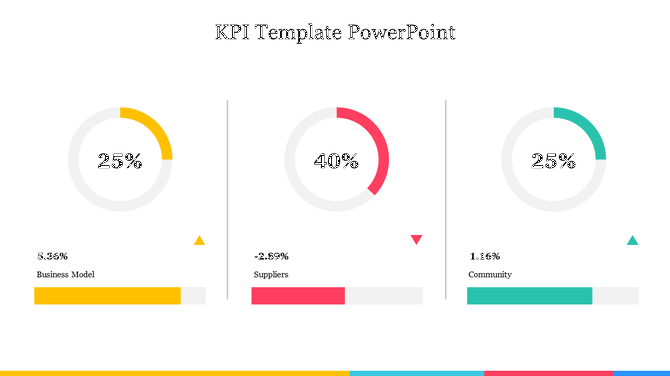
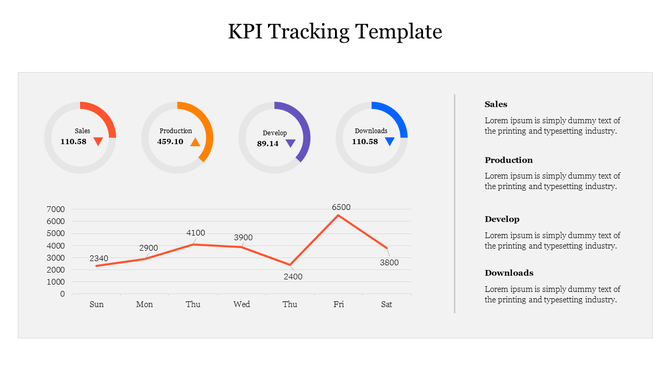
KPI PPT Template with three colourful circular progress charts  showing percentages, growth indicators, and  bar charts.
Add to Wishlist
Download
AI Customize
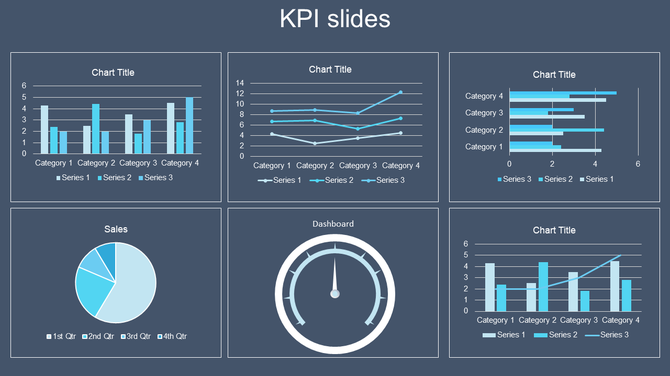
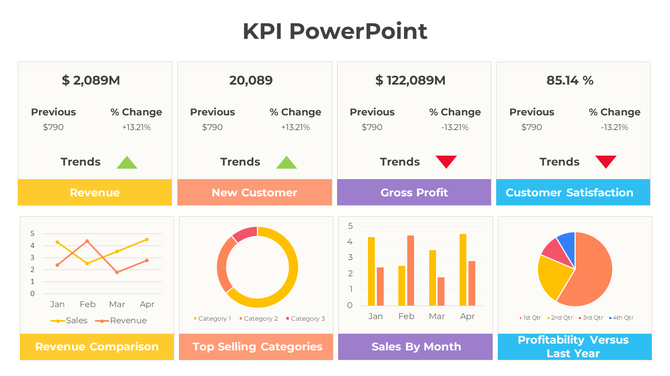
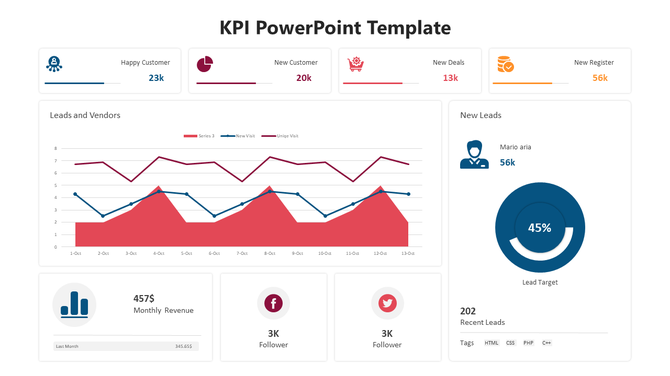
KPI dashboard slide showing multiple charts, including bar, line, pie, and gauge charts with tracking business data.
Free
Add to Wishlist
Download
AI Customize
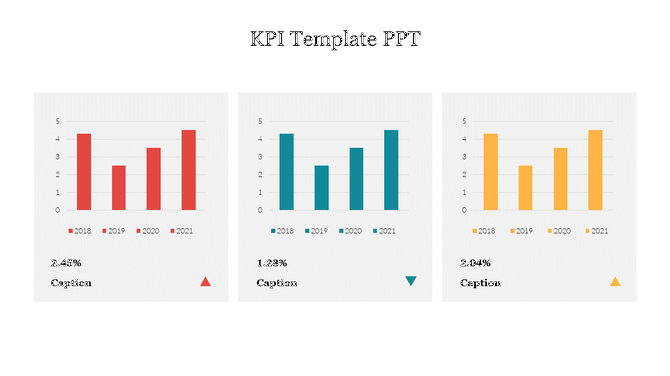
KPI Template PPT Presentation Slide With Bar Chart
Add to Wishlist
Download
AI Customize
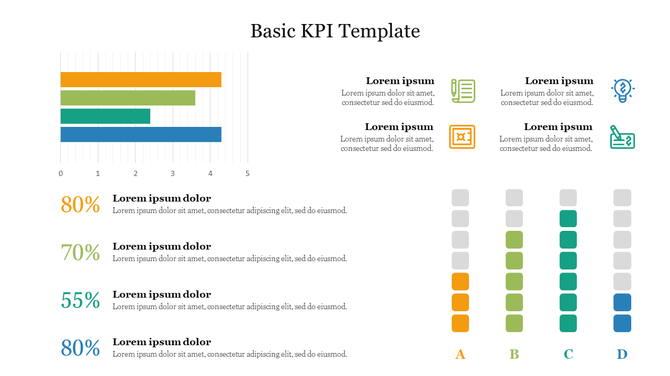
Key performance indicator slide displaying data bars, percentages, and distinct icons in a structured layout.
Add to Wishlist
Download
AI Customize
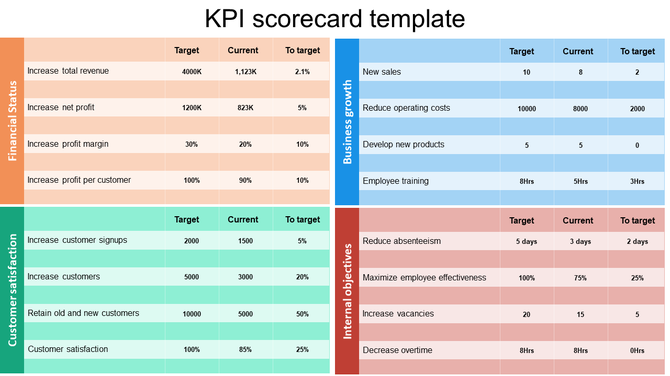
Key Performance Indicators (KPI) scorecard template displaying various objectives in colored sections each with text area.
Free
Add to Wishlist
Download
AI Customize
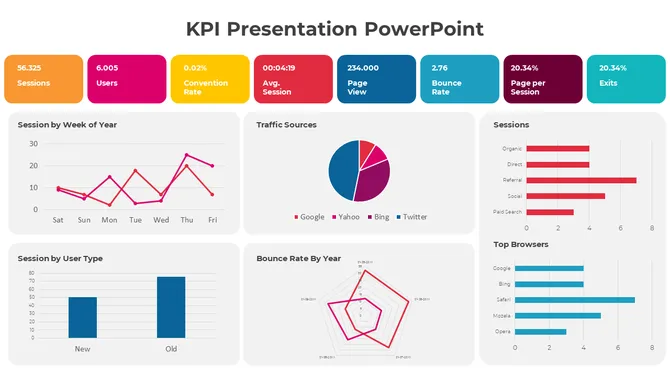
KPI PowerPoint slide with line, bar, pie, and horizontal bar charts, each showing different business data metrics.
Free
Add to Wishlist
Download
AI Customize
Free Dashboard Templates For PowerPoint & Google Slides
Add to Wishlist
Download
AI Customize
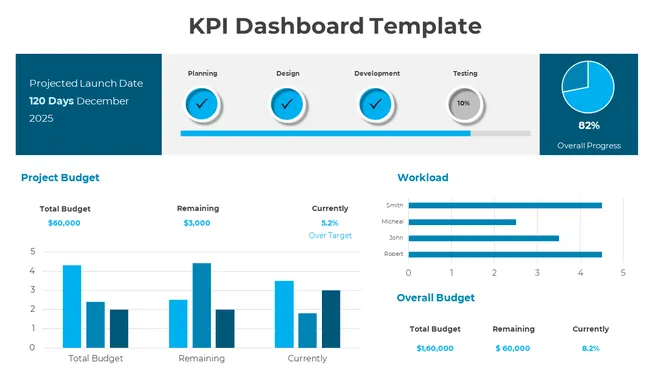
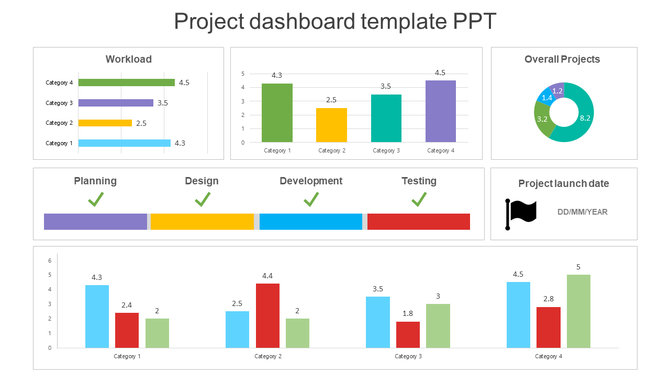
Dashboard slide displaying data through colorful bar charts, a pie chart, and a project timeline with phase completions.
Add to Wishlist
Download
AI Customize
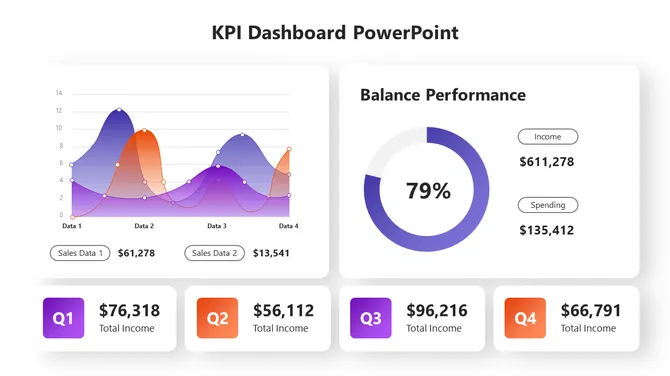
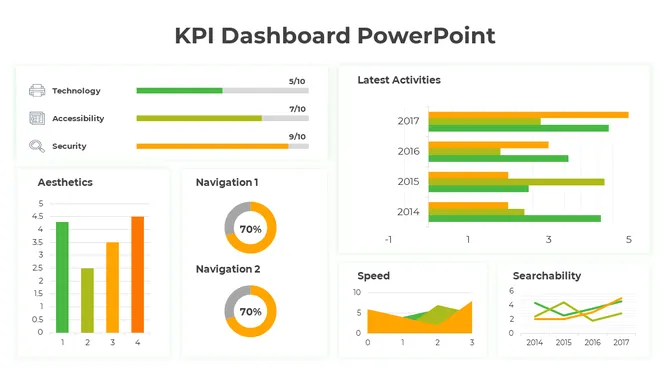
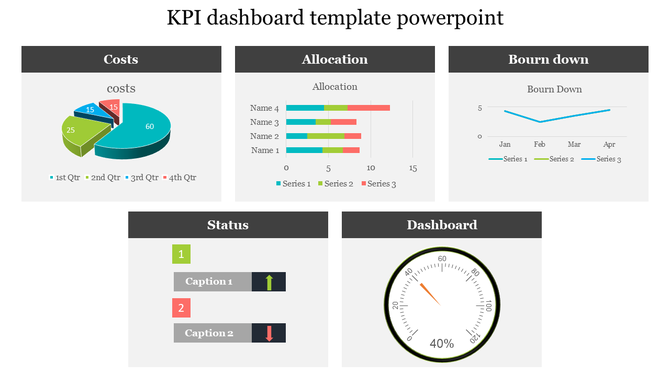
Comprehensive KPI dashboard slide with performance indicators visualized through charts and graphs for business tracking.
Free
Add to Wishlist
Download
AI Customize
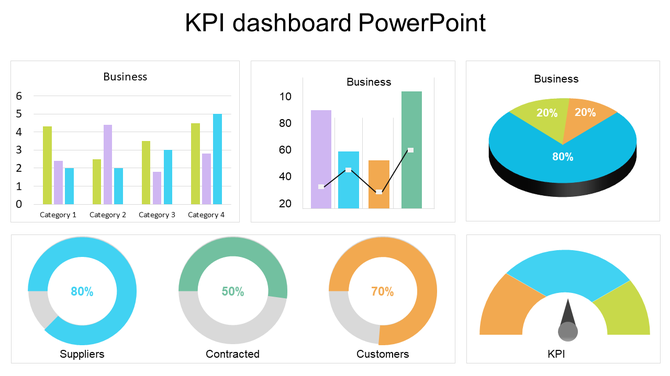
KPI dashboard slide showcasing various business metrics through colorful bar charts, pie charts, and a gauge meter.
Add to Wishlist
Download
AI Customize
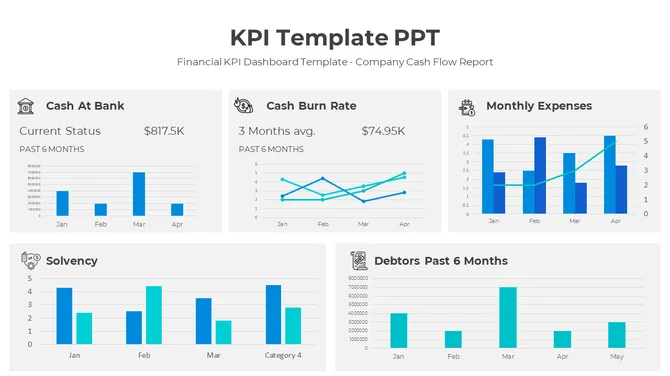
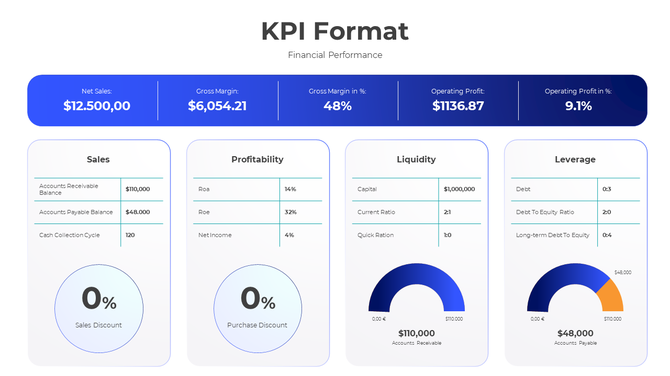
KPI format slide displaying financial performance metrics with detailed charts and figures.
Free
Add to Wishlist
Download
AI Customize
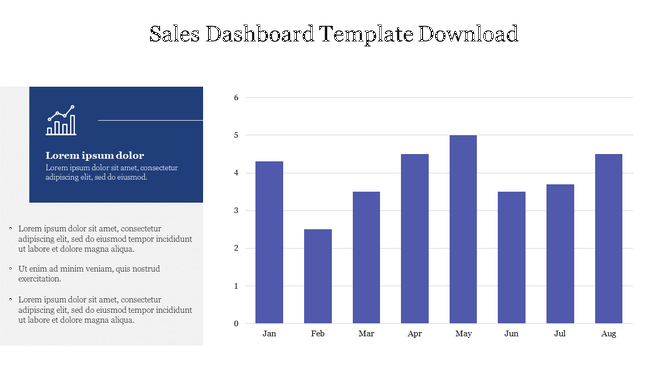
 Sales Dashboard PPT Template & Google Slide Themes
Add to Wishlist
Download
AI Customize
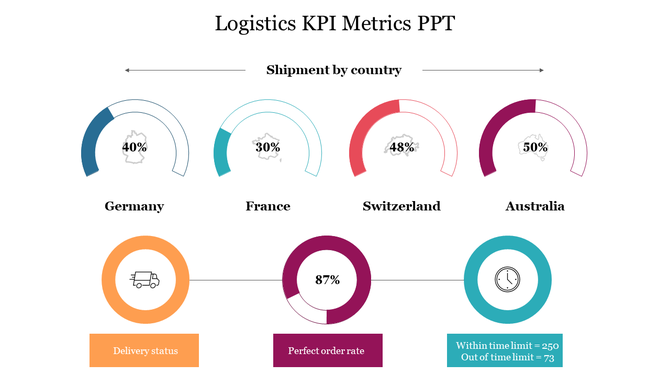
Four semi circular charts showing shipment percentages by country, with icons below for delivery status and order rates.
Add to Wishlist
Download
AI Customize
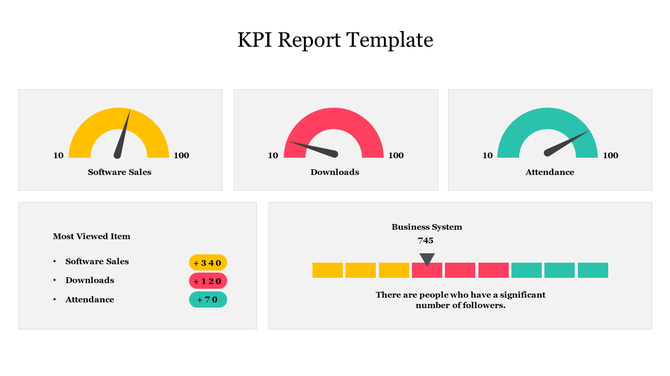
KPI report slide displaying software sales, downloads, and attendance metrics with speedometer gauges and growth indicators.
Add to Wishlist
Download
AI Customize
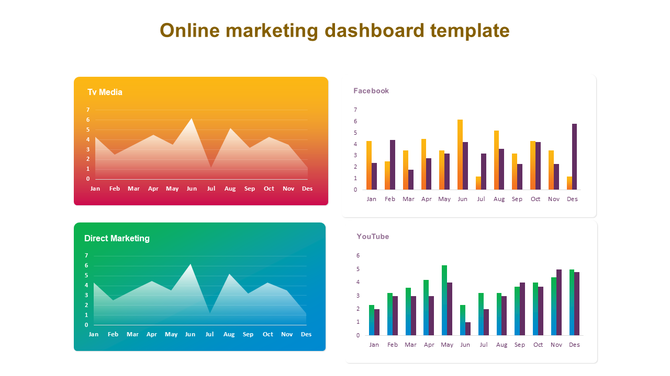
Online marketing dashboard slide showing graphs for TV Media, Facebook, Direct Marketing, and YouTube performance.
Add to Wishlist
Download
AI Customize
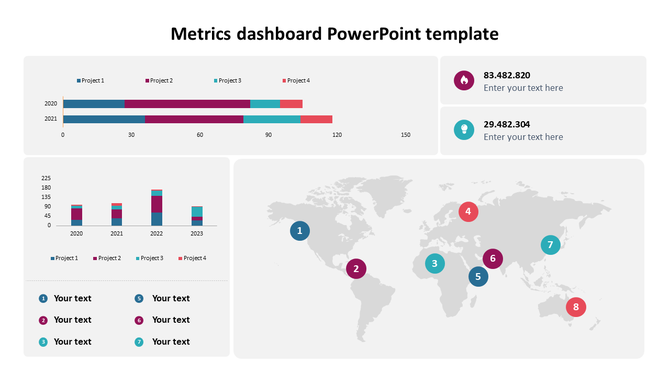
Metrics Dashboard PowerPoint Template & Google Slides
Free
Add to Wishlist
Download
AI Customize
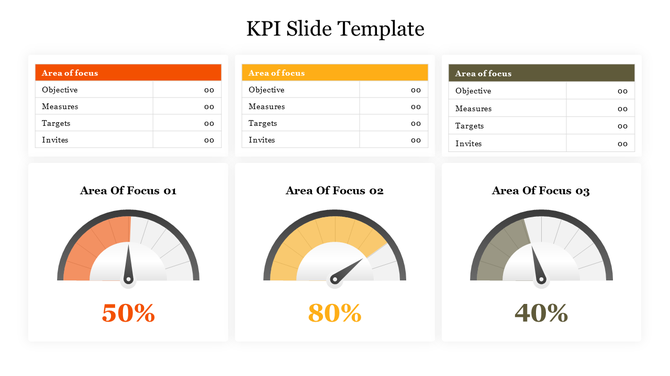
Slide with three gauge meters in orange, yellow, and gray, each paired with a table for KPI metrics.
Free
Add to Wishlist
Download
AI Customize
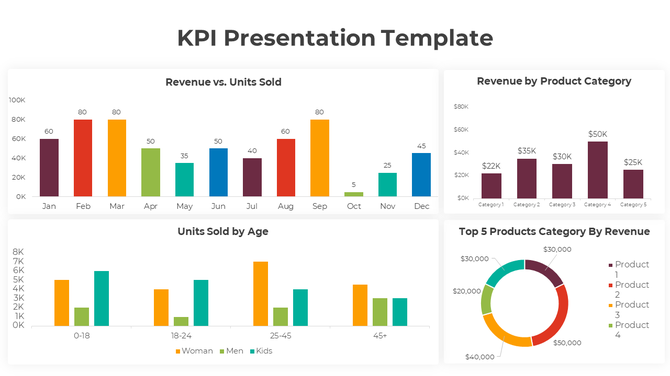
KPI presentation template displaying colorful charts for revenue, units sold, and product category analysis.
Free
Add to Wishlist
Download
AI Customize
Real estate KPI dashboard showing quarterly data in a green colored pie chart and bar graphs across various categories.
Free
Add to Wishlist
Download
AI Customize
KPI slide displaying key performance indicators with many sections and accompanying data charts.
Free
Add to Wishlist
Download
AI Customize
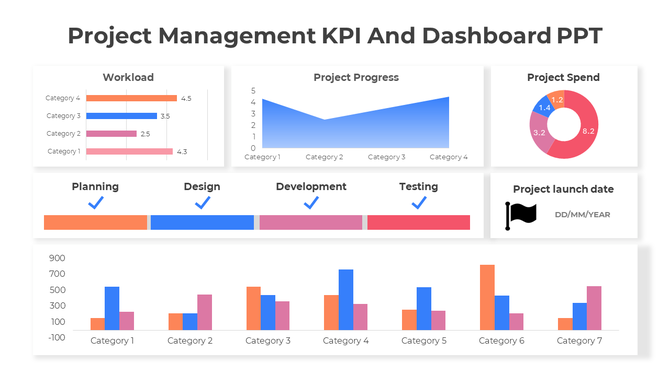
Dashboard slide showcasing project management KPIs with bar graphs, a line graph, and a pie chart in different colors.

Related Collections
Frequently Asked Questions

1. What metrics should managers track and present to leadership?

Track what matters to your business: revenue, profit margins, customer satisfaction, quality metrics, project timelines, cost control. Choose 5-7 key metrics, not 20. Leadership cares about trends and status, not every number. Show what's improving and what needs attention.

2. How do I choose which KPI to visualize in a dashboard?

Pick metrics tied to your goals. Sales managers: revenue, conversion rates, pipeline. Operations: efficiency, timelines, cost. Finance: cash flow, budgets, variance. HR: hiring, retention, engagement. Only include metrics you act on. If a number doesn't drive decisions, it doesn't belong on the dashboard.

3. What's the best way to visualize different types of data?

Use bar charts for comparing amounts. Line graphs for trends over time. Pie charts for proportions. Gauges for status (on track/at risk). Progress bars for completion. Tables for detailed numbers. Match the visual to what you're trying to show, not what looks pretty.

4. How often should KPI dashboards be updated?

Update based on your business cycle. Sales: weekly or daily. Finance: monthly. Projects: weekly. Operations: daily or real-time. The frequency depends on how fast things change and how often decisions get made. Regular updates show your data is current and trustworthy.

5. How do I explain declining KPIs to leadership without looking bad?

Be honest about what changed. Show context — market conditions, staffing issues, timing. Present what you're doing to improve. Leadership respects transparency more than hiding bad numbers. Focus on the plan forward, not blame backward.

6. Should KPI dashboards include targets and benchmarks?

Yes. Show where you are now and where you need to be. Use color coding: green (on track), yellow (at risk), red (off track). Benchmarks give context. Without targets, numbers are just numbers. With targets, they tell a story of progress or concern.

7. How many KPIs should I put on one dashboard?

5-10 metrics maximum. More than that overwhelms people. One dashboard = one story. If you need to show 20 metrics, create multiple dashboards by department or goal. Your audience should understand the dashboard in 10 seconds, not spend 5 minutes reading it.