Browse Frequent Ask Question PPT Presentation Slide
Nodes
Colors






Create An Interactive Presentation Slides
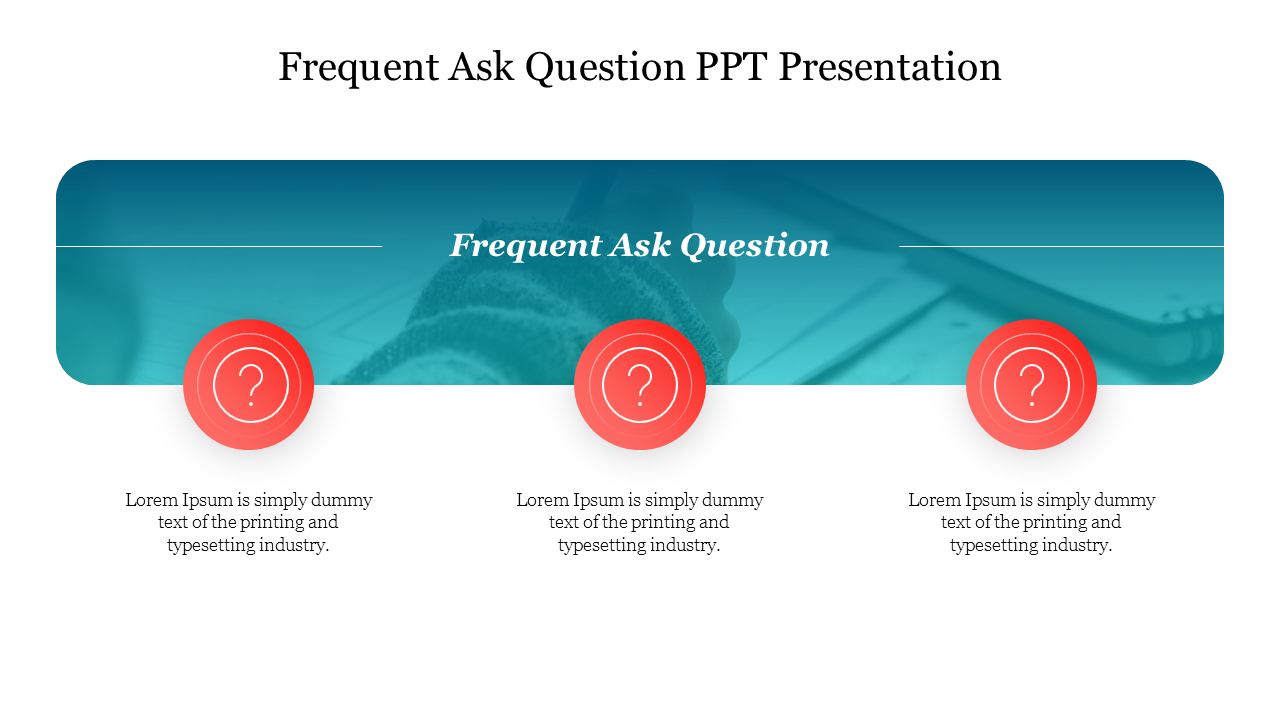
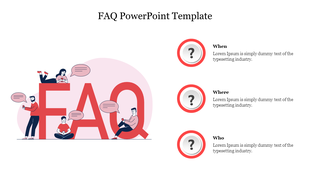
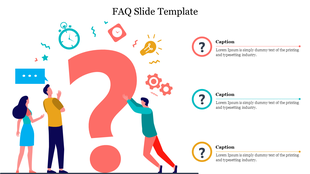
Make lively presentation slides by using this template on them. This is designed in a way that aids you in creating the questions and FAQs for your audience amid your presentation slides. Through this template, you can gain your audience's attention and reach your desired points. Promote your business and project ideas to the next level by imposing questions using three nodes, which are given with icons for you.
Features of this Template
- 100% customizable slides and easy to download
- Slides are available in different nodes & colors.
- The slides contained 16:9 and 4:3 formats.
- Easy to change the slide colors quickly.
- Well-crafted template with instant download facility.
- Colorful graphs are given.
- Aids in giving a detailed explanation.
More Collections for Browse Frequent Ask Question PPT Presentation
Recommended based on this template.









Similar Templates to Browse Frequent Ask Question PPT Presentation




Showing20 of69,218 templates