4 Noded Technology PowerPoint Templates Slide Design
Nodes
Colors











Compare Four Technology Priorities With a Free PowerPoint Slide
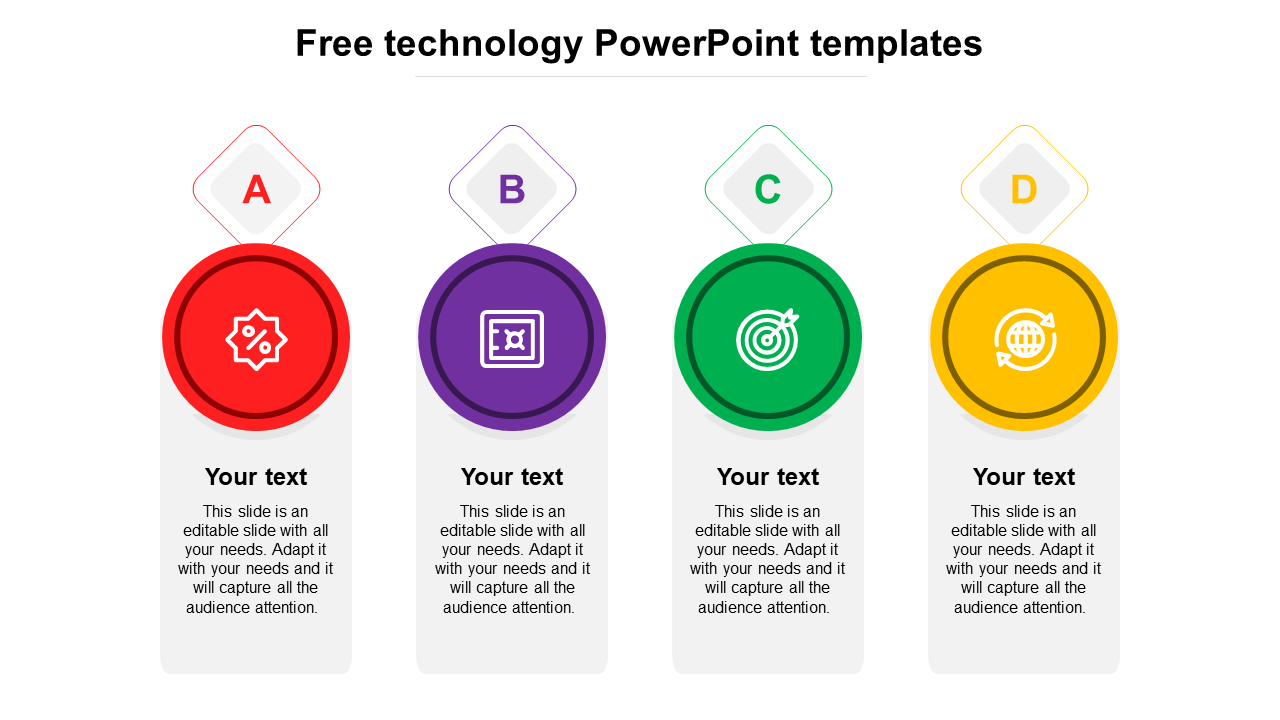
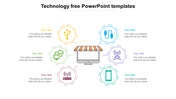
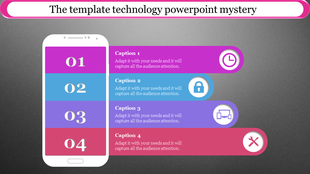
This free technology PowerPoint template divides one subject into four equal columns labelled A, B, C and D. Because every column has the same visual weight, the slide works best for comparing parallel priorities rather than explaining a step-by-step process.
The four original icons can support a practical technology-evaluation structure:
A — Value: Cost savings, revenue potential or expected return
B — Capability: The function, platform or technical solution being assessed
C — Objective: The user need, business target or performance measure
D — Reach: Scalability, connectivity or the audience affected
This creates a useful summary for evaluating software, presenting a digital initiative or comparing four technology options through the same criteria.
Give All Four Columns the Same Job
The slide becomes difficult to compare when one column describes a benefit, another contains a process step, and a third presents a statistic. Choose one consistent content type for all four sections.
For example, the columns could represent:
Four features of a digital product
Four technology-investment priorities
Four vendors or software alternatives
Four risks within an implementation plan
Four departments affected by a new system
Four measures used to evaluate adoption
Use the letter markers for short category codes or replace them with meaningful abbreviations. A, B, C, and D are placeholders and will not help the audience unless their meaning is explained.
Keep every description close in length. If one option requires substantially more information, move the detailed comparison to another slide and use this layout only for the executive summary.
The download contains one editable infographic rather than a complete technology presentation. It includes no prepared technical facts, product comparisons or implementation guidance. The title, letters, icons, colours and text areas should be replaced with information appropriate to your project.
The slide is free to download and is supplied in 16:9 and 4:3 PowerPoint formats. You can modify the file after downloading or use the product page’s Edit option to change the layout online.
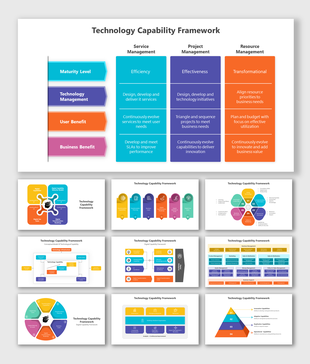
If the four columns form part of a wider organizational assessment, the Technology Capability Framework Presentation offers a more detailed structure. Other free, single-slide and multi-slide designs are available through the Technology PowerPoint Templates collection.
More Collections for 4 Noded Technology PowerPoint Templates Slide
Recommended based on this template.










Similar Templates to 4 Noded Technology PowerPoint Templates Slide












Showing20 of69,218 templates