Presentation on Technology PPT for Clear Communication
Nodes
Colors






Compare Five Technologies Without Turning the Slide into a List
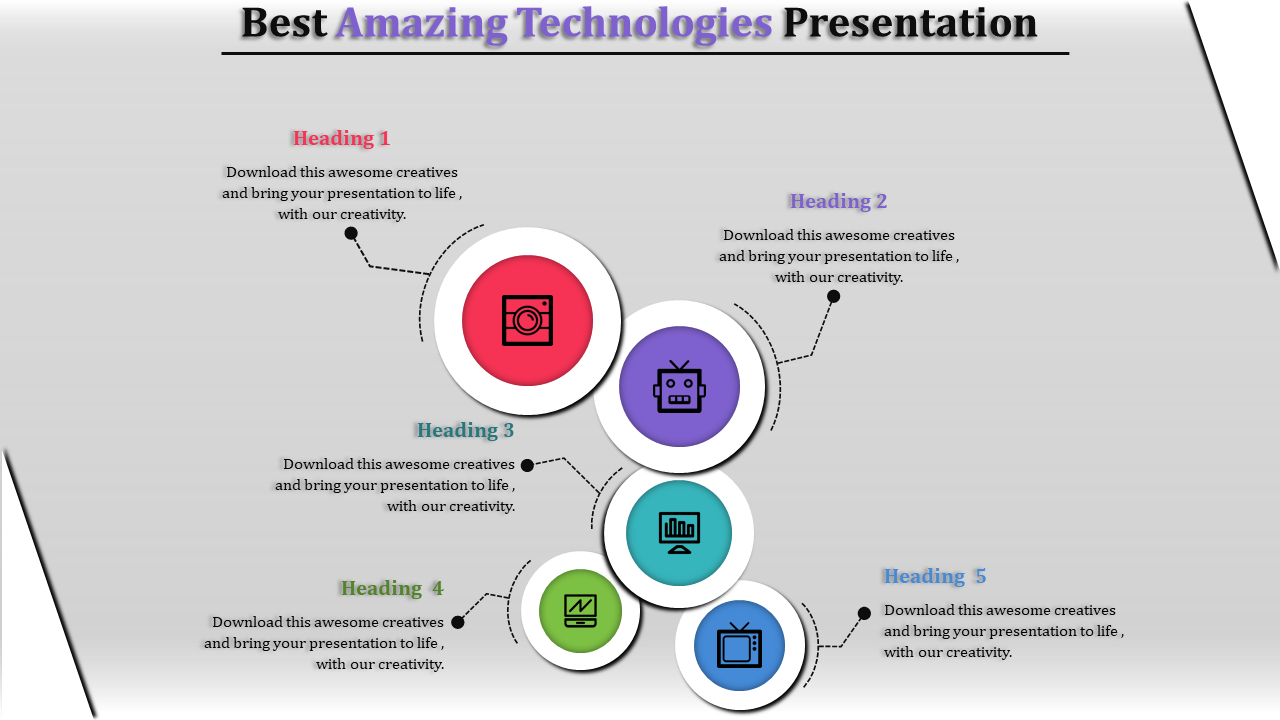
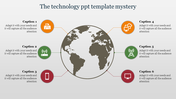
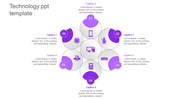
This single-slide technology infographic uses five overlapping circles, each connected to a separate explanation. It can help an audience compare five technologies, product capabilities, or areas of digital investment while keeping the complete picture visible.
The supplied icons represent:
Imaging or camera technology
Robotics and automation
Computer-based data or analytics
Digital monitoring
Television or media technology
Keep these subjects if they support your presentation. Otherwise, replace both the icons and headings so every visual matches the information beside it.
Give the Five Sections One Comparison Question
The slide becomes more useful when every section answers the same question. You could compare the five technologies by:
Primary purpose
Intended user
Current application
Main benefit
Key limitation
Another approach is to assign one category to each circle—hardware, software, connectivity, data, and user interface—then explain how they contribute to a digital product.
Avoid using headings such as “Technology 1” or repeating five general benefits. Specific labels help viewers recognize the comparison before reading the supporting text.
Do the Overlapping Circles Represent a Relationship?
The circles touch one another, which may suggest that the subjects are connected. Explain that relationship only if it is meaningful to your story. For example, robotics may depend on computing, imaging, and monitoring technologies.
This layout does not show a sequence, hierarchy, or measurable overlap. If your information has a central cause, a fixed order, or precise intersection, choose a different diagram instead of making the visual imply the wrong relationship.
Each section has room for only a short explanation. Use one clear sentence stating the technology’s role, evidence, or practical effect. Detailed definitions and supporting data can follow on separate slides.
The title, five icons, circle colours, headings, and descriptions can be customized in PowerPoint or Google Slides. The slide is suited to a technology overview, classroom comparison, product-capability summary, or innovation portfolio.
For more comparison and overview layouts, browse the Technology PPT Templates. When all five areas need to connect visibly to one central idea, the Five-Field Technology Slide provides a clearer hub-and-spoke structure.
More Collections for Presentation on Technology PPT
Recommended based on this template.










Similar Templates to Presentation on Technology PPT












Showing20 of69,218 templates