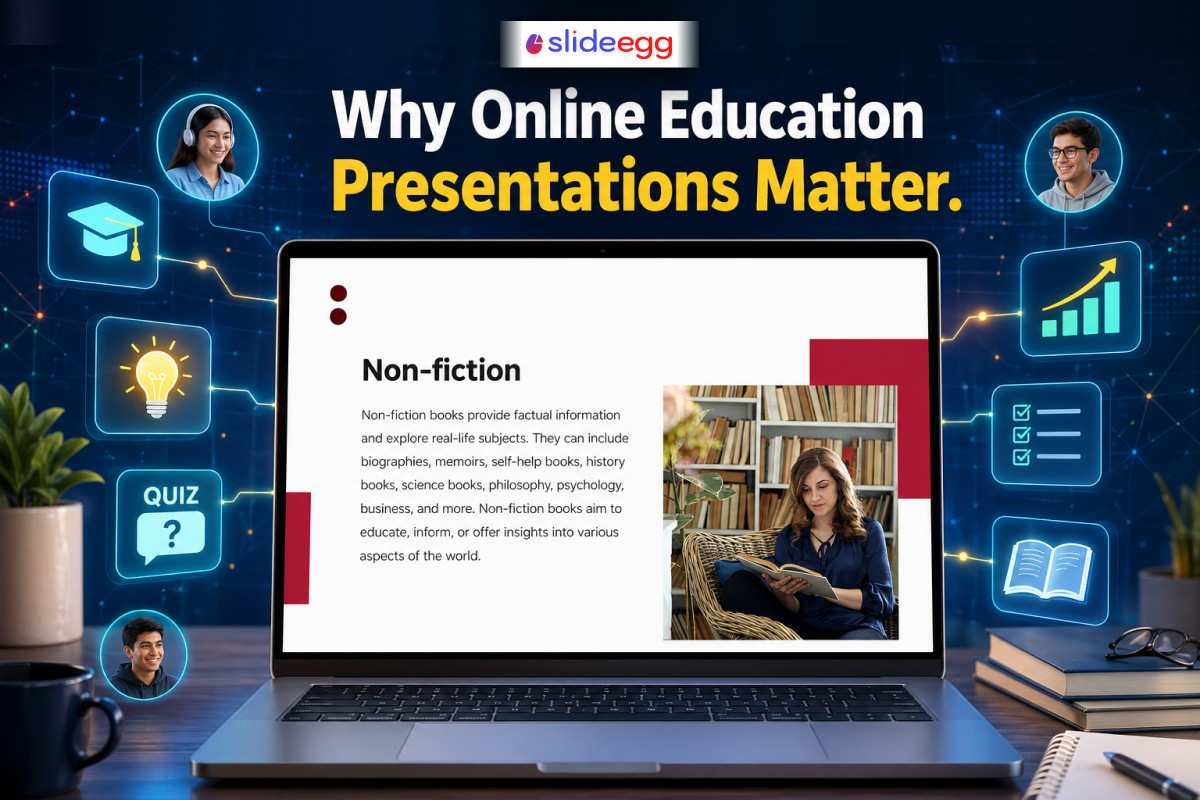
Online learning is no longer just a backup option. It has become a core part of how we teach, learn, and share knowledge today. Whether it’s a school classroom, a college lecture, or a corporate training session, presentations play a central role in making learning clear and engaging.
But here’s the real question—why do online education presentations matter so much in modern learning?
Let’s explore this simply and practically.
Learning Has Moved Beyond the Classroom
A few years ago, learning mostly happened inside physical classrooms. Today, it happens everywhere—on laptops, tablets, and even phones. Students attend classes from home, teachers conduct live sessions online, and trainers run workshops across different countries.
In this new setup, a strong online education presentation becomes the bridge between the teacher and the learner.
Without visuals, structure, and clarity, online learning can feel flat and confusing. But with the right presentation, even complex topics become easy to understand.
Makes Learning Clear and Structured
One of the biggest strengths of presentations is structure. A well-designed lesson helps learners follow ideas step by step instead of getting lost in long explanations.
For example, instead of reading a long paragraph about photosynthesis, a presentation can break it into:
- What is photosynthesis?
- How does it work?
- Why is it important?
This simple flow helps students absorb information better.
Many educators now rely on an education presentation template to organize their content quickly and clearly. It saves time and keeps lessons consistent.
Improves Engagement and Attention
Let’s be honest—online learning can sometimes feel boring if it’s only voice or text. Students may lose focus quickly.
This is where visuals change everything.
Images, charts, animations, and short bullet points make lessons more interesting. A good presentation keeps learners visually engaged, which improves understanding and memory.
Teachers and trainers often use a free PowerPoint template to make their slides more attractive without spending hours on design.
Even simple design improvements to make your presentations feel fresh—like colors, icons, and spacing—can make a big difference in keeping attention alive.
Helps Teachers Explain Complex Topics Easily
Some subjects are naturally difficult—like science, math, or finance. Explaining them through plain speech alone can be challenging.
Online presentations act like a visual support system. They help teachers:
- Break down difficult ideas
- Show step-by-step processes
- Use diagrams instead of long explanations
Think of it like turning a complicated recipe into a picture-based cooking guide. Everything becomes easier to follow.
Encourages Interactive Learning
Modern education is not just about listening—it’s about participating.
With digital tools, teachers can easily turn presentations into interactive experiences:
- Live quizzes
- Polls and feedback questions
- Clickable activities
Using an interactive presentation tool, educators can turn passive learners into active participants. Students don’t just watch—they respond, think, and engage.
This improves understanding and makes learning more memorable.
Supports Different Learning Styles
Not all students learn the same way. Some prefer reading, some prefer visuals, and others learn by listening.
Whether you are teaching a standard class or building presentations that work for special education, online slides bring all these styles together:
- Visual learners benefit from diagrams and images
- Reading learners benefit from structured text
- Listening learners benefit from explanations
This balanced approach ensures that more students can understand the topic effectively.
Saves Time for Both Teachers and Students
Time is one of the most valuable parts of education.
For teachers, presentations reduce the effort of repeating explanations again and again. For students, they provide quick revision material before exams.
Instead of going through long notes, students can simply revisit slides and refresh their memory in minutes.
Makes Learning Accessible Anywhere
One of the biggest advantages of online presentations is accessibility.
Students can:
- Attend classes from anywhere
- Replay recorded lessons
- Learn at their own pace
This flexibility is especially helpful for working professionals and remote learners who cannot attend traditional classes.
Improves Knowledge Retention
Studies show that people remember visual information better than plain text.
When learners see diagrams, flowcharts, or structured slides, their brains process information more effectively. That means better recall during exams, interviews, or real-life applications.
Practical Tips to Create Better Online Presentations
If you want to improve your teaching or training sessions, here are a few simple tips:
- Keep slides clean and minimal
- Use visuals instead of long paragraphs
- Focus on one idea per slide
- Add real-life examples
- Use consistent colors and fonts
- Practice before presenting
Even small improvements can make your presentation more powerful.
Frequently Asked Questions (FAQ)
1. What is an online education presentation?
It is a digital way of teaching using slides, visuals, and structured content to explain topics in an online environment.
2. Why are presentations important in online learning?
They help organize information, improve understanding, and keep learners engaged during virtual classes.
3. Can students also create educational presentations?
Yes. Students often use presentations for projects, assignments, and group discussions.
4. Do I need design skills to create good presentations?
No. You can use ready-made tools and templates to create professional slides easily without design experience.
5. What makes a presentation effective for online teaching?
Clarity, visuals, simple language, and interactive elements make a presentation more effective and engaging.
Final Thoughts
Online education presentations are more than just slides—they are the heart of modern digital learning. They help teachers teach better, students understand faster, and learning becomes more engaging and accessible.
In a world where attention is short and information is everywhere, a well-designed presentation becomes a powerful tool to bring clarity and connection to education.
When used wisely, it doesn’t just deliver information—it creates understanding.



