Make your year-end presentations faster, with all plans now 50% off this Black Friday
For anyone looking to finish their business decks faster ahead of rushed deadlines, premium PowerPoint templates come to the rescue, with the design and formatting already done.
November to December is when business teams are swamped with presentation preparations that can’t wait or be pushed to January. Ready-made templates help right now when quarterly business reviews, sales presentations, budget presentations, and 2027 roadmaps all need to be done before the holidays.
On average, US office workers spend about 6.5 hours a week on PowerPoint presentations alone, according to empower’s 2025 Office Study. If that’s the average, imagine this rush hour of business presentations. AI’s help takes some load off, but formatting is still one of the biggest pain points. That’s why it’s the perfect time to stock up on premium PowerPoint templates and ease through Q4.
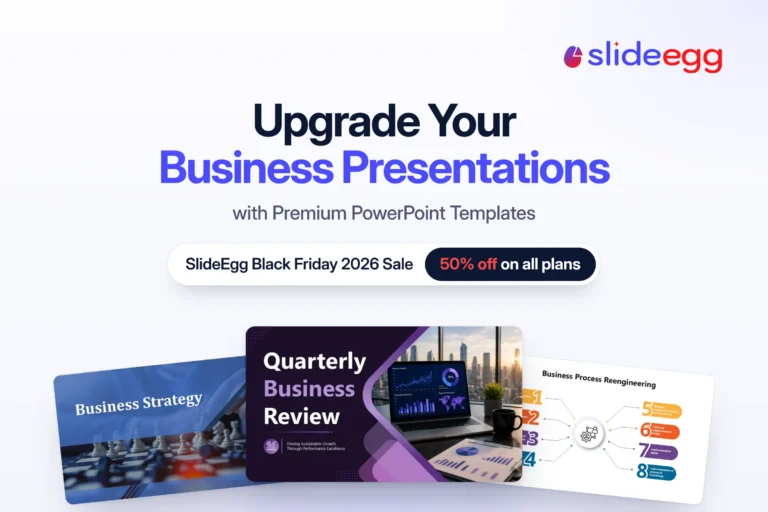
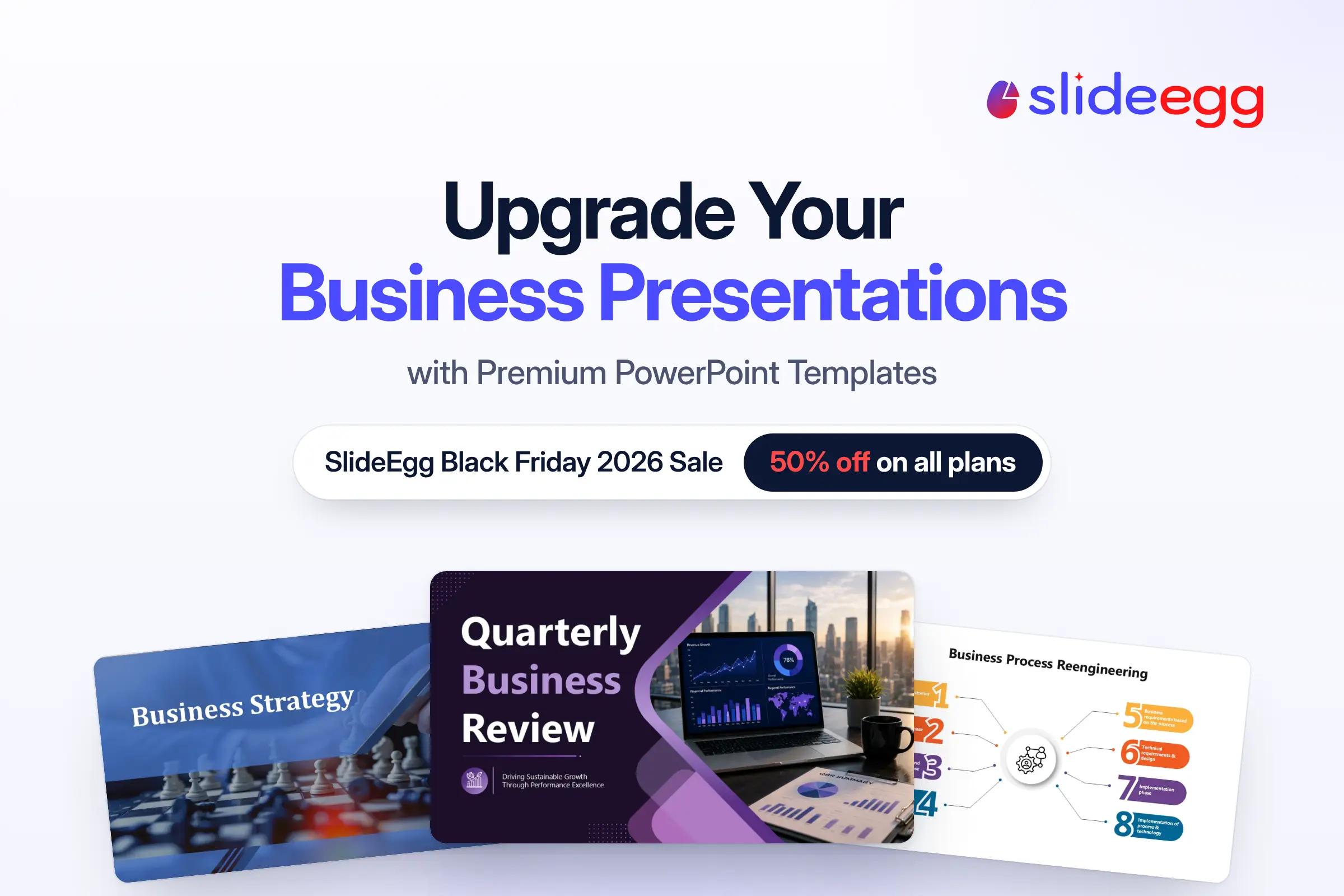
If you’re wondering, “What is the best platform to get premium presentation templates?” here’s your answer: SlideEgg, your presentation buddy. Every template works in PowerPoint, Google Slides, and Canva, so you can start right away with the tools you prefer. Plus, SlideEgg is now running its Black Friday Sale, with 50% off all plans, until December 27, 2026. I’d say don’t wait on this one because by the time the next sale offer rolls around, your decks should already be done.
Short on time for your year-end business presentations?

A small heads-up before we go further. Check out these business templates if you are short on time to prepare any of your Q4 presentations:


And the templates of the season:


Are premium PowerPoint templates worth it for business presentations?
Of course, if the presenter is not the designer. Designers don’t prepare every presentation. Many business presentations are prepared by subject matter experts. As part of a marketing and sales team, I’ve built plenty of presentations with my not-so-pro design skills. Canva is great for getting started, but for business decks I often needed more, and adding paid tools on top meant the costs kept piling up.
That’s where ready-made premium templates made the difference, even for me personally.
If you’re in the same spot I was, SlideEgg’s premium templates give you that same head start, with the design already taken care of so you can focus on what you know best.
Where can I find templates that work in PowerPoint, Google Slides, and Canva?
Right here at SlideEgg, every template works in PowerPoint, Google Slides, and Canva, so you can download it and start editing in the tools you prefer. The design and formatting are taken care of. Just browse 100,000+ premium templates, from SlideEgg’s strategy and business plan templates to industry decks, or start with the 25,000+ free library, including free Canva presentation templates, and get to work on your business deck right away.
Which saves more time? PPT template or AI presentation maker?
Honestly, it does depend on your presentation needs. For a quick internal update or a team check-in, AI can do a good job of making a usable deck within minutes. But generic AI tools have their downsides, especially when a presentation represents your business. The slides often have that generic “AI-made” look, the content tends to be vague, and the formatting often needs a lot of revision. Fixing all of that takes time.
So you don’t have to flip a coin and choose between an AI presentation maker and ready-made templates. SlideEgg gives you both: an AI presentation maker for quick drafts, and thousands of professionally designed templates that save you hours on design and formatting, just when your deadlines need it most.
Why start from a blank slide when premium templates can be your designer?
Your year-in-review reports, business plans, sales decks, and strategy presentations do not necessarily have to start from a blank slide. PowerPoint for the web and Google Slides give you a decent start with built-in themes, but those are just the basics of presentation design, and you still need more to build on.
As a saving grace, ready-to-present templates handle the big share of design, layouts, and formatting, so you can reserve your time for the do-firsts like numbers and content. And if there’s going to be 50% off, you can’t miss out.
| Plan | Regular Price | Black Friday Price | Billed as |
| Quarterly | $16/user/month | $8/user/month | $24/user, billed quarterly |
| Yearly | $12/user/month | $6/user/month | $72/user, billed annually |
| Lifetime | $240 one-time | $120 one-time | $120 one-time |
Discount applied automatically at checkout. Offer ends December 27, 2026, at 11:59 p.m. GMT.

Ready to upgrade your business presentation game this Black Friday?
Year-end presentations are hectic, with days cut short. You’re revisiting the full year, jotting down the data and consolidating it into a polished presentation. And because these decks land in front of executives, boards, and clients, you can’t afford to make an average presentation.
But this year’s presentation doesn’t have to be the way it used to be in past years. Let ready-made business presentation templates take the design pressure off your plate, so your time goes to what matters the most.
With SlideEgg, you don’t have to start with a blank slide. There’s always a template ready for your presentation needs. Grab 50% off any SlideEgg plan before the offer ends on December 27, 2026, and get through Q4 with time to spare.
Black Friday 2026
50% off all SlideEgg plans
Quarterly, Yearly, and Lifetime. Ends December 27, 2026.
Frequently Asked Questions
What templates do business teams need for year-end presentations?
Most teams need a quarterly business review deck, a budget presentation, a sales deck, a Q1 kickoff deck, and a roadmap for the year ahead.
Can I use SlideEgg templates if I’m not a designer?
Yes. SlideEgg templates come with layouts, charts, graphs, and formatting pre-designed, so anyone can start building presentations right away.
How much is the SlideEgg Black Friday 2026 discount?
SlideEgg is offering 50% off all plans this Black Friday: Quarterly, Yearly, and Lifetime.
When does the SlideEgg Black Friday sale end?
The offer ends on December 27, 2026, at 11:59 p.m. GMT.
How many premium templates do I get to download with each plan?
The Yearly and Lifetime plans give unlimited downloads per month. The Quarterly plan gives 1,000 downloads per month.
Is the AI presentation maker included in the SlideEgg Black Friday deal?
Yes. SlideEgg paid plans come with AI credits. 1,000 AI credits with the Quarterly plan, 2,000 AI credits with the Yearly plan, and 75,000 AI credits with the Lifetime plan.
Can I edit SlideEgg templates in Google Slides and Canva?
Yes. Every SlideEgg template works in PowerPoint, Google Slides, and Canva, so you can edit in whichever tool your team already uses.
Are premium templates better than free templates for business presentations?
Free templates are good to start with and suit quick internal decks. Premium templates give you more polished layouts and ready-made charts, best for corporate presentations.