Innovative Arrows PowerPoint Templates for Creative Layouts
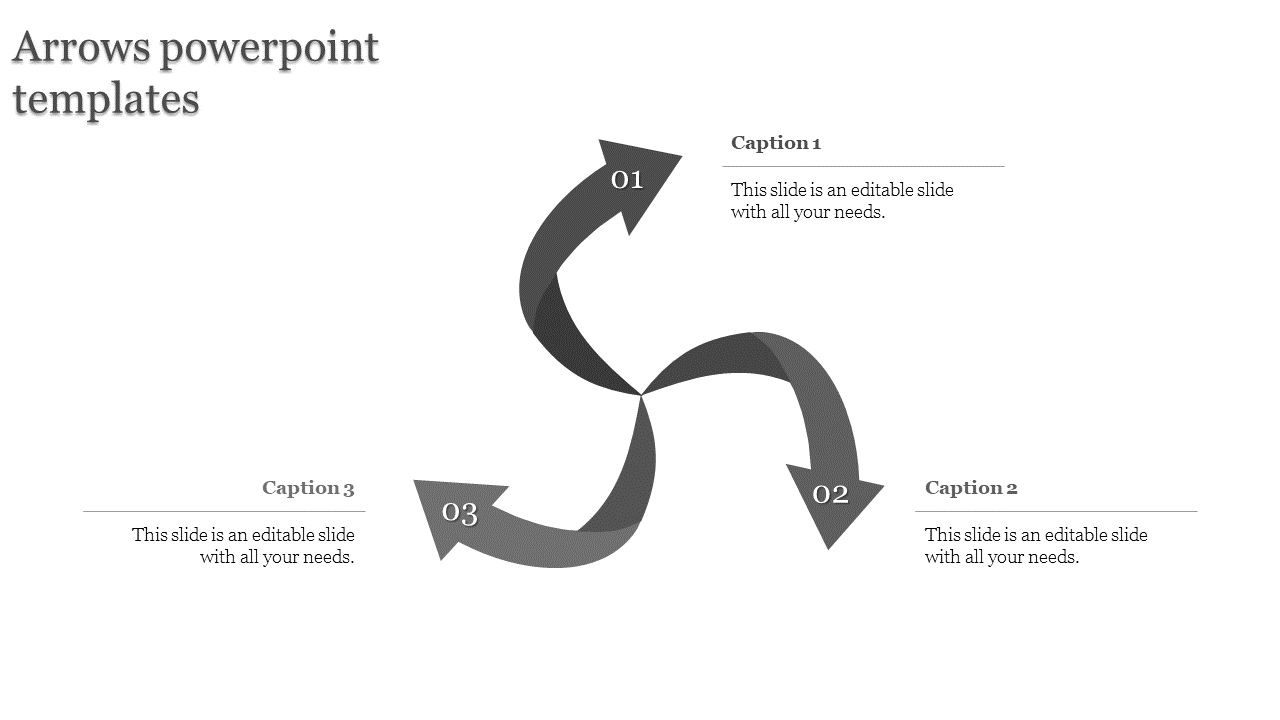
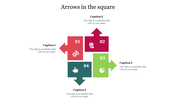
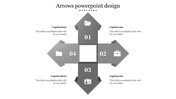
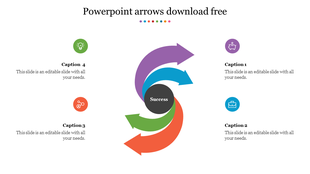
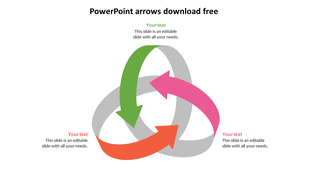
Gray swirl shaped infographic with three numbered arrows pointing outward and captions placed around the design.
P.ID : 21188
    228 views
    17 Downloads
    Designer
    Kavitha
    Get Custom Slides by Experts
    Enhance Your Presentations with Add-ins
    Google Slides Add-in
    Access templates directly in Google Slides
    Microsoft PowerPoint Add-in
    Access templates directly in PowerPoint
    GPT Add-on
    AI-powered presentation assistance

    Attractive Arrow PowerPoint Presentation


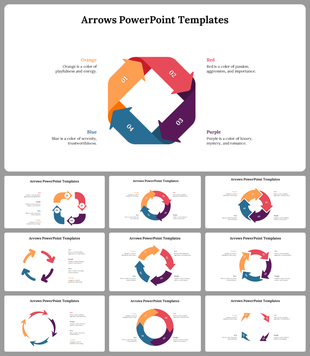
    If you are confused about following the step-by-step process, this arrow PPT is an excellent choice to show you the proper route. The gray  circular is an ideal presentation diagram for business concepts like continuous improvements, monitoring and control, and risk factor supervision. It is an entirely editable slide and easy to edit. It enables you to modify the background, graphics, shapes, or sizes according to your specifications. Grab now!

    Feature of this Template 

    • The Slides are available in different nodes & colors.
    • This slide contains 16:9 and 4:3 format.
    • It is easy to change the slide colors quickly.
    • It is a well-crafted template with an instant download facility 
    • The best PowerPoint theme template.
    • It is a well-designed presentation template.
    • Beautiful business  presentation.

    Advertisement

    You May Also Like These PowerPoint Templates
    Free
    Add to Wishlist
    Download
    Edit
    Arrow timeline diagram PowerPoint slide showing steps from ideas to success, with purple arrows and icons for each stage.
    Free
    Add to Wishlist
    Download
    Edit
    Slide featuring a gold shopping cart on the right and four directional arrows in blue, orange, red, and green with captions.
    Free
    Add to Wishlist
    Download
    Edit
    Row of four yellow arrows pointing to the right on a gray line, with corresponding captions beneath.
    Free
    Add to Wishlist
    Download
    Edit
    Central yellow trophy and four surrounding gray arrows each with business related icons.