Effective Taiwan PPT Presentation Template and Google Slides
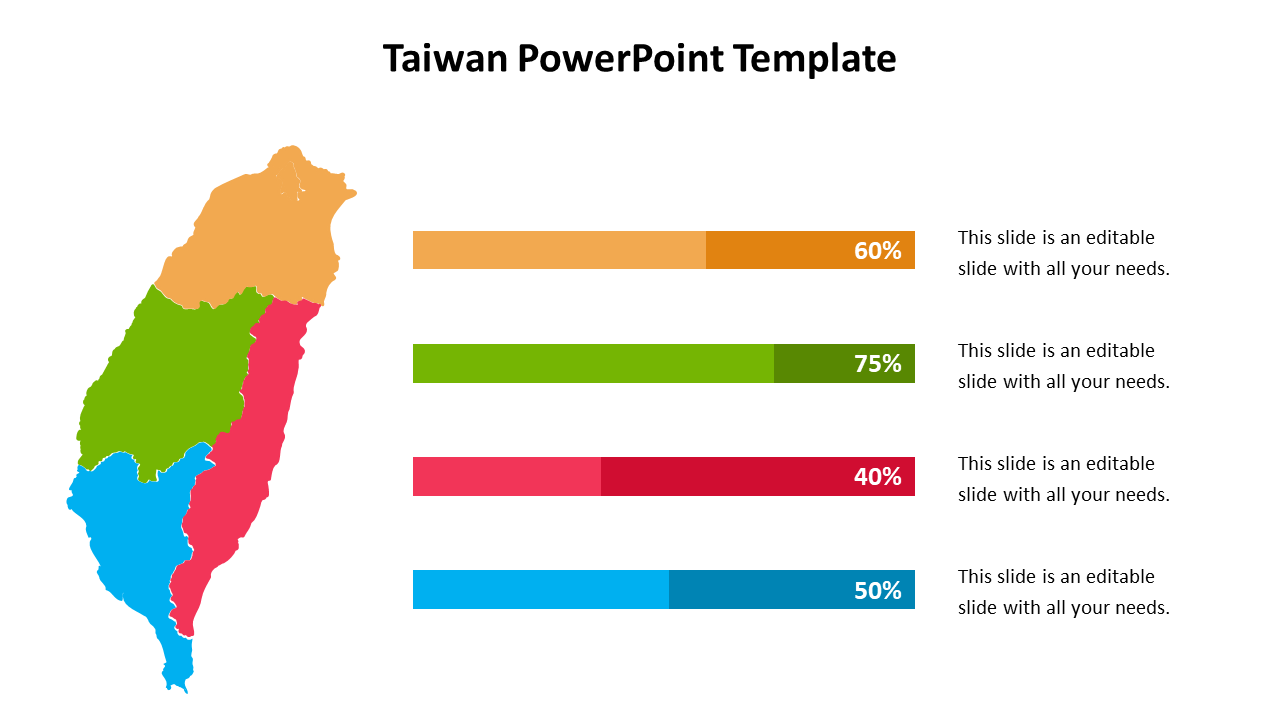
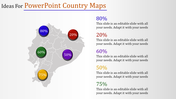
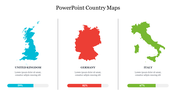
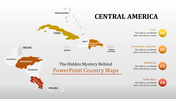
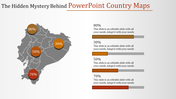
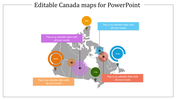
Multicolor Taiwan PowerPoint Template
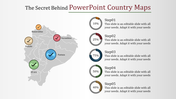
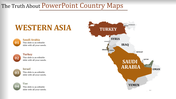
Taiwan is the Republic of China located in the West Pacific between Japan and the Philippines. It is a 100% customizable template and is designed with colorful tones. Do You know Taiwan is famous for its delicious street food and pineapple cakes? If you want to share more interesting facts about Taiwan, use this multicolored five-noded template and list the details. You can use a slide to give a short description of Taiwan. Find more free maps PowerPoint templates at SlideEgg.
Features of the template
- 100 % customizable slides and easy to download.
- Slides are available in different nodes & colors.
- The slide contained 16:9 and 4:3 formats.
- Easy to change the slide colors quickly.
- It is a well-crafted template with an instant download facility.
- It is designed with a stunning theme design.
- Best template for PowerPoint presentations.
You May Also Like These PowerPoint Templates
Showing20 of69,218 templates