Effective Questions PPT Template And Google Slides Themes
Nodes

Colors


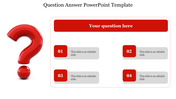
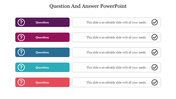
Uncover Answers: Questions PowerPoint Template
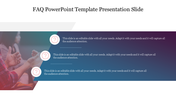
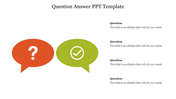
Navigate the realm of inquiry with our intuitive Questions PPT Template and Google Slides Themes. With a captivating background image of a teacher engaging with students, this template fosters an environment of curiosity and learning. This slide has two text areas and icons—a question mark and a tick mark—empowering presenters to pose queries and confirm understanding. Ideal for educators, trainers, and presenters, it facilitates interactive discussions and knowledge sharing. Whether conducting classroom lectures, hosting training workshops, or leading team meetings, our template provides a versatile platform for engaging your audience and uncovering answers. Seamlessly integrated into PowerPoint and Google Slides, it ensures accessibility and flexibility for presenters. Embrace the power of inquiry and transform your presentations with our template. Uncover insights and inspire learning today.
Features of the template
- 100% customizable slides are easy to download.
- Slides are available in different colors.
- The slide has 4:3 and 16:9 formats.
- It is easy to change the slide colors quickly.
- It has a cute design to impress an audience.
- Create feature-rich, animated presentations.
More Collections for Effective Questions PPT Template
Recommended based on this template.


Similar Templates to Effective Questions PPT Template


Showing20 of69,218 templates