PPT Arrow Template for Visualizing Sequential Data Flow
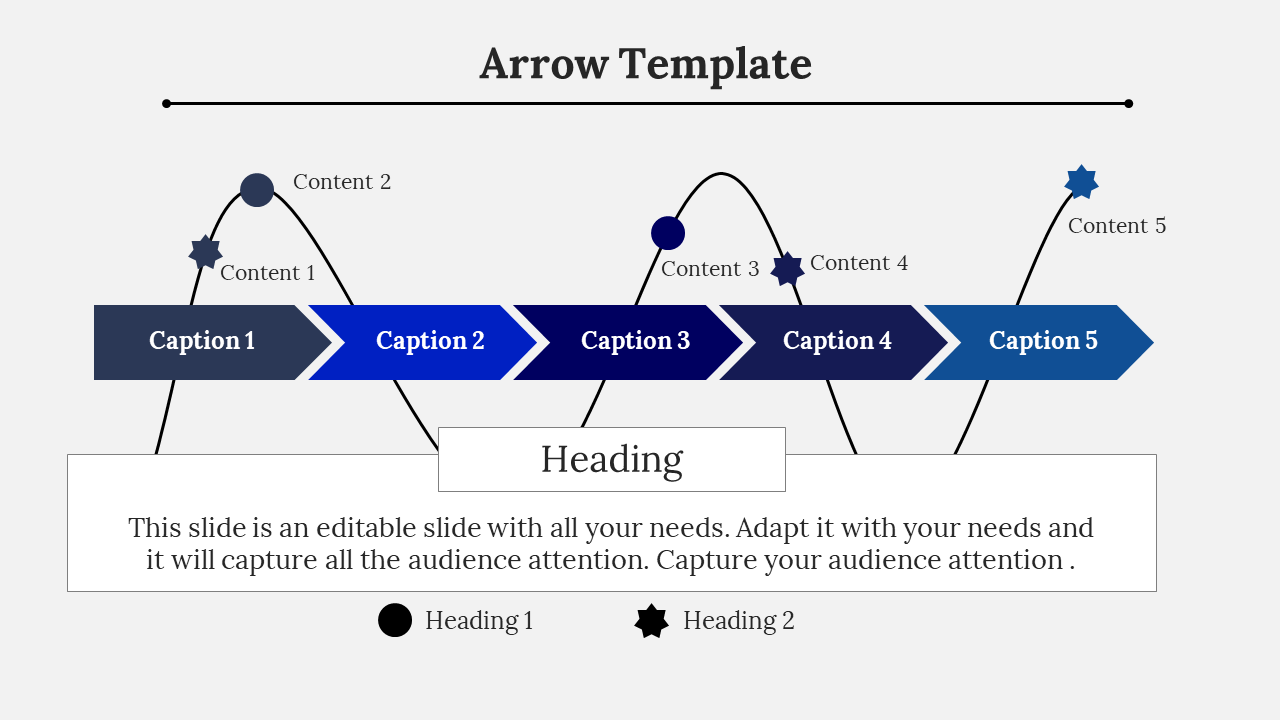
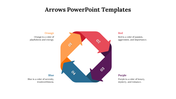
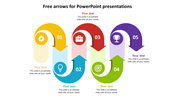
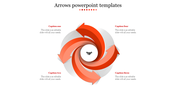
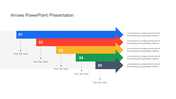
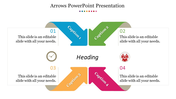
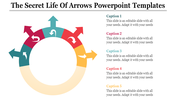
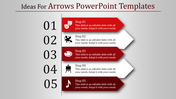
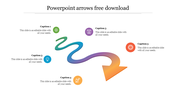
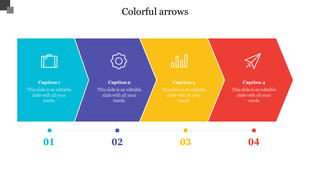
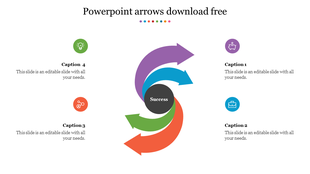
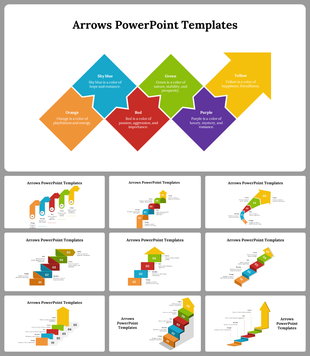
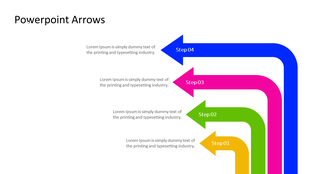
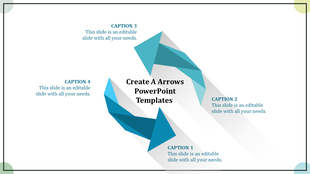
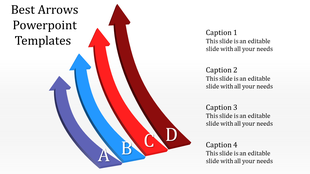
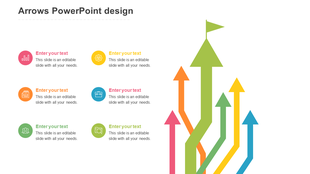
Arrow PowerPoint slide with five captioned sections for presenting key points with placeholder text.
P.ID : 10771
    291 views
    12 Downloads
    Designer
    Bhavadharani
    Get Custom Slides by Experts
    Enhance Your Presentations with Add-ins
    Google Slides Add-in
    Access templates directly in Google Slides
    Microsoft PowerPoint Add-in
    Access templates directly in PowerPoint
    GPT Add-on
    AI-powered presentation assistance

    Best Arrow Presentation Template


    Get ready to impress your audience and make your message crystal clear with our carefully crafted arrow diagram template.

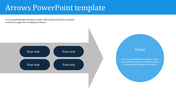
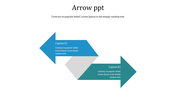
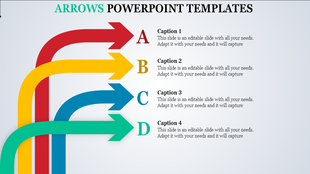
    On this slide, you'll find a series of horizontal arrow diagrams that make presenting your data, processes, and connections easy and visually appealing. Each arrow is designed to draw attention and emphasize important points effortlessly. Whether you're a professional, a student, or just someone who wants to create powerful presentations, our arrow diagram templates are perfect for you.

    Download our professionally designed arrow diagram templates now and present your information flawlessly.

    Features of the template:

    • Easy to change the slide colors.
    • 100 % customizable slides and easy to download.
    • Well-crafted template with instant download.

    Advertisement

    You May Also Like These PowerPoint Templates
    Free
    Add to Wishlist
    Download
    Edit
    Template with a black circle on the left and three colored arrows extending to labeled sections with placeholder text.
    Add to Wishlist
    Download
    Edit
    Template with three teal hanging arrows labeled with stages and corresponding descriptions below.
    Free
    Add to Wishlist
    Download
    Edit
    Slide with four green arrows, each featuring icons, arranged vertically with text placeholders, on a white backdrop.
    Free
    Add to Wishlist
    Download
    Edit
    Arrow template with five labeled sections, each featuring icons for growth, strategy, finances, customers, and communication.
    Free
    Add to Wishlist
    Download
    Edit
    Infographic wheel with segments in purple, red, orange, blue, and teal shades forming a circle of eight numbered arrows, each tied to a caption.