Use Free Venn Diagram Template PPT Presentation Design
Nodes
Colors
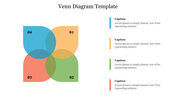
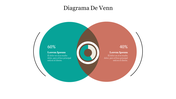
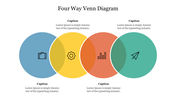
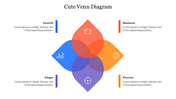
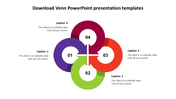
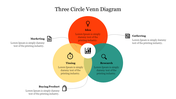
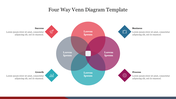
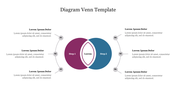
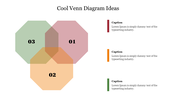
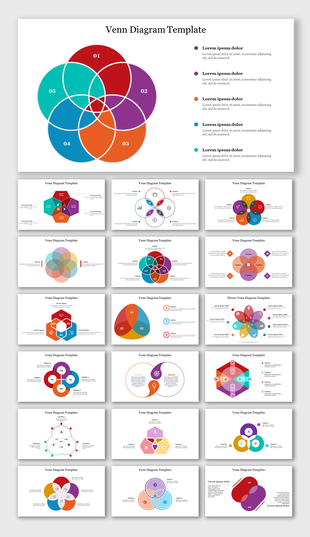
Charming Venn Diagram Presentation
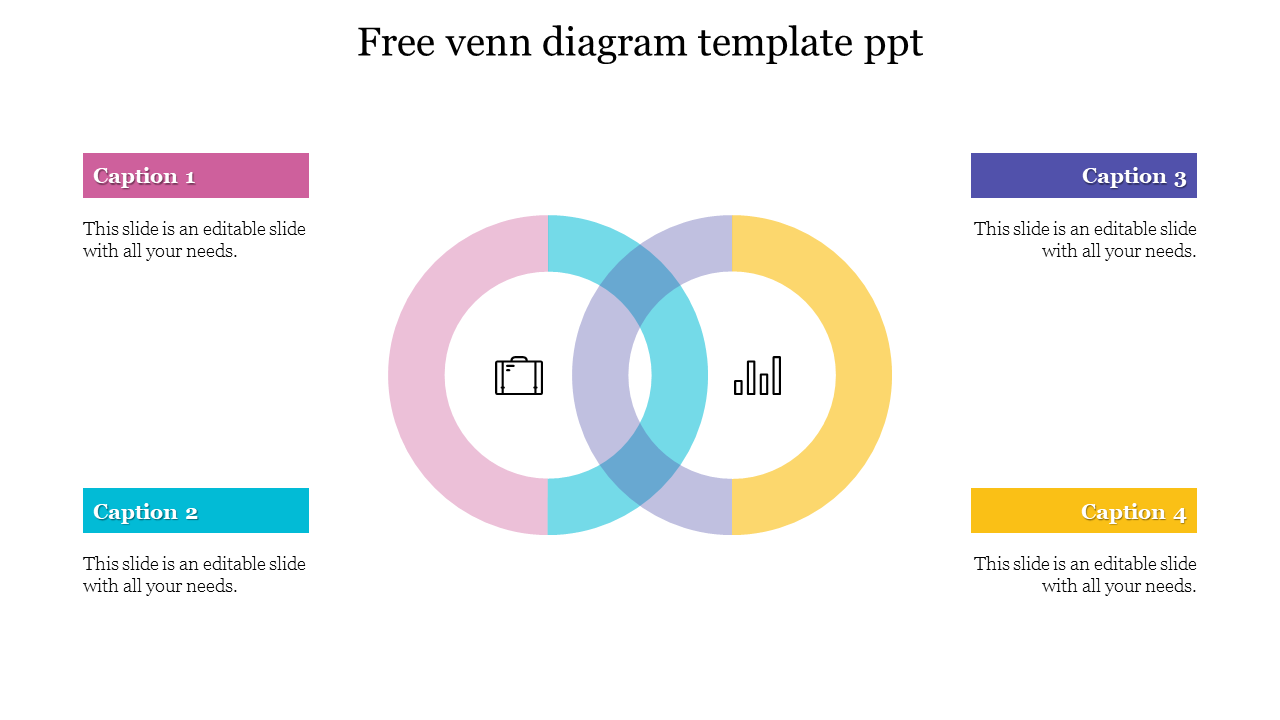
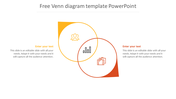
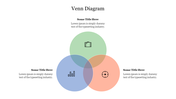
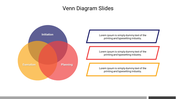
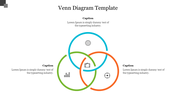
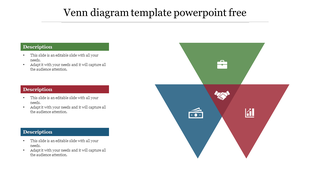
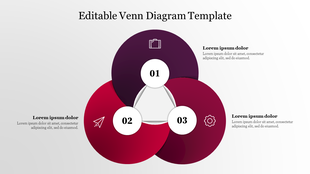
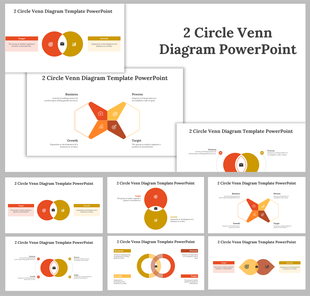
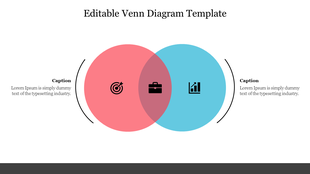
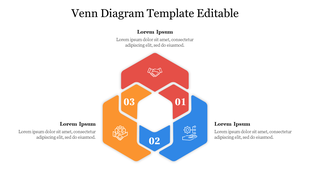
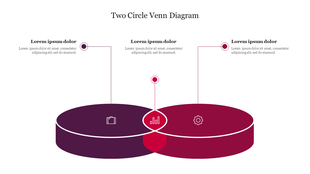
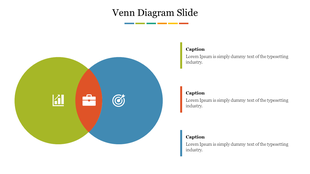
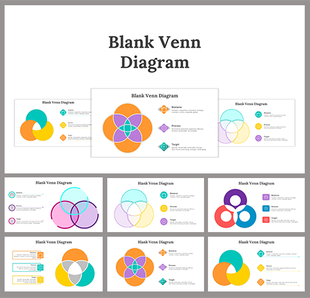
In a Venn diagram, overlapping circles show how objects are similar and different. This free Venn diagram, which consists of two interconnected, vibrant circles, can be a visual example to summarize data and compare parts. Two units at the two intersections are displayed. The three parameters can also be specified per, thanks to text placeholders. Businesspeople, product managers, and marketing experts will appreciate this valuable tool. This template can be edited and customized in every way. Your display will be more precise with a white background. This format will help your content gain more audience interest. For effective meeting communication, Try this for free.
Features of this Template
- 100 % customizable slides and easy to download.
- Slides are available in different colors.
- The Slide has 4:3 and 16:9 formats.
- Easy to change the slide colors quickly.
- Appealing Presentation to impress an audience.
- Create feature-rich slide presentations.
- An eye-pleasing color slide helps to give a catchy presentation.
- Crisp and clear font styles and designed Presentation.
- interconnected Venn diagram Presentation.
More Collections for Use Free Venn Diagram Template PPT Presentation
Recommended based on this template.









Similar Templates to Use Free Venn Diagram Template PPT Presentation
Showing20 of69,218 templates